Short answer
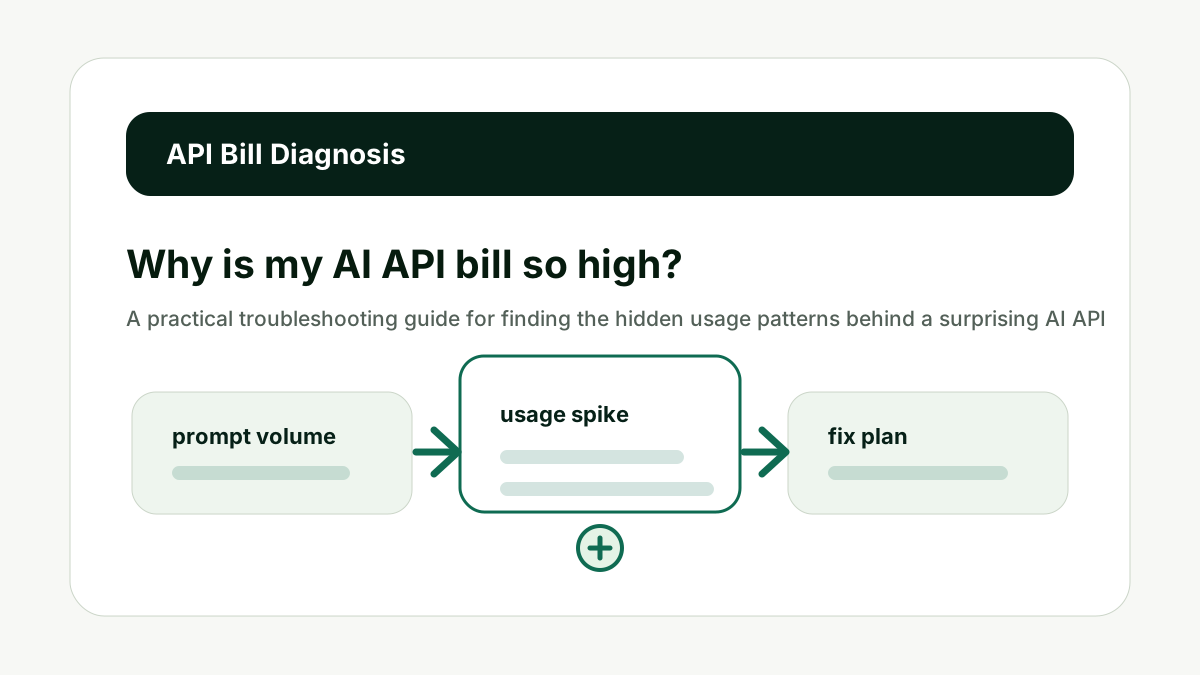
An AI API bill usually gets high because of long prompts, long outputs, too many requests, retries, agent loops, expensive model choices, or missing usage caps. The fix is to break spend down by workflow, log input and output tokens separately, and optimize the highest-volume calls first.
Provider prices change. Treat this guide as a cost-modeling workflow, then verify current rates on official pricing pages before making a production budget.
Reader question
"Why did my AI API bill jump when traffic did not seem that high?"
Use the AI Token & API Cost Calculator to recreate the expensive workflow, then compare the estimate with token logs from production.
Table of Contents
I am going to answer this from the perspective of a team that has to ship an AI workflow, keep the user experience useful, and avoid a surprise invoice later.
The mistake is treating API cost as a price-table lookup. The useful version is a workflow forecast: what text goes in, what text comes out, how many times it happens, what happens when it fails, and which model is doing the work.
Here is the framework I would use for a team sees a higher-than-expected AI bill and needs to find the cause quickly.
Check Long Context
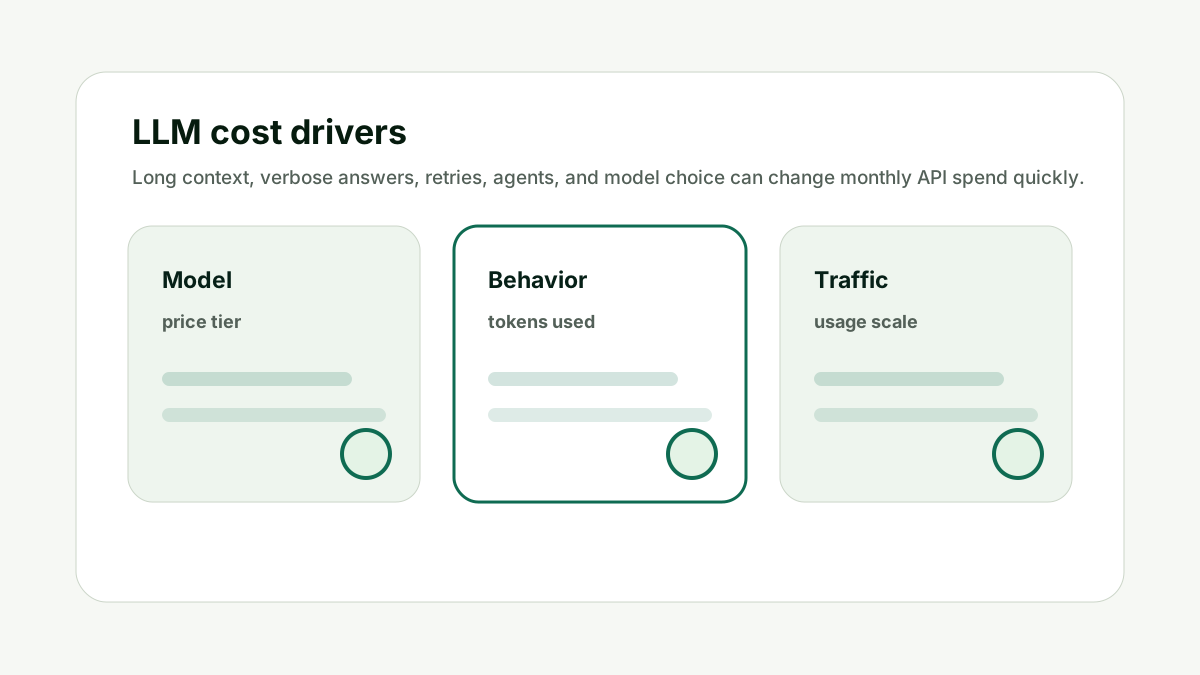
Long context is one of the fastest ways to inflate cost. This matters because API cost is not one number. It is a behavior pattern made of prompt length, response length, volume, retries, model choice, and user habits.
Look for oversized system prompts, repeated instructions, full documents pasted into every request, retrieval chunks that are too large, and examples that no longer help. Trim what the model does not need for the specific task.
Do not send the same large context to every workflow by default. The better habit is to model the workflow before scale, then compare the estimate with live usage after launch.
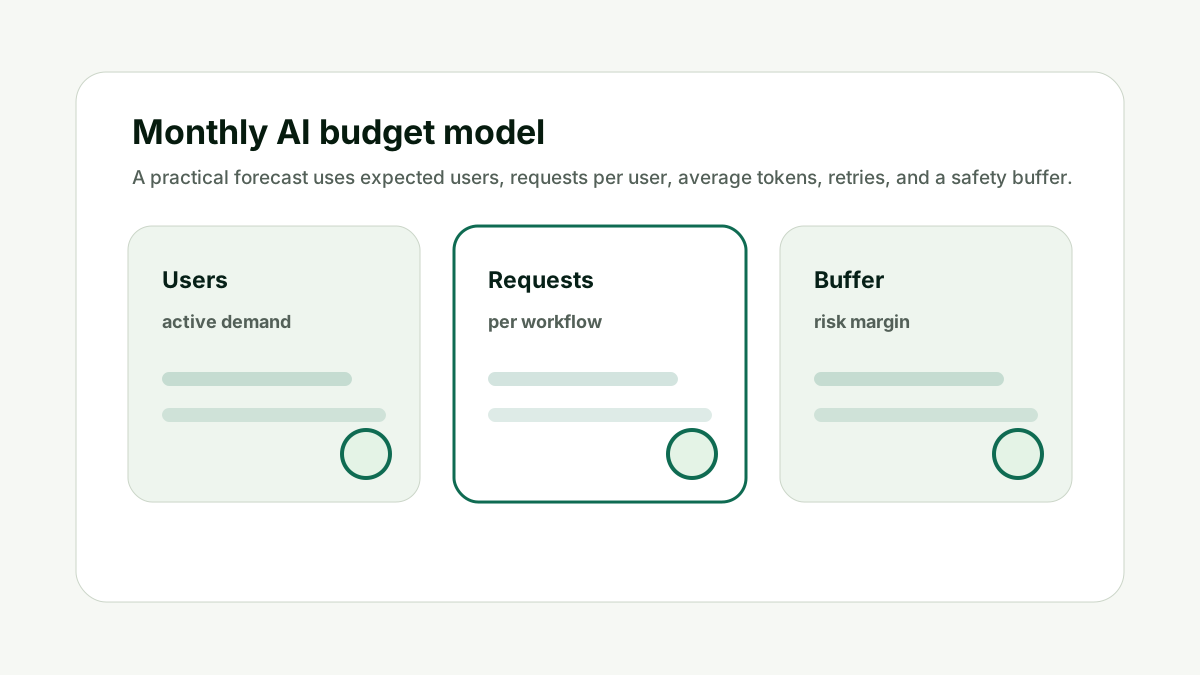
For Why is my AI API bill so high?, the practical standard is simple: the forecast should name the workflow, expected user action, input token range, output token range, request count, model, and safety buffer. If those pieces are missing, the number is not a budget; it is a guess.
The calculator can speed up the first pass, but the final decision still needs product context. A support chat, report generator, coding assistant, and content workflow all behave differently. Each deserves its own estimate.
This is also where internal planning matters. If the AI feature supports a search or content workflow, pair the cost forecast with the Prompt Length / Context Window Checker for prompt size and the AI Tool Chooser when the team is deciding which model or subscription path fits the job.
Check Long Context makes the cost model easier to explain before the workflow reaches production volume.
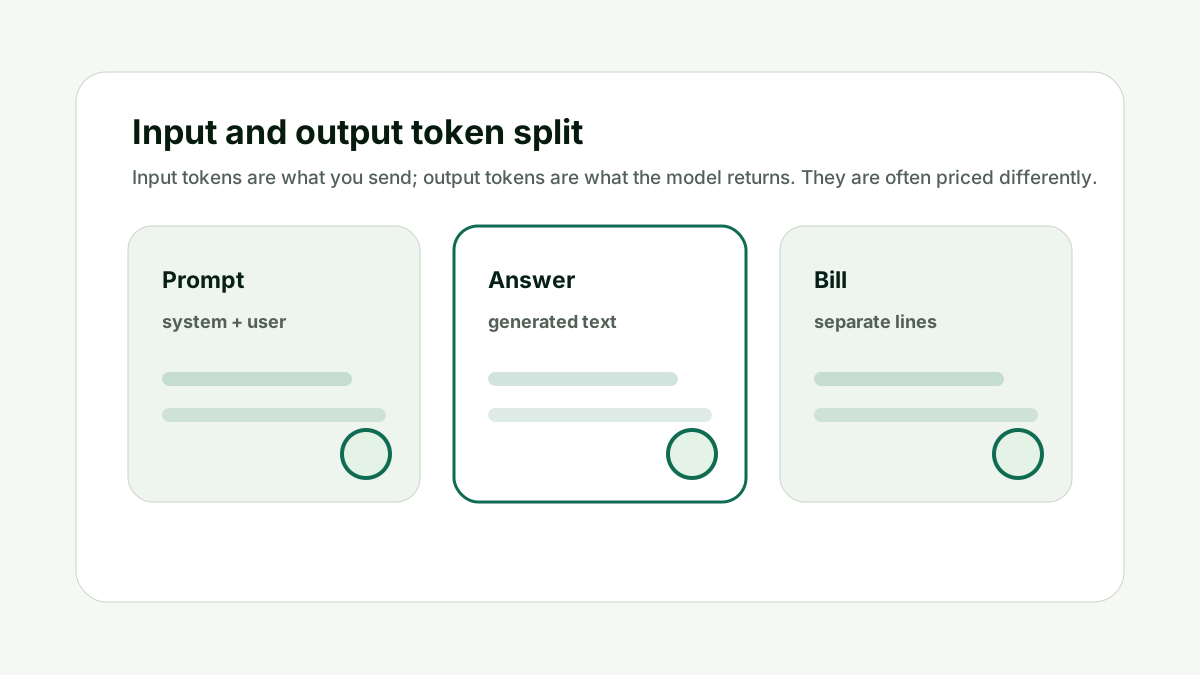
Separate Output Cost
Verbose answers can cost more than expected, especially when users regenerate them. This matters because API cost is not one number. It is a behavior pattern made of prompt length, response length, volume, retries, model choice, and user habits.
Log output tokens separately from input tokens. If the bill is output-heavy, shorten answer instructions, cap response length, or use a two-step workflow where short answers are the default.
Do not optimize prompts while ignoring answer length. The better habit is to model the workflow before scale, then compare the estimate with live usage after launch.
For Why is my AI API bill so high?, the practical standard is simple: the forecast should name the workflow, expected user action, input token range, output token range, request count, model, and safety buffer. If those pieces are missing, the number is not a budget; it is a guess.
The calculator can speed up the first pass, but the final decision still needs product context. A support chat, report generator, coding assistant, and content workflow all behave differently. Each deserves its own estimate.
This is also where internal planning matters. If the AI feature supports a search or content workflow, pair the cost forecast with the Prompt Length / Context Window Checker for prompt size and the AI Tool Chooser when the team is deciding which model or subscription path fits the job.
Separate Output Cost makes the cost model easier to explain before the workflow reaches production volume.
Find Retry Loops
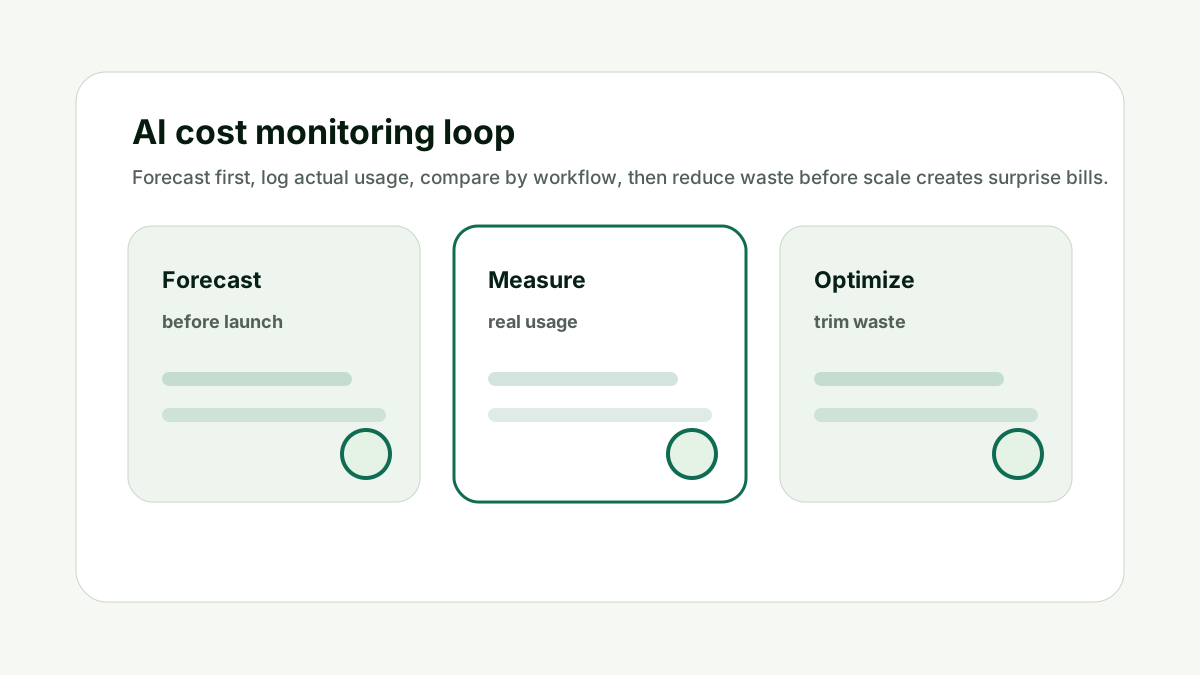
Retries, failed tool calls, and agent loops can multiply usage without obvious user traffic growth. This matters because API cost is not one number. It is a behavior pattern made of prompt length, response length, volume, retries, model choice, and user habits.
Measure how many model calls happen per user-visible action. If one button click triggers several attempts, classify that workflow separately in the cost report.
Do not count user actions as API calls unless you have verified the chain. The better habit is to model the workflow before scale, then compare the estimate with live usage after launch.
For Why is my AI API bill so high?, the practical standard is simple: the forecast should name the workflow, expected user action, input token range, output token range, request count, model, and safety buffer. If those pieces are missing, the number is not a budget; it is a guess.
The calculator can speed up the first pass, but the final decision still needs product context. A support chat, report generator, coding assistant, and content workflow all behave differently. Each deserves its own estimate.
This is also where internal planning matters. If the AI feature supports a search or content workflow, pair the cost forecast with the Prompt Length / Context Window Checker for prompt size and the AI Tool Chooser when the team is deciding which model or subscription path fits the job.
Find Retry Loops makes the cost model easier to explain before the workflow reaches production volume.
Review Model Choice
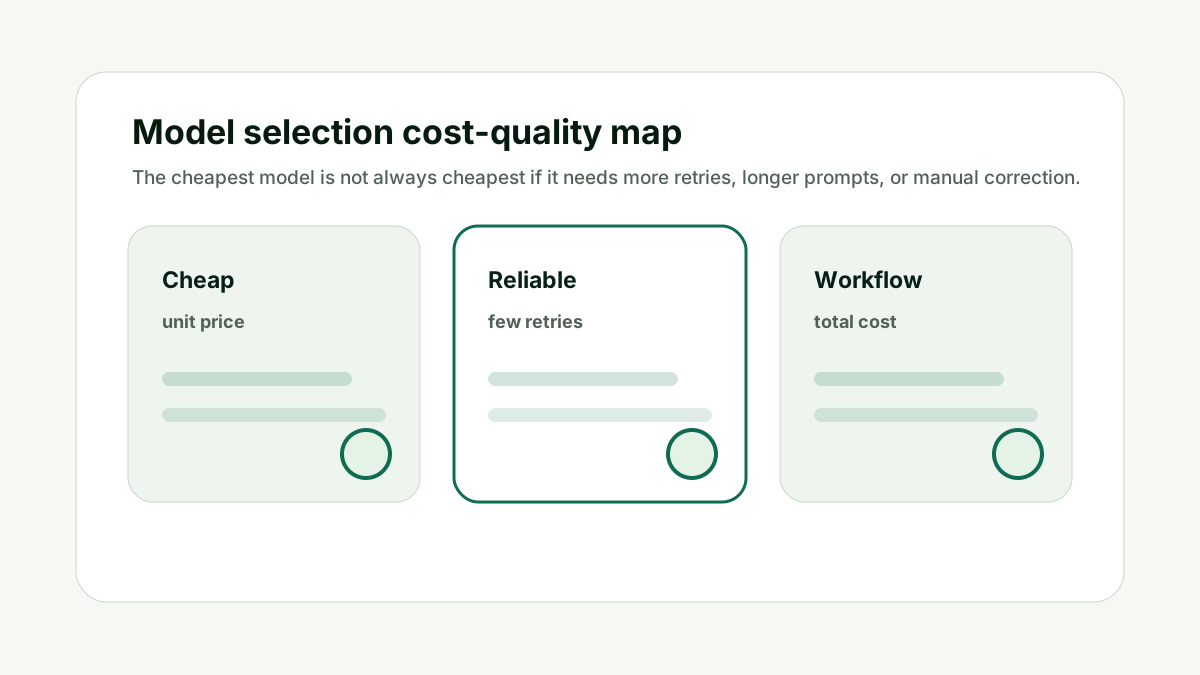
A premium model may be justified for hard reasoning, but not for every classification, rewrite, or routing step. This matters because API cost is not one number. It is a behavior pattern made of prompt length, response length, volume, retries, model choice, and user habits.
Route simple tasks to cheaper models where quality remains acceptable. Keep stronger models for tasks where mistakes create real business risk.
Do not use the most capable model for every background task out of convenience. The better habit is to model the workflow before scale, then compare the estimate with live usage after launch.
For Why is my AI API bill so high?, the practical standard is simple: the forecast should name the workflow, expected user action, input token range, output token range, request count, model, and safety buffer. If those pieces are missing, the number is not a budget; it is a guess.
The calculator can speed up the first pass, but the final decision still needs product context. A support chat, report generator, coding assistant, and content workflow all behave differently. Each deserves its own estimate.
This is also where internal planning matters. If the AI feature supports a search or content workflow, pair the cost forecast with the Prompt Length / Context Window Checker for prompt size and the AI Tool Chooser when the team is deciding which model or subscription path fits the job.
Review Model Choice makes the cost model easier to explain before the workflow reaches production volume.
Inspect Hidden Traffic
Internal tests, automated jobs, crawlers, retries, and abuse can create usage that product analytics does not show. This matters because API cost is not one number. It is a behavior pattern made of prompt length, response length, volume, retries, model choice, and user habits.
Compare API logs, application logs, and user events. Look for repeated requests from one account, automated scripts, failed form submissions, or debugging sessions left running.
Do not rely only on front-end analytics for API cost diagnosis. The better habit is to model the workflow before scale, then compare the estimate with live usage after launch.
For Why is my AI API bill so high?, the practical standard is simple: the forecast should name the workflow, expected user action, input token range, output token range, request count, model, and safety buffer. If those pieces are missing, the number is not a budget; it is a guess.
The calculator can speed up the first pass, but the final decision still needs product context. A support chat, report generator, coding assistant, and content workflow all behave differently. Each deserves its own estimate.
This is also where internal planning matters. If the AI feature supports a search or content workflow, pair the cost forecast with the Prompt Length / Context Window Checker for prompt size and the AI Tool Chooser when the team is deciding which model or subscription path fits the job.
Inspect Hidden Traffic makes the cost model easier to explain before the workflow reaches production volume.
Set Controls
The right fix is not only reducing the current bill. It is preventing the next surprise. This matters because API cost is not one number. It is a behavior pattern made of prompt length, response length, volume, retries, model choice, and user habits.
Add per-user caps, rate limits, budget alerts, prompt version logging, and per-feature cost reporting. Cost control becomes easier when every workflow has a name and owner.
Do not wait until the next invoice to learn whether the fix worked. The better habit is to model the workflow before scale, then compare the estimate with live usage after launch.
For Why is my AI API bill so high?, the practical standard is simple: the forecast should name the workflow, expected user action, input token range, output token range, request count, model, and safety buffer. If those pieces are missing, the number is not a budget; it is a guess.
The calculator can speed up the first pass, but the final decision still needs product context. A support chat, report generator, coding assistant, and content workflow all behave differently. Each deserves its own estimate.
This is also where internal planning matters. If the AI feature supports a search or content workflow, pair the cost forecast with the Prompt Length / Context Window Checker for prompt size and the AI Tool Chooser when the team is deciding which model or subscription path fits the job.
Set Controls makes the cost model easier to explain before the workflow reaches production volume.
How This Fits the Wider AI Workflow
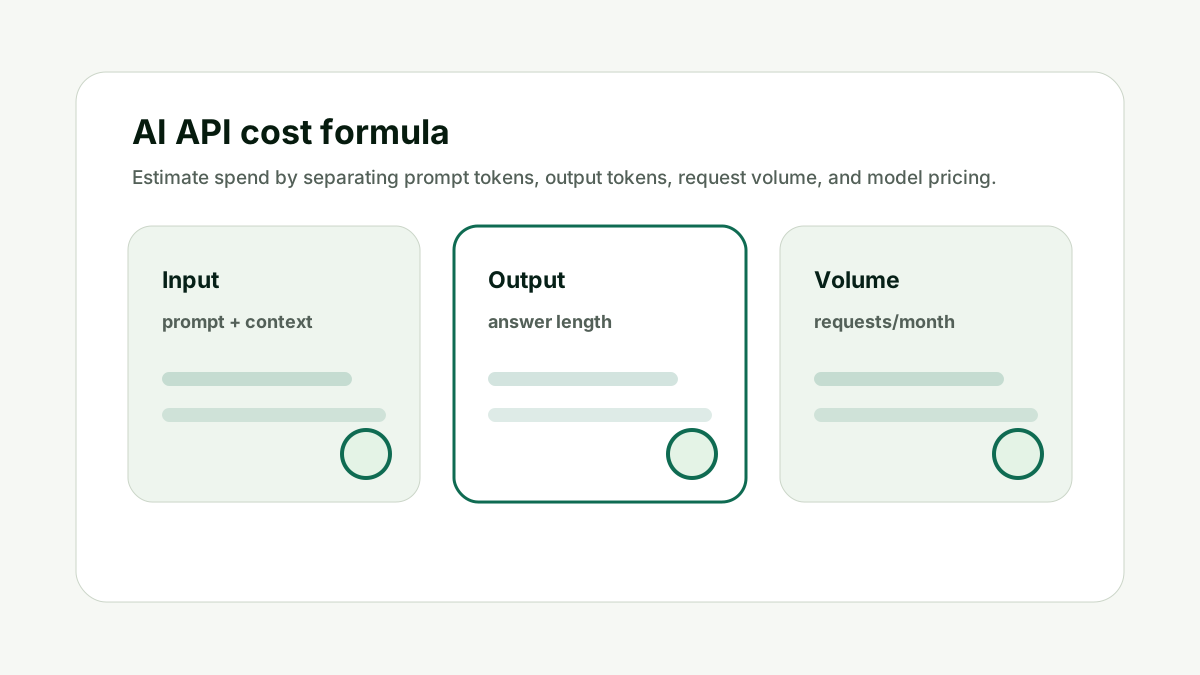
The useful way to think about Why is my AI API bill so high? is that API cost planning is part of product design. Cost is shaped by what the user asks, what context the app sends, how much the model returns, and how often the workflow repeats.
The underlying technical idea comes from tokenization and transformer language models. Research such as subword tokenization, Attention Is All You Need, and few-shot language model research explains why prompt text, examples, and generated text all become measurable units.
For current production estimates, always verify the official provider pages: OpenAI API pricing, Anthropic pricing, and Gemini API pricing. Prices and model names change, so the articles in this cluster focus on the forecast method rather than frozen pricing tables.
Recalculate the cost of your longest prompt, most common request, and most failure-prone workflow. Internal links should stay natural. Link to the calculator when the reader is ready to estimate cost, to the prompt checker when prompt length is the issue, and to the AI Tool Chooser when model selection or subscription choice is the bigger question.
If the AI workflow supports SEO, content, or LLM visibility work, the same planning discipline applies. A team using the GEO / LLM SEO Planner or AI Keyword Clustering & Topical Map Helper still needs to know whether repeated AI calls are affordable at scale.
A Simple Worked Example
A SaaS team notices that its AI bill doubled after releasing document summarization. Traffic did not double, so the first assumption is that the model provider changed pricing.
The logs show the real issue: each summarization request included the full document, an oversized prompt, a long answer, and an automatic retry when the summary failed validation.
The team reduces retrieval size, caps answer length, adds a retry limit, and moves a simple validation step to a cheaper model. The feature stays useful, but the unit cost drops.
The lesson is simple: high bills are usually workflow problems. Diagnose by request path, not by the word AI.
Practical action checklist
- Log input and output tokens separately.
- Find the top workflows by total spend.
- Check retry and agent-loop behavior.
- Review model choice for simple tasks.
- Investigate hidden tests or abuse.
- Add alerts, caps, and workflow owners.
What I Would Do Next
Sort API logs by most expensive request path.
Recreate that workflow in the calculator.
Reduce the biggest driver first, then monitor for one week.
Conclusion
Why is my AI API bill so high? is useful because it turns model pricing into an operational decision.
The practical answer is to forecast by workflow, separate input and output tokens, include retries and hidden calls, verify current provider pricing, and compare the estimate with real usage after launch.
Once the numbers are tied to behavior, the team can improve prompts, route models, set limits, and protect margins without guessing.
FAQ
Why can an AI API bill rise faster than user traffic?
Because each user action may trigger longer prompts, longer outputs, retries, or multiple model calls.
Should I switch models to reduce cost?
Sometimes, but first identify whether the problem is model price, token volume, retries, or hidden traffic.
Are output tokens important for cost?
Yes. Many providers price input and output tokens separately, and long answers can dominate spend.
What should I monitor first?
Monitor cost by workflow, input tokens, output tokens, request volume, retries, and model used.

Adam O'neil
1stpage Editorial Team
Our 1stpage editorial team combines hands-on SEO agency experience with evidence-backed search performance guidance. These posts are built from real search wins, audit-grade insight, and conversion-tested tactics designed to help agencies, founders, and search teams earn more traffic and trust.