Short answer
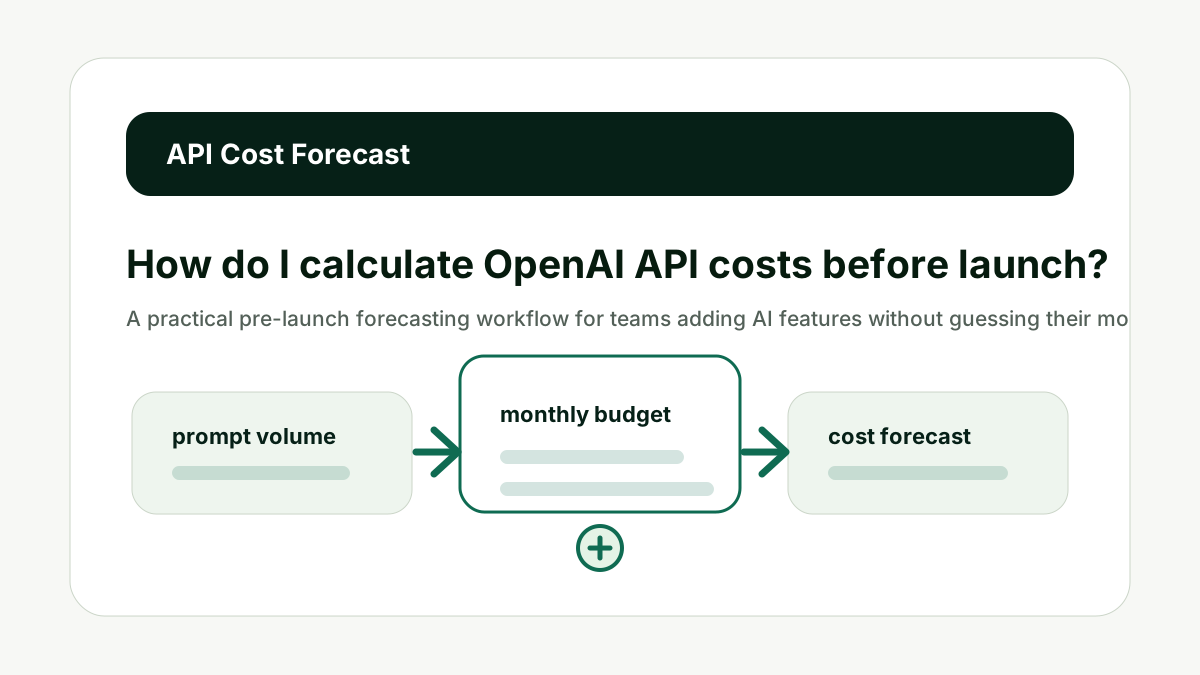
Calculate API costs before launch by estimating average input tokens, average output tokens, requests per user, active users, retries, and the model price per token. Do not rely on one sample prompt. Build a low, expected, and high usage forecast, then add a safety buffer before release.
Provider prices change. Treat this guide as a cost-modeling workflow, then verify current rates on official pricing pages before making a production budget.
Reader question
"How do I know what my OpenAI API bill will be before users start using the product?"
Use the AI Token & API Cost Calculator with representative prompts and request volumes, then compare the result with the provider pricing page you plan to use.
Table of Contents
I am going to answer this from the perspective of a team that has to ship an AI workflow, keep the user experience useful, and avoid a surprise invoice later.
The mistake is treating API cost as a price-table lookup. The useful version is a workflow forecast: what text goes in, what text comes out, how many times it happens, what happens when it fails, and which model is doing the work.
Here is the framework I would use for a founder is preparing to launch an AI feature and needs a realistic monthly spend forecast.
Start With Real Prompts
A useful forecast starts with representative prompts, not a tiny demo message. This matters because API cost is not one number. It is a behavior pattern made of prompt length, response length, volume, retries, model choice, and user habits.
Collect the system prompt, user prompt, retrieved context, examples, tool instructions, and any hidden wrapper text your application sends. Paste a realistic sample into the calculator and record the estimated input tokens.
Do not forecast from the shortest prompt in the product. The better habit is to model the workflow before scale, then compare the estimate with live usage after launch.
For How do I calculate OpenAI API costs before launch?, the practical standard is simple: the forecast should name the workflow, expected user action, input token range, output token range, request count, model, and safety buffer. If those pieces are missing, the number is not a budget; it is a guess.
The calculator can speed up the first pass, but the final decision still needs product context. A support chat, report generator, coding assistant, and content workflow all behave differently. Each deserves its own estimate.
This is also where internal planning matters. If the AI feature supports a search or content workflow, pair the cost forecast with the Prompt Length / Context Window Checker for prompt size and the AI Tool Chooser when the team is deciding which model or subscription path fits the job.
Start With Real Prompts makes the cost model easier to explain before the workflow reaches production volume.
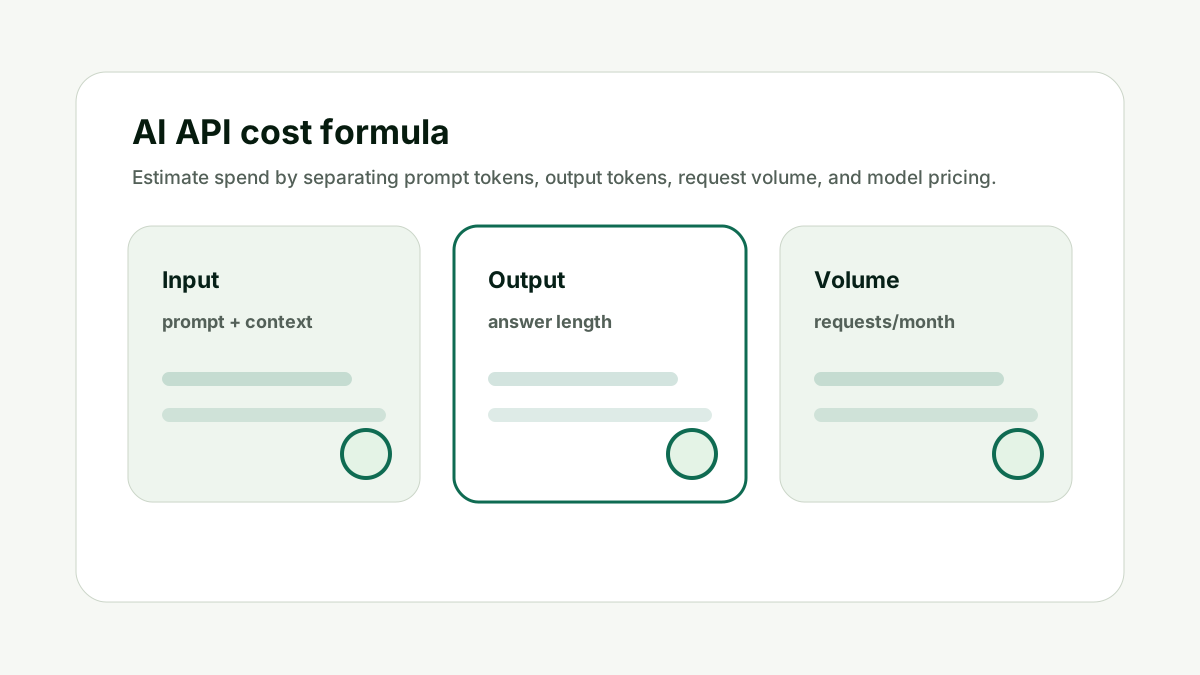
Estimate Output Length
Output tokens can be a major cost driver because generated answers may be longer than the prompt. This matters because API cost is not one number. It is a behavior pattern made of prompt length, response length, volume, retries, model choice, and user habits.
Measure expected answer length for common actions: summaries, reports, chat replies, classifications, and long-form drafts. Add separate assumptions for short, normal, and verbose answers.
Do not assume every output will stay inside the first demo length. The better habit is to model the workflow before scale, then compare the estimate with live usage after launch.
For How do I calculate OpenAI API costs before launch?, the practical standard is simple: the forecast should name the workflow, expected user action, input token range, output token range, request count, model, and safety buffer. If those pieces are missing, the number is not a budget; it is a guess.
The calculator can speed up the first pass, but the final decision still needs product context. A support chat, report generator, coding assistant, and content workflow all behave differently. Each deserves its own estimate.
This is also where internal planning matters. If the AI feature supports a search or content workflow, pair the cost forecast with the Prompt Length / Context Window Checker for prompt size and the AI Tool Chooser when the team is deciding which model or subscription path fits the job.
Estimate Output Length makes the cost model easier to explain before the workflow reaches production volume.
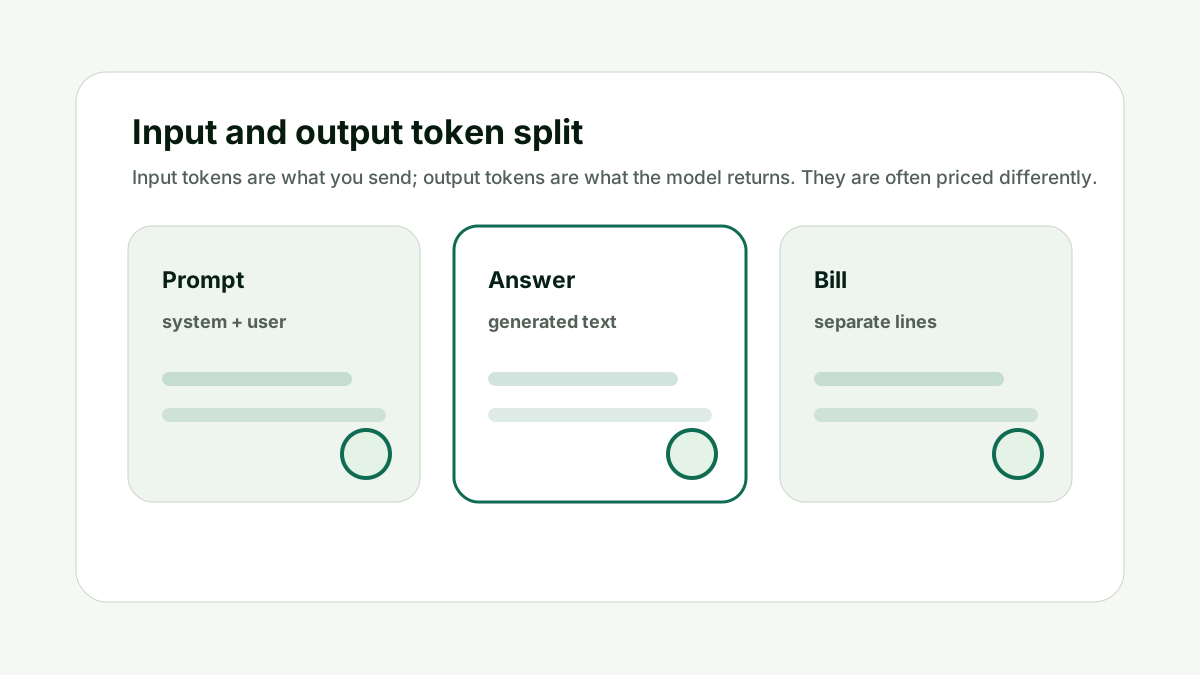
Model Request Volume
Monthly cost depends on how often people use the feature. This matters because API cost is not one number. It is a behavior pattern made of prompt length, response length, volume, retries, model choice, and user habits.
Estimate active users, sessions per user, AI actions per session, background calls, retries, and scheduled jobs. Multiply the token estimate by real usage behavior, not by account signups alone.
Do not ignore background requests that users never see. The better habit is to model the workflow before scale, then compare the estimate with live usage after launch.
For How do I calculate OpenAI API costs before launch?, the practical standard is simple: the forecast should name the workflow, expected user action, input token range, output token range, request count, model, and safety buffer. If those pieces are missing, the number is not a budget; it is a guess.
The calculator can speed up the first pass, but the final decision still needs product context. A support chat, report generator, coding assistant, and content workflow all behave differently. Each deserves its own estimate.
This is also where internal planning matters. If the AI feature supports a search or content workflow, pair the cost forecast with the Prompt Length / Context Window Checker for prompt size and the AI Tool Chooser when the team is deciding which model or subscription path fits the job.
Model Request Volume makes the cost model easier to explain before the workflow reaches production volume.
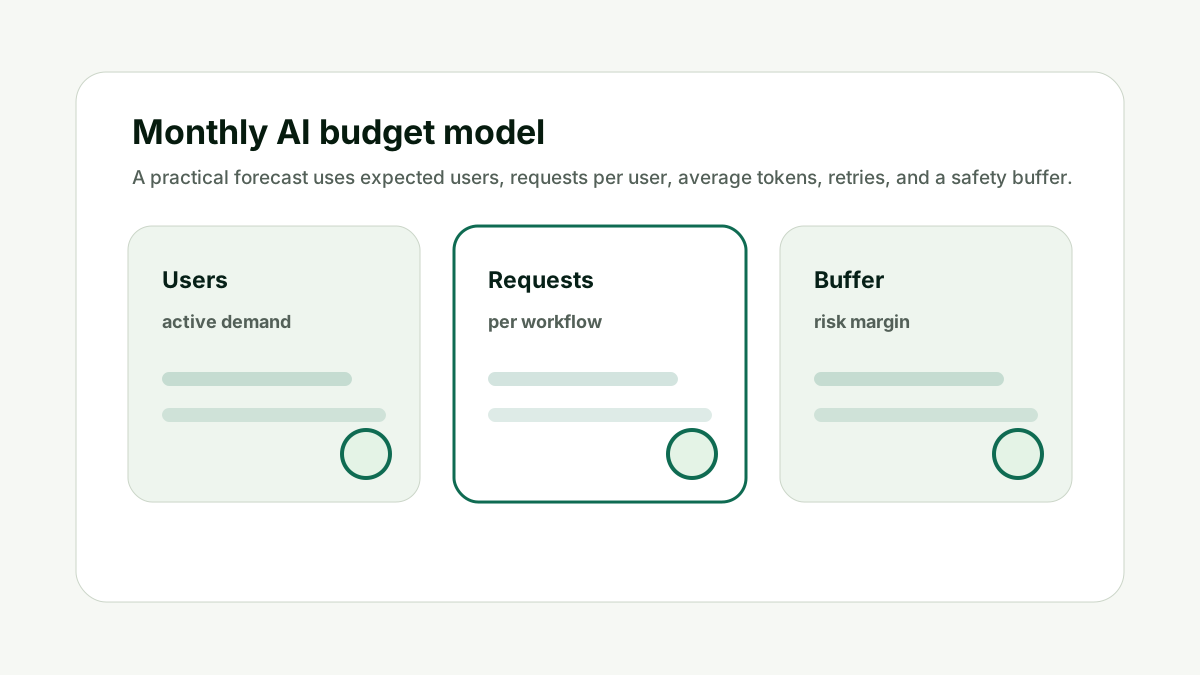
Include Retries and Failures
Retries, failed tool calls, agent loops, and re-generation buttons can quietly multiply spend. This matters because API cost is not one number. It is a behavior pattern made of prompt length, response length, volume, retries, model choice, and user habits.
Add a retry rate to the forecast. If the feature uses agents or multi-step workflows, model each step separately so one user action does not look like one API call when it is actually five.
Do not treat every user action as a single model request. The better habit is to model the workflow before scale, then compare the estimate with live usage after launch.
For How do I calculate OpenAI API costs before launch?, the practical standard is simple: the forecast should name the workflow, expected user action, input token range, output token range, request count, model, and safety buffer. If those pieces are missing, the number is not a budget; it is a guess.
The calculator can speed up the first pass, but the final decision still needs product context. A support chat, report generator, coding assistant, and content workflow all behave differently. Each deserves its own estimate.
This is also where internal planning matters. If the AI feature supports a search or content workflow, pair the cost forecast with the Prompt Length / Context Window Checker for prompt size and the AI Tool Chooser when the team is deciding which model or subscription path fits the job.
Include Retries and Failures makes the cost model easier to explain before the workflow reaches production volume.
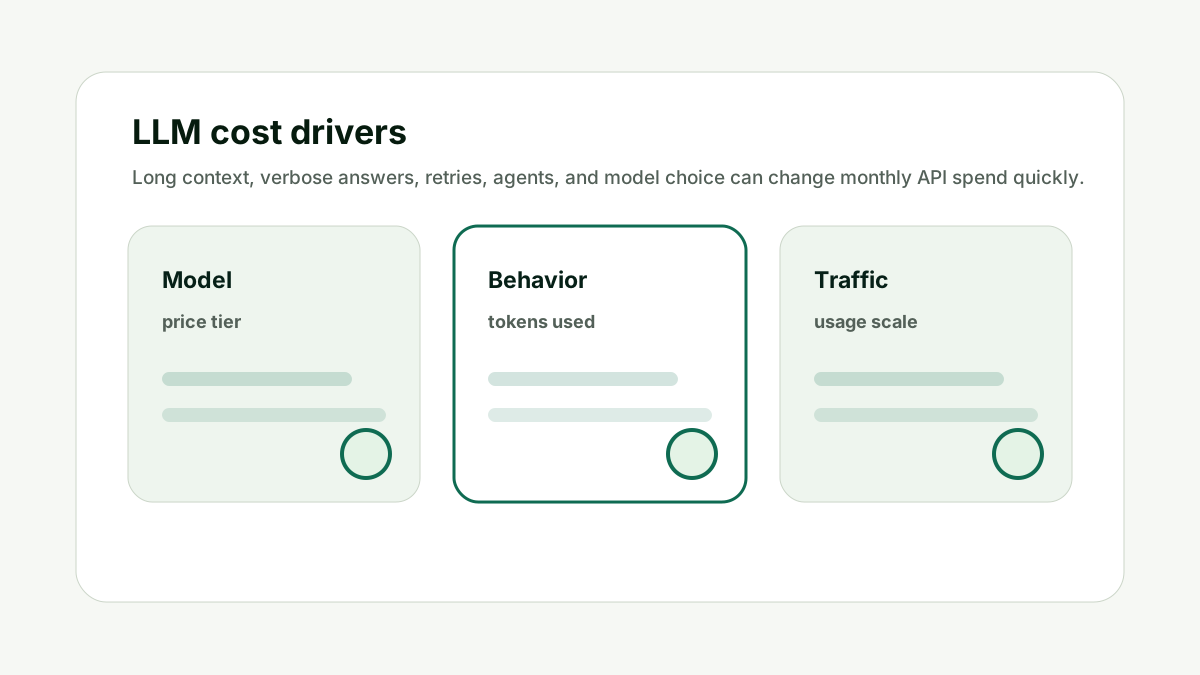
Use Current Provider Pricing
Provider prices change, and different models price input and output tokens differently. This matters because API cost is not one number. It is a behavior pattern made of prompt length, response length, volume, retries, model choice, and user habits.
Use the calculator for structure, then verify rates on the current OpenAI API pricing page. If you compare providers, also check Anthropic pricing and Gemini API pricing.
Do not copy old model prices from a blog post into a launch budget. The better habit is to model the workflow before scale, then compare the estimate with live usage after launch.
For How do I calculate OpenAI API costs before launch?, the practical standard is simple: the forecast should name the workflow, expected user action, input token range, output token range, request count, model, and safety buffer. If those pieces are missing, the number is not a budget; it is a guess.
The calculator can speed up the first pass, but the final decision still needs product context. A support chat, report generator, coding assistant, and content workflow all behave differently. Each deserves its own estimate.
This is also where internal planning matters. If the AI feature supports a search or content workflow, pair the cost forecast with the Prompt Length / Context Window Checker for prompt size and the AI Tool Chooser when the team is deciding which model or subscription path fits the job.
Use Current Provider Pricing makes the cost model easier to explain before the workflow reaches production volume.
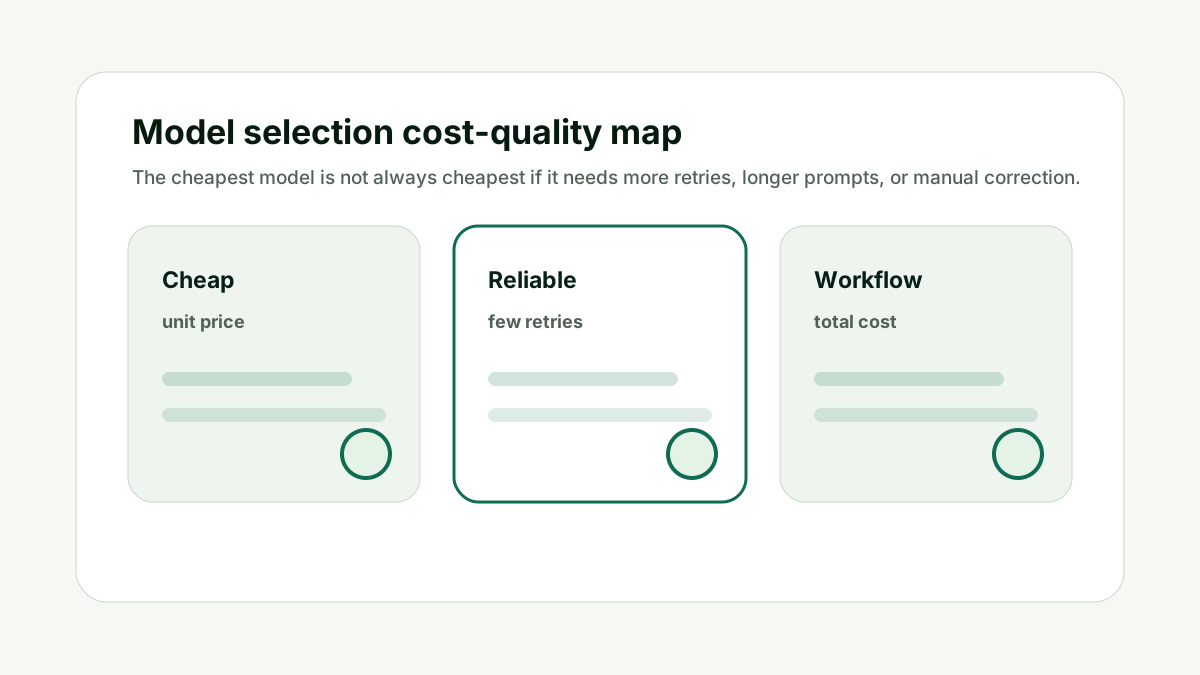
Add a Safety Buffer
The first production month usually exposes behavior that the forecast missed. This matters because API cost is not one number. It is a behavior pattern made of prompt length, response length, volume, retries, model choice, and user habits.
Add a buffer for longer prompts, unexpected adoption, retries, abuse, prompt experiments, and logging overhead. Set alerts before launch so a mistake is visible before it becomes a finance problem.
Do not launch without usage alerts and budget limits. The better habit is to model the workflow before scale, then compare the estimate with live usage after launch.
For How do I calculate OpenAI API costs before launch?, the practical standard is simple: the forecast should name the workflow, expected user action, input token range, output token range, request count, model, and safety buffer. If those pieces are missing, the number is not a budget; it is a guess.
The calculator can speed up the first pass, but the final decision still needs product context. A support chat, report generator, coding assistant, and content workflow all behave differently. Each deserves its own estimate.
This is also where internal planning matters. If the AI feature supports a search or content workflow, pair the cost forecast with the Prompt Length / Context Window Checker for prompt size and the AI Tool Chooser when the team is deciding which model or subscription path fits the job.
Add a Safety Buffer makes the cost model easier to explain before the workflow reaches production volume.
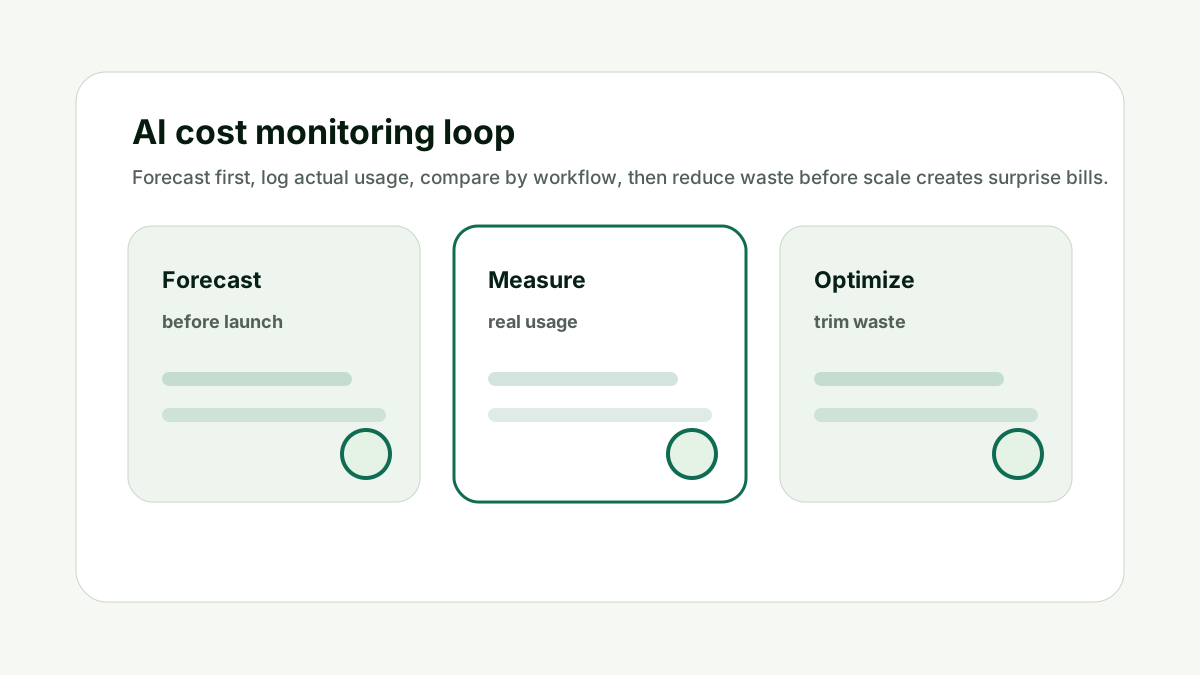
How This Fits the Wider AI Workflow
The useful way to think about How do I calculate OpenAI API costs before launch? is that API cost planning is part of product design. Cost is shaped by what the user asks, what context the app sends, how much the model returns, and how often the workflow repeats.
The underlying technical idea comes from tokenization and transformer language models. Research such as subword tokenization, Attention Is All You Need, and few-shot language model research explains why prompt text, examples, and generated text all become measurable units.
For current production estimates, always verify the official provider pages: OpenAI API pricing, Anthropic pricing, and Gemini API pricing. Prices and model names change, so the articles in this cluster focus on the forecast method rather than frozen pricing tables.
Run three scenarios in the calculator: conservative use, expected use, and heavy use. Internal links should stay natural. Link to the calculator when the reader is ready to estimate cost, to the prompt checker when prompt length is the issue, and to the AI Tool Chooser when model selection or subscription choice is the bigger question.
If the AI workflow supports SEO, content, or LLM visibility work, the same planning discipline applies. A team using the GEO / LLM SEO Planner or AI Keyword Clustering & Topical Map Helper still needs to know whether repeated AI calls are affordable at scale.
A Simple Worked Example
A product team wants to launch an AI support assistant. They test five realistic conversations and find that the average request includes a long system prompt, the user question, and retrieved documentation.
They estimate input tokens, then set three possible answer lengths: short, normal, and detailed. They multiply that by expected monthly conversations, add a retry rate, and create low, expected, and high forecasts.
Before launch, they set a monthly alert and a per-user usage cap. After week one, they compare real token logs against the expected case and adjust the prompt.
That is the difference between guessing and forecasting. The numbers may still move, but the team knows which assumption moved.
Practical action checklist
- Use representative prompts, not tiny examples.
- Estimate input and output tokens separately.
- Model requests per active user.
- Include retries, agents, and background jobs.
- Verify current provider pricing pages.
- Launch with alerts and a safety buffer.
What I Would Do Next
Paste one real prompt into the calculator.
Create low, expected, and high monthly usage scenarios.
Review actual token logs after the first production week.
Conclusion
How do I calculate OpenAI API costs before launch? is useful because it turns model pricing into an operational decision.
The practical answer is to forecast by workflow, separate input and output tokens, include retries and hidden calls, verify current provider pricing, and compare the estimate with real usage after launch.
Once the numbers are tied to behavior, the team can improve prompts, route models, set limits, and protect margins without guessing.
FAQ
Can I calculate exact OpenAI API costs before launch?
You can estimate them closely, but exact cost depends on real usage, final prompts, output length, retries, and current model pricing.
What is the biggest mistake in API cost forecasts?
Teams often ignore output tokens, retries, and background calls.
Should I use average or worst-case prompts?
Use both. Average prompts help forecast normal spend, while worst-case prompts show budget risk.
Where should I check current OpenAI pricing?
Use the official OpenAI API pricing page before finalizing a budget.

Adam O'neil
1stpage Editorial Team
Our 1stpage editorial team combines hands-on SEO agency experience with evidence-backed search performance guidance. These posts are built from real search wins, audit-grade insight, and conversion-tested tactics designed to help agencies, founders, and search teams earn more traffic and trust.