Short answer
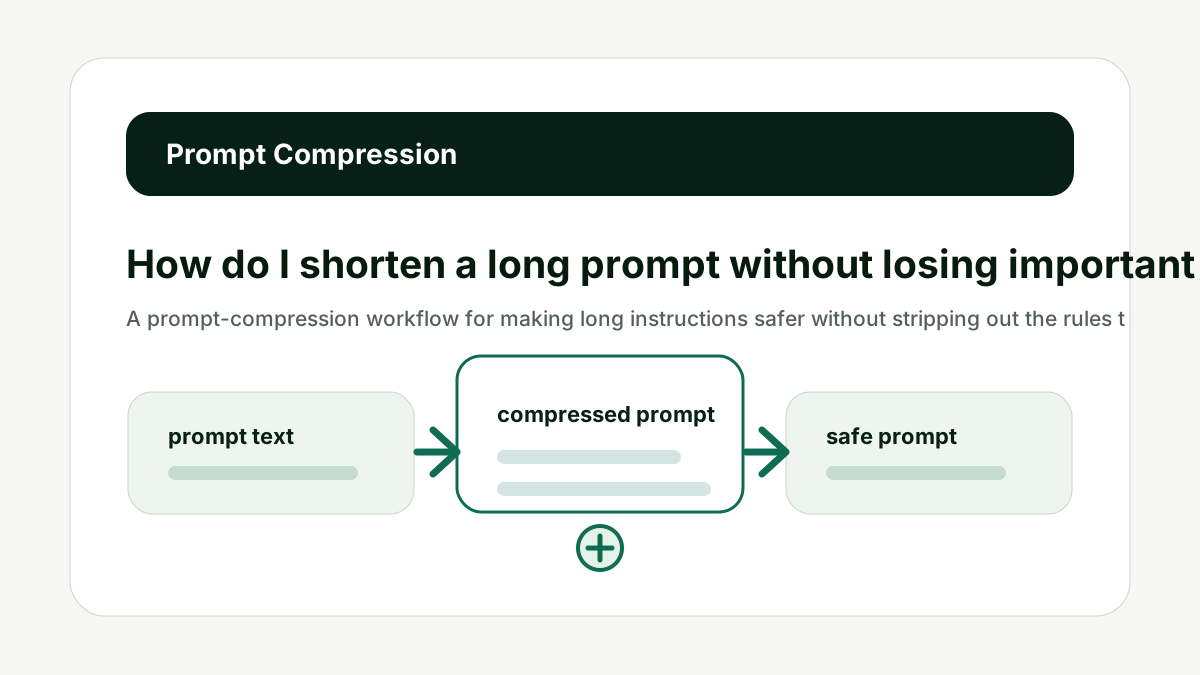
Shorten a long prompt by removing repeated instructions, summarizing background context, chunking documents, turning examples into rules, preserving non-negotiable constraints, and splitting multi-step work into stages. The goal is not the shortest prompt; it is the clearest prompt that still contains the facts needed for the job.
Model context limits and tokenizer behavior vary. Treat this guide as a workflow framework, then use model-specific documentation and tokenizer tools before production decisions.
Reader question
"How do I make a prompt shorter without making the answer worse?"
Use the Prompt Length / Context Window Checker before and after compression so you can see whether the prompt got safer while still leaving output room.
Table of Contents
I am going to answer this like someone building prompts that need to work repeatedly, not just once in a demo.
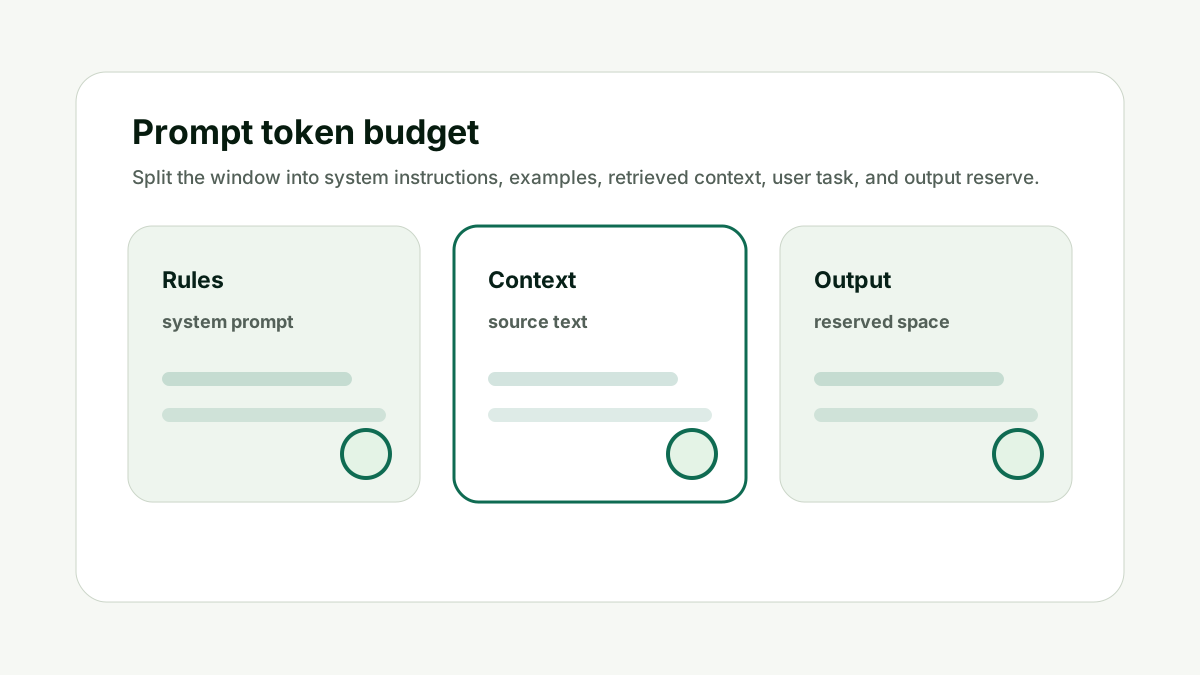
The common mistake is treating context windows as a storage locker. A better mental model is a working budget: every instruction, example, document, chat turn, and generated answer consumes space.
Here is the framework I would use for a team has a production prompt that has grown too long after months of edits and examples.
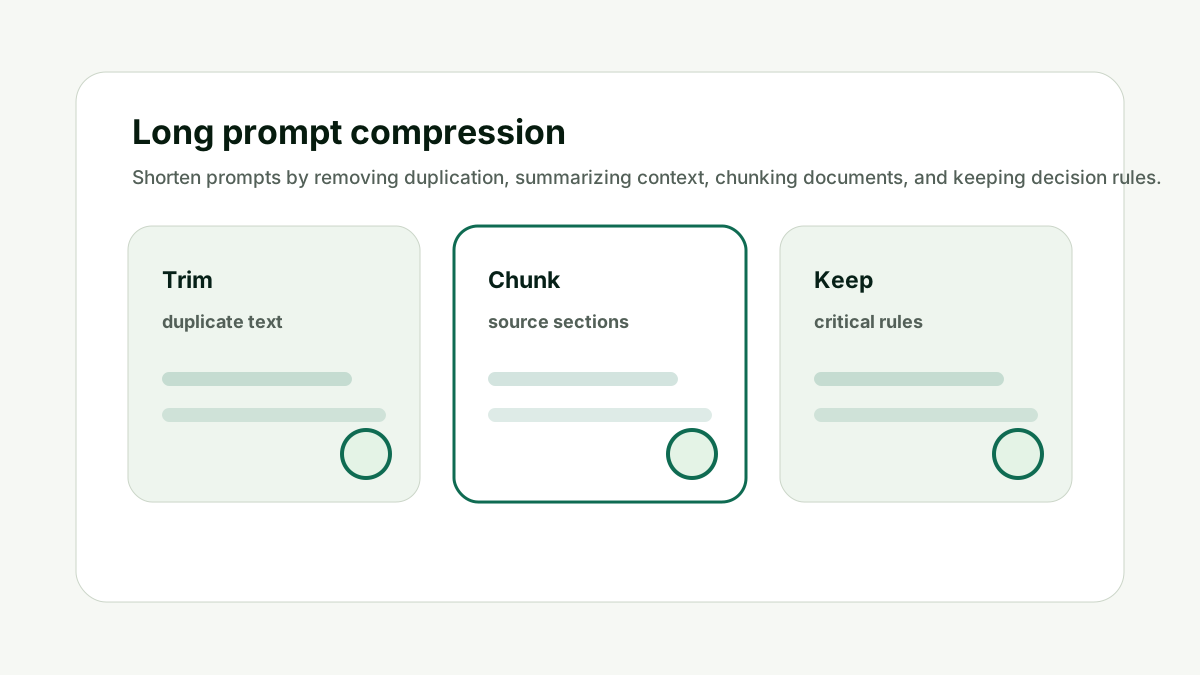
Deduplicate Instructions
Production prompts often grow through repeated patches. This matters because prompt size is not only a technical limit. It changes answer quality, cost, latency, and how much useful work the model can complete in one response.
Find repeated rules, duplicate style notes, copied warnings, and overlapping examples. Keep the clearest version of each instruction and remove the rest.
Do not stack five versions of the same rule because one failure happened months ago. The better habit is to treat the context window like a budget: spend it on instructions, evidence, examples, and answer room that directly support the current job.
For How do I shorten a long prompt without losing important instructions?, the practical standard is simple: the prompt should have one clear task, relevant source context, no stale instructions, and enough remaining space for the answer format. If one of those pieces is missing, a larger model may not fix the workflow.
This is also a content and operations issue. Teams that build reusable AI workflows need prompt-length checks before they turn a useful demo into a template, internal tool, or customer-facing feature.
Use internal links naturally. The prompt checker handles context fit, the AI Token & API Cost Calculator handles budget impact, and the AI Tool Chooser helps when model selection is the real constraint.
Deduplicate Instructions keeps the prompt tied to useful context, not just the largest possible input.
Turn Examples Into Rules
Examples are useful, but too many examples can crowd the prompt. This matters because prompt size is not only a technical limit. It changes answer quality, cost, latency, and how much useful work the model can complete in one response.
Keep the examples that teach genuinely different behavior. Convert repetitive examples into concise rules or rubrics. Use examples only where rules are too ambiguous.
Do not include ten examples that all teach the same thing. The better habit is to treat the context window like a budget: spend it on instructions, evidence, examples, and answer room that directly support the current job.
For How do I shorten a long prompt without losing important instructions?, the practical standard is simple: the prompt should have one clear task, relevant source context, no stale instructions, and enough remaining space for the answer format. If one of those pieces is missing, a larger model may not fix the workflow.
This is also a content and operations issue. Teams that build reusable AI workflows need prompt-length checks before they turn a useful demo into a template, internal tool, or customer-facing feature.
Use internal links naturally. The prompt checker handles context fit, the AI Token & API Cost Calculator handles budget impact, and the AI Tool Chooser helps when model selection is the real constraint.
Turn Examples Into Rules keeps the prompt tied to useful context, not just the largest possible input.
Summarize Background Context
Background context should help the current task. This matters because prompt size is not only a technical limit. It changes answer quality, cost, latency, and how much useful work the model can complete in one response.
Summarize company context, user profile, product notes, and previous decisions into compact facts. Keep exact source text only when precision matters.
Do not paste entire documents when a short summary would drive the same answer. The better habit is to treat the context window like a budget: spend it on instructions, evidence, examples, and answer room that directly support the current job.
For How do I shorten a long prompt without losing important instructions?, the practical standard is simple: the prompt should have one clear task, relevant source context, no stale instructions, and enough remaining space for the answer format. If one of those pieces is missing, a larger model may not fix the workflow.
This is also a content and operations issue. Teams that build reusable AI workflows need prompt-length checks before they turn a useful demo into a template, internal tool, or customer-facing feature.
Use internal links naturally. The prompt checker handles context fit, the AI Token & API Cost Calculator handles budget impact, and the AI Tool Chooser helps when model selection is the real constraint.
Summarize Background Context keeps the prompt tied to useful context, not just the largest possible input.
Preserve Constraints
Compression should not remove the rules that protect quality, safety, or brand fit. This matters because prompt size is not only a technical limit. It changes answer quality, cost, latency, and how much useful work the model can complete in one response.
Mark non-negotiable constraints before trimming: forbidden claims, tone rules, legal limits, data boundaries, output schema, and success criteria. Keep these visible in the final prompt.
Do not shorten by deleting the instructions that prevent bad outputs. The better habit is to treat the context window like a budget: spend it on instructions, evidence, examples, and answer room that directly support the current job.
For How do I shorten a long prompt without losing important instructions?, the practical standard is simple: the prompt should have one clear task, relevant source context, no stale instructions, and enough remaining space for the answer format. If one of those pieces is missing, a larger model may not fix the workflow.
This is also a content and operations issue. Teams that build reusable AI workflows need prompt-length checks before they turn a useful demo into a template, internal tool, or customer-facing feature.
Use internal links naturally. The prompt checker handles context fit, the AI Token & API Cost Calculator handles budget impact, and the AI Tool Chooser helps when model selection is the real constraint.
Preserve Constraints keeps the prompt tied to useful context, not just the largest possible input.
Chunk Source Material
Large documents are often better handled in parts. This matters because prompt size is not only a technical limit. It changes answer quality, cost, latency, and how much useful work the model can complete in one response.
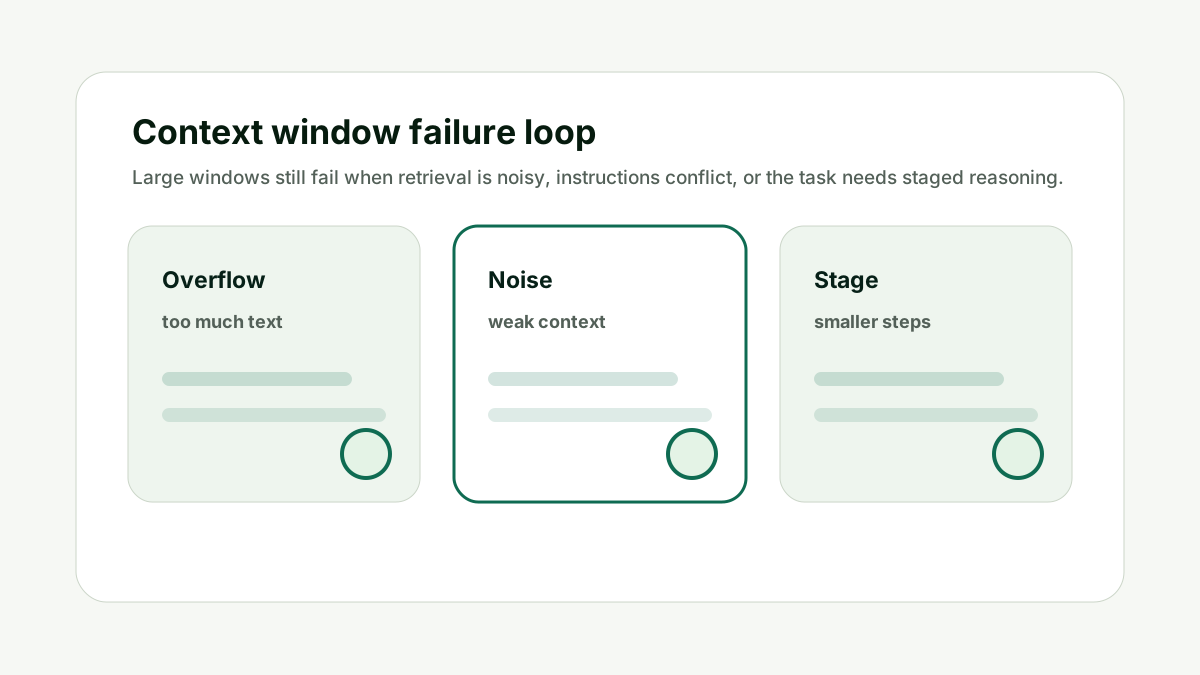
Ask for summaries or extractions per chunk, then synthesize the results. Chunking keeps each prompt focused and avoids burying important details in a huge input.
Do not force one prompt to handle an entire document when section-level work is safer. The better habit is to treat the context window like a budget: spend it on instructions, evidence, examples, and answer room that directly support the current job.
For How do I shorten a long prompt without losing important instructions?, the practical standard is simple: the prompt should have one clear task, relevant source context, no stale instructions, and enough remaining space for the answer format. If one of those pieces is missing, a larger model may not fix the workflow.
This is also a content and operations issue. Teams that build reusable AI workflows need prompt-length checks before they turn a useful demo into a template, internal tool, or customer-facing feature.
Use internal links naturally. The prompt checker handles context fit, the AI Token & API Cost Calculator handles budget impact, and the AI Tool Chooser helps when model selection is the real constraint.
Chunk Source Material keeps the prompt tied to useful context, not just the largest possible input.
Test Quality After Compression
A shorter prompt is only better if the output remains useful. This matters because prompt size is not only a technical limit. It changes answer quality, cost, latency, and how much useful work the model can complete in one response.
Run the original and shortened prompt on the same test cases. Compare accuracy, completeness, formatting, tone, and failure cases. Keep the shorter version only if quality holds.
Do not judge compression by token count alone. The better habit is to treat the context window like a budget: spend it on instructions, evidence, examples, and answer room that directly support the current job.
For How do I shorten a long prompt without losing important instructions?, the practical standard is simple: the prompt should have one clear task, relevant source context, no stale instructions, and enough remaining space for the answer format. If one of those pieces is missing, a larger model may not fix the workflow.
This is also a content and operations issue. Teams that build reusable AI workflows need prompt-length checks before they turn a useful demo into a template, internal tool, or customer-facing feature.
Use internal links naturally. The prompt checker handles context fit, the AI Token & API Cost Calculator handles budget impact, and the AI Tool Chooser helps when model selection is the real constraint.
Test Quality After Compression keeps the prompt tied to useful context, not just the largest possible input.
How This Fits the Wider AI Workflow
The useful way to think about How do I shorten a long prompt without losing important instructions? is that prompt length is part of workflow design. A prompt is not just text; it is the instructions, source material, examples, history, and reserved answer space that shape the final output.
The technical foundation comes from tokenization and transformer language models. Research such as subword tokenization, Attention Is All You Need, and few-shot language model research explains why prompts, examples, and generated answers all consume finite space.
For exact tokenizer behavior, use provider tooling where available, such as the OpenAI tokenizer, and read current model documentation for context limits before building production workflows. The checker on this site is a practical planning aid, not a replacement for model-specific tokenizer tests.
Run the original and compressed versions through the checker, then test both on the same examples. If the prompt affects content or AI search work, pair this with the GEO / LLM SEO Planner for prompt strategy and the AI Citation Readiness Checker when page-level evidence is the bottleneck.
The goal is a workflow that fits, answers completely, costs what you expect, and stays maintainable after prompts evolve.
A Simple Worked Example
A marketing team has a prompt for writing landing-page copy. Over time, it has grown to include brand rules, competitor notes, examples, SEO instructions, legal warnings, and several old edits.
The team deduplicates tone rules, turns repeated examples into a short rubric, summarizes competitor positioning, and keeps legal constraints untouched.
The compressed prompt is shorter, easier to maintain, and leaves more room for the page draft. The team tests it against the old prompt before replacing it.
That is the right standard: prompt compression should improve clarity, not merely cut words.
Practical action checklist
- Remove duplicated instructions.
- Convert repetitive examples into rules.
- Summarize background context.
- Preserve non-negotiable constraints.
- Chunk large documents.
- Test output quality after trimming.
What I Would Do Next
Copy your longest reusable prompt.
Highlight rules that must not be removed.
Compress the rest and compare both versions in the checker.
Conclusion
How do I shorten a long prompt without losing important instructions? matters because prompt length affects more than whether text fits. It affects answer quality, completion, cost, latency, and whether the workflow can be maintained over time.
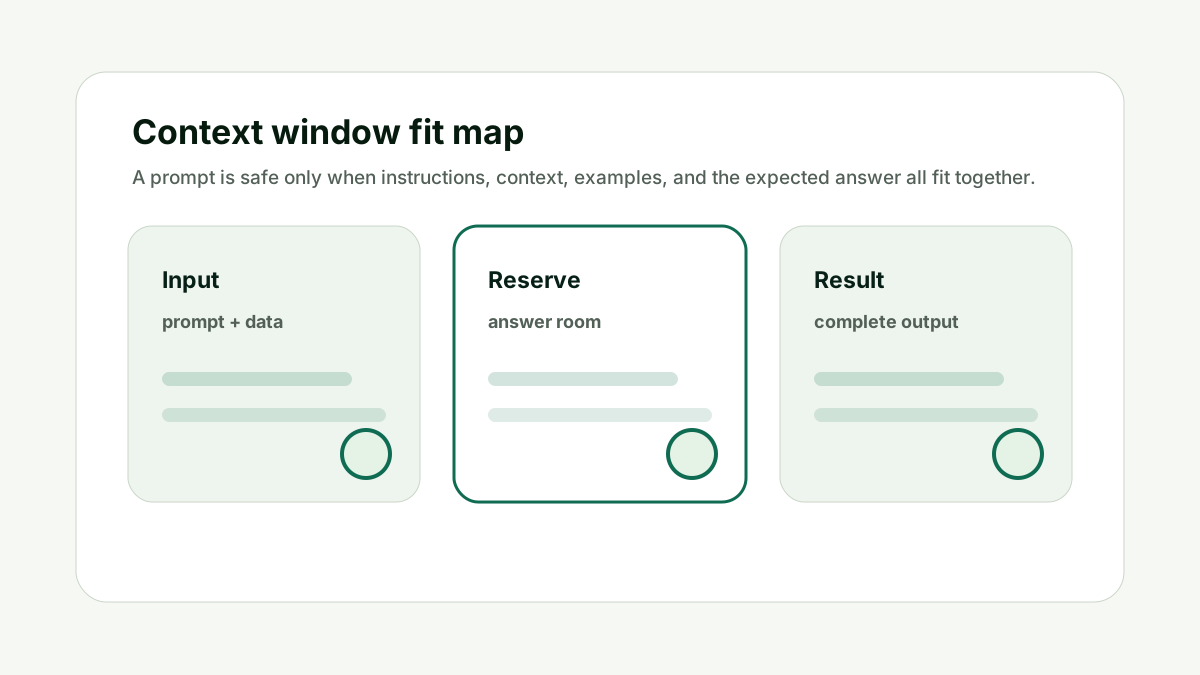
The practical answer is to estimate tokens, reserve output room, remove noisy context, split large tasks, and test worst-case prompts before relying on a workflow.
When the prompt budget is clear, the model has a better chance of doing the job completely and predictably.
FAQ
Can a shorter prompt perform better?
Yes, if it removes noise and keeps the important rules clear.
Should I remove examples from prompts?
Remove repetitive examples, but keep examples that teach behavior rules that are hard to describe.
How do I know if I trimmed too much?
Run the old and new prompt on the same test cases and compare accuracy, completeness, and formatting.
Is summarizing source text safe?
It can be, but keep exact source text when wording, legal language, or evidence precision matters.

Adam O'neil
1stpage Editorial Team
Our 1stpage editorial team combines hands-on SEO agency experience with evidence-backed search performance guidance. These posts are built from real search wins, audit-grade insight, and conversion-tested tactics designed to help agencies, founders, and search teams earn more traffic and trust.