Short answer
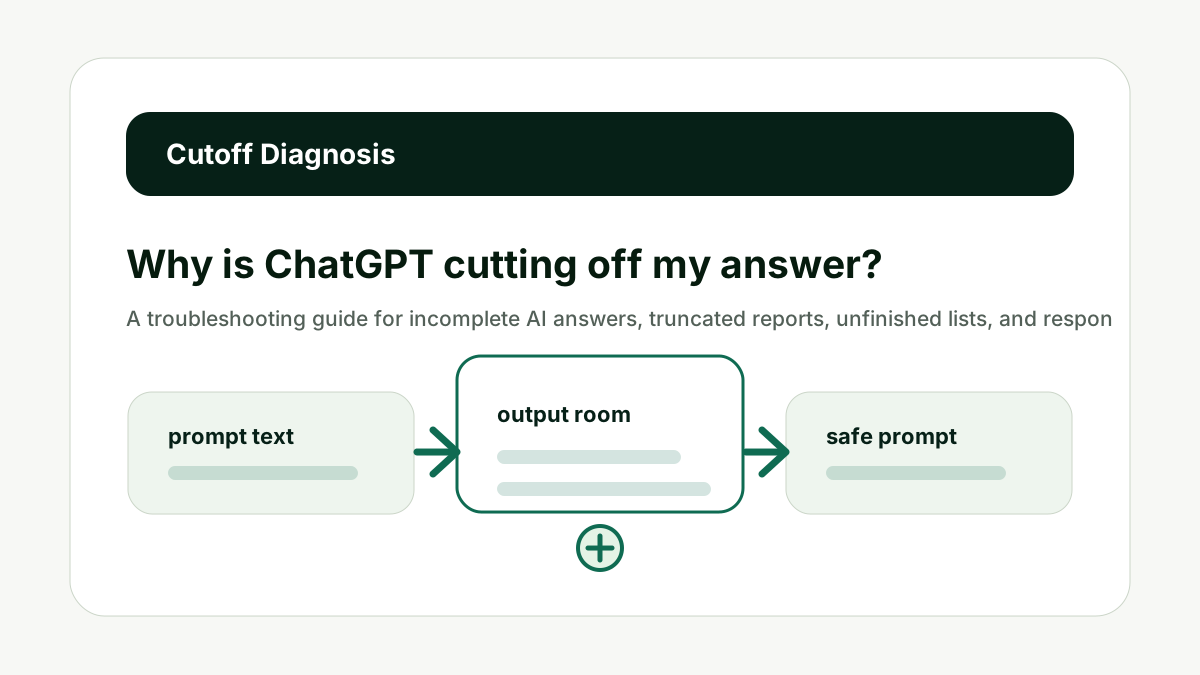
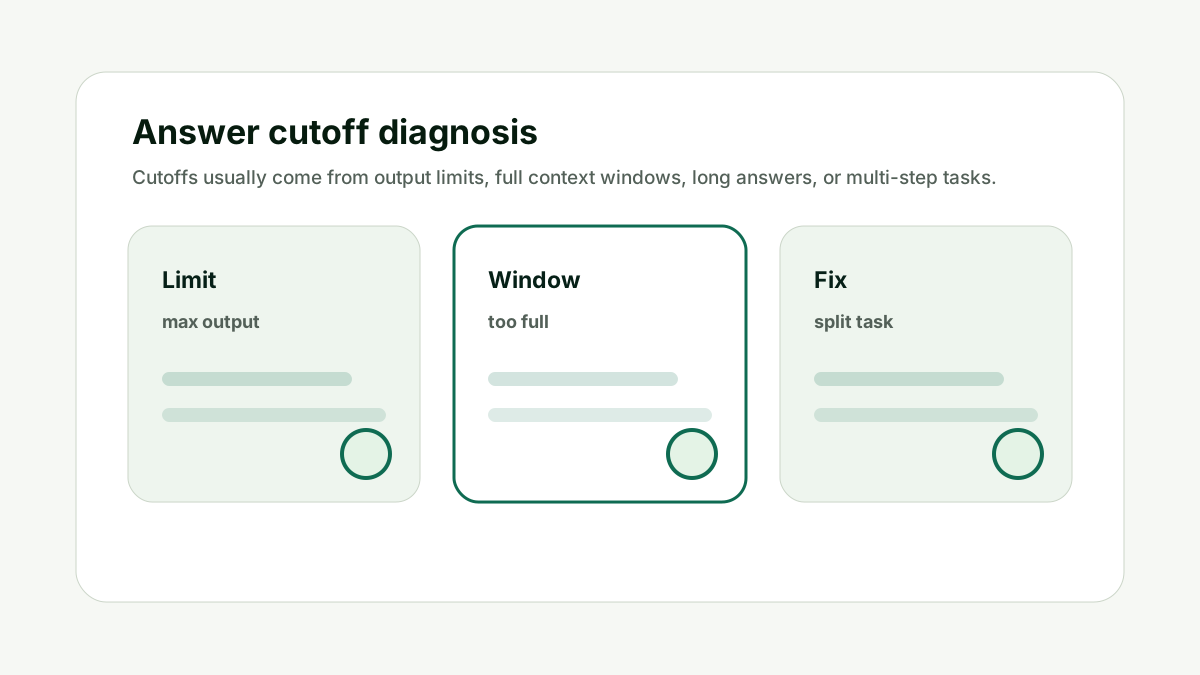
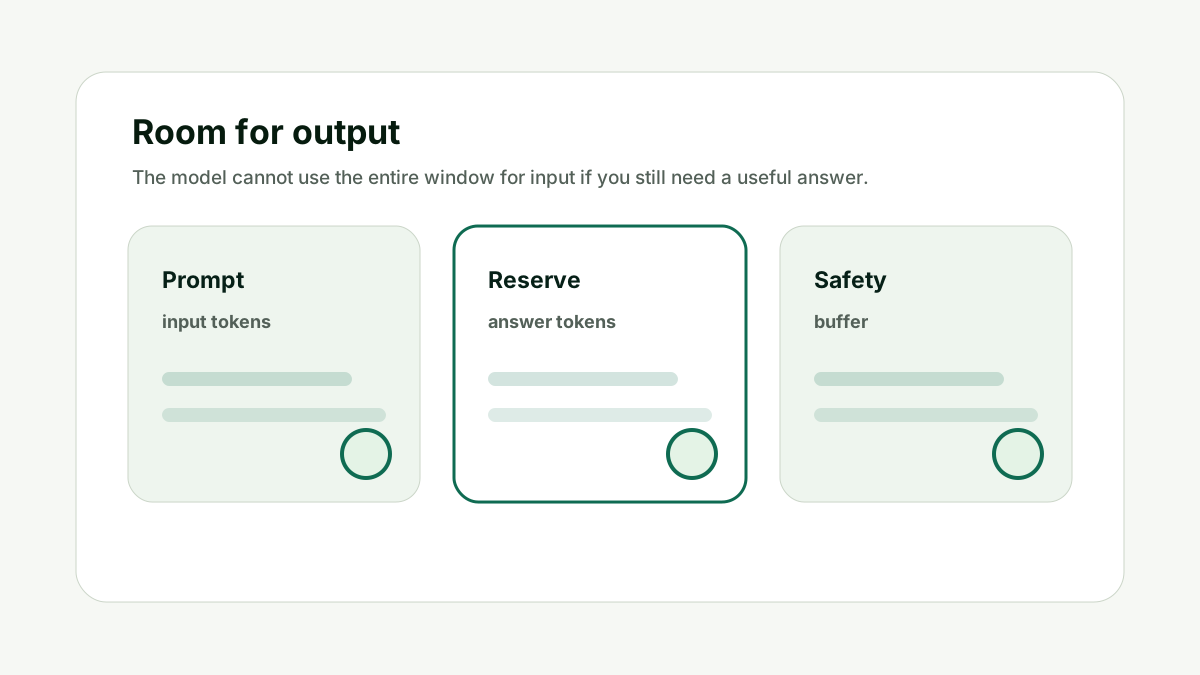
AI answers usually get cut off because the output limit is too low, the input consumed too much of the context window, the answer was too long for one response, or the task should have been split into stages. Reserve output room, ask for a shorter format, or break the request into smaller steps.
Model context limits and tokenizer behavior vary. Treat this guide as a workflow framework, then use model-specific documentation and tokenizer tools before production decisions.
Reader question
"Why does ChatGPT stop halfway through a long answer?"
Use the Prompt Length / Context Window Checker to see whether the prompt is leaving enough room for the answer before assuming the model is broken.
Table of Contents
I am going to answer this like someone building prompts that need to work repeatedly, not just once in a demo.
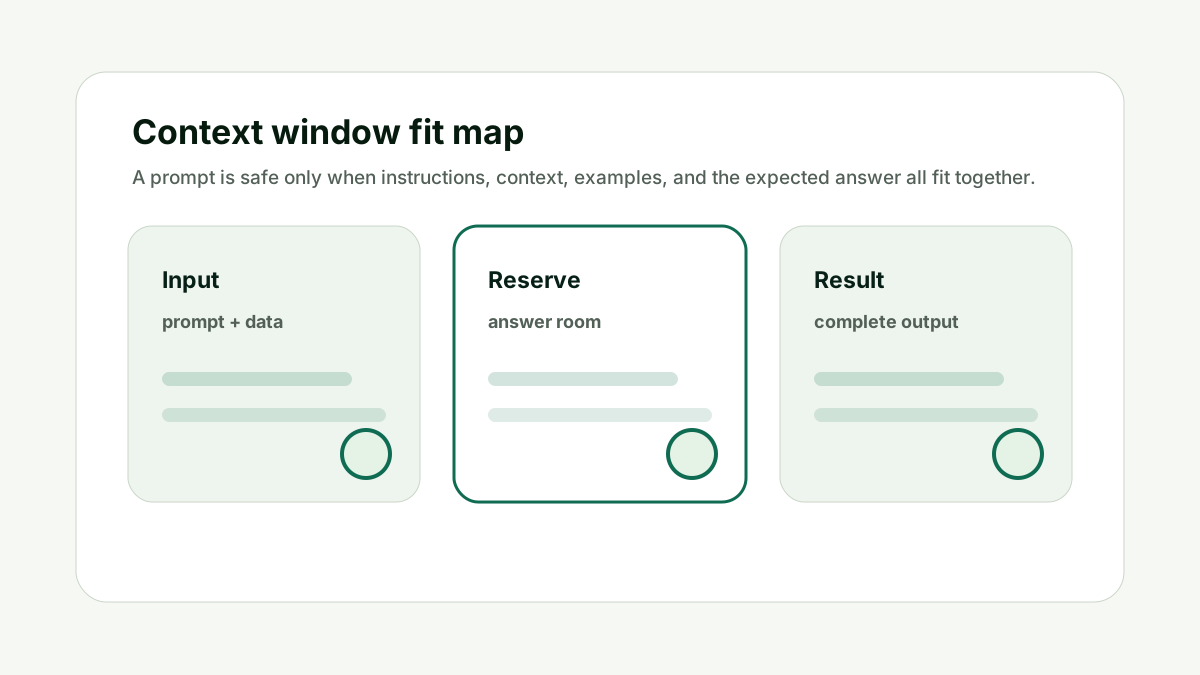
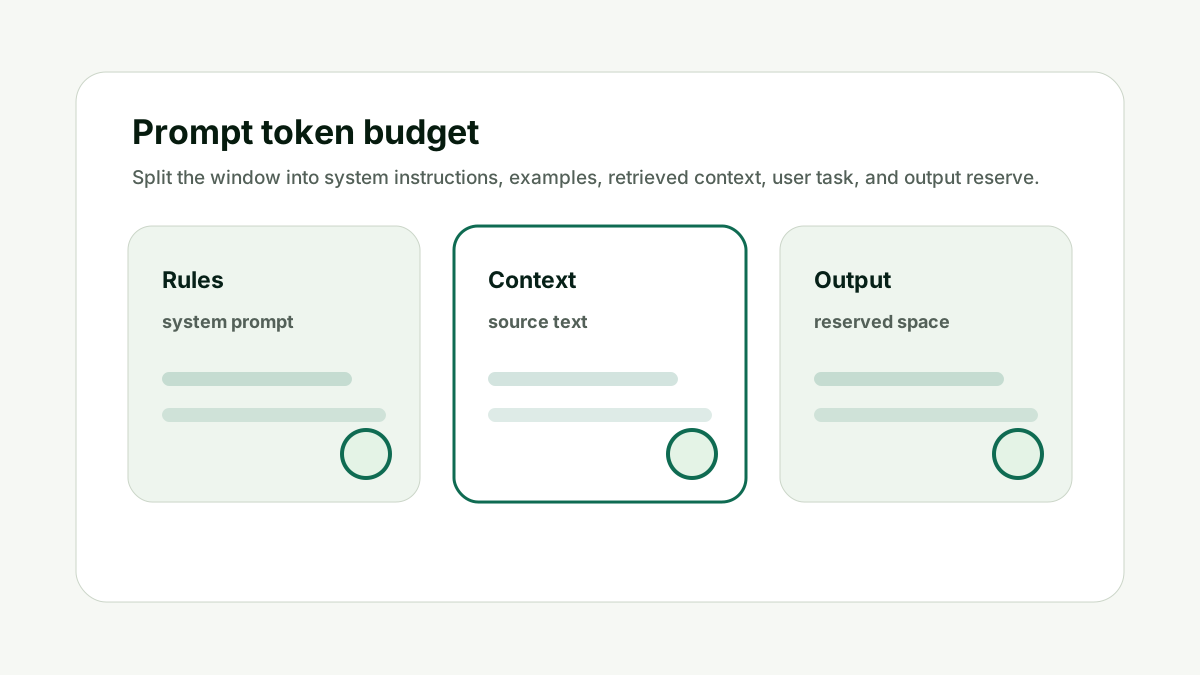
The common mistake is treating context windows as a storage locker. A better mental model is a working budget: every instruction, example, document, chat turn, and generated answer consumes space.
Here is the framework I would use for a user keeps getting unfinished AI responses from long prompts or large documents.
Check the Output Limit
Many cutoffs happen because the answer length is capped. This matters because prompt size is not only a technical limit. It changes answer quality, cost, latency, and how much useful work the model can complete in one response.
If the output is a report, table, JSON object, or long list, ask for a shorter first pass or produce the answer in sections. For API workflows, check any maximum output setting.
Do not ask for a book-length response when the workflow expects a compact answer. The better habit is to treat the context window like a budget: spend it on instructions, evidence, examples, and answer room that directly support the current job.
For Why is ChatGPT cutting off my answer?, the practical standard is simple: the prompt should have one clear task, relevant source context, no stale instructions, and enough remaining space for the answer format. If one of those pieces is missing, a larger model may not fix the workflow.
This is also a content and operations issue. Teams that build reusable AI workflows need prompt-length checks before they turn a useful demo into a template, internal tool, or customer-facing feature.
Use internal links naturally. The prompt checker handles context fit, the AI Token & API Cost Calculator handles budget impact, and the AI Tool Chooser helps when model selection is the real constraint.
Check the Output Limit keeps the prompt tied to useful context, not just the largest possible input.
Check Whether Input Is Too Large
A full context window leaves less space for the response. This matters because prompt size is not only a technical limit. It changes answer quality, cost, latency, and how much useful work the model can complete in one response.
Long documents, examples, chat history, and retrieved passages can consume the available room. The model may start answering but stop before finishing because the total window is under pressure.
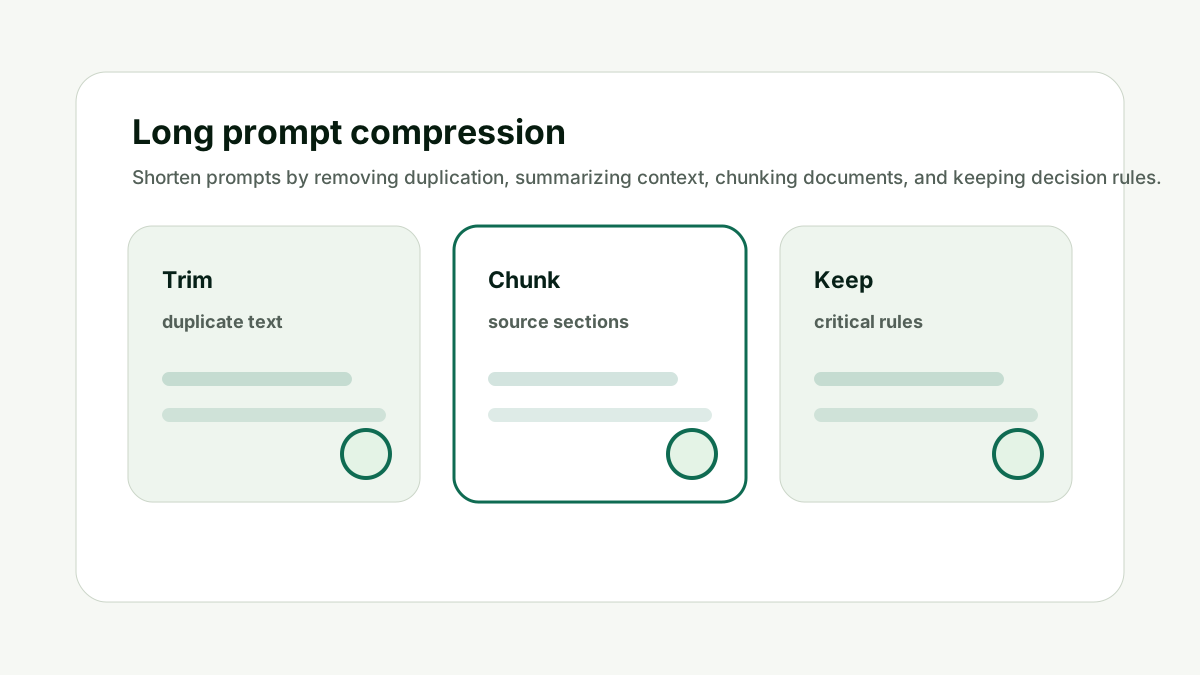
Do not paste every source if only a few sections are needed. The better habit is to treat the context window like a budget: spend it on instructions, evidence, examples, and answer room that directly support the current job.
For Why is ChatGPT cutting off my answer?, the practical standard is simple: the prompt should have one clear task, relevant source context, no stale instructions, and enough remaining space for the answer format. If one of those pieces is missing, a larger model may not fix the workflow.
This is also a content and operations issue. Teams that build reusable AI workflows need prompt-length checks before they turn a useful demo into a template, internal tool, or customer-facing feature.
Use internal links naturally. The prompt checker handles context fit, the AI Token & API Cost Calculator handles budget impact, and the AI Tool Chooser helps when model selection is the real constraint.
Check Whether Input Is Too Large keeps the prompt tied to useful context, not just the largest possible input.
Simplify the Format
Complex formatting can make answers longer than expected. This matters because prompt size is not only a technical limit. It changes answer quality, cost, latency, and how much useful work the model can complete in one response.
Tables, nested JSON, multi-column comparisons, and long bullet lists can burn output tokens quickly. Start with a summary, then ask for the detailed table in a follow-up.
Do not combine every format requirement in one answer. The better habit is to treat the context window like a budget: spend it on instructions, evidence, examples, and answer room that directly support the current job.
For Why is ChatGPT cutting off my answer?, the practical standard is simple: the prompt should have one clear task, relevant source context, no stale instructions, and enough remaining space for the answer format. If one of those pieces is missing, a larger model may not fix the workflow.
This is also a content and operations issue. Teams that build reusable AI workflows need prompt-length checks before they turn a useful demo into a template, internal tool, or customer-facing feature.
Use internal links naturally. The prompt checker handles context fit, the AI Token & API Cost Calculator handles budget impact, and the AI Tool Chooser helps when model selection is the real constraint.
Simplify the Format keeps the prompt tied to useful context, not just the largest possible input.
Split the Task
A cutoff can mean the request is actually several requests. This matters because prompt size is not only a technical limit. It changes answer quality, cost, latency, and how much useful work the model can complete in one response.
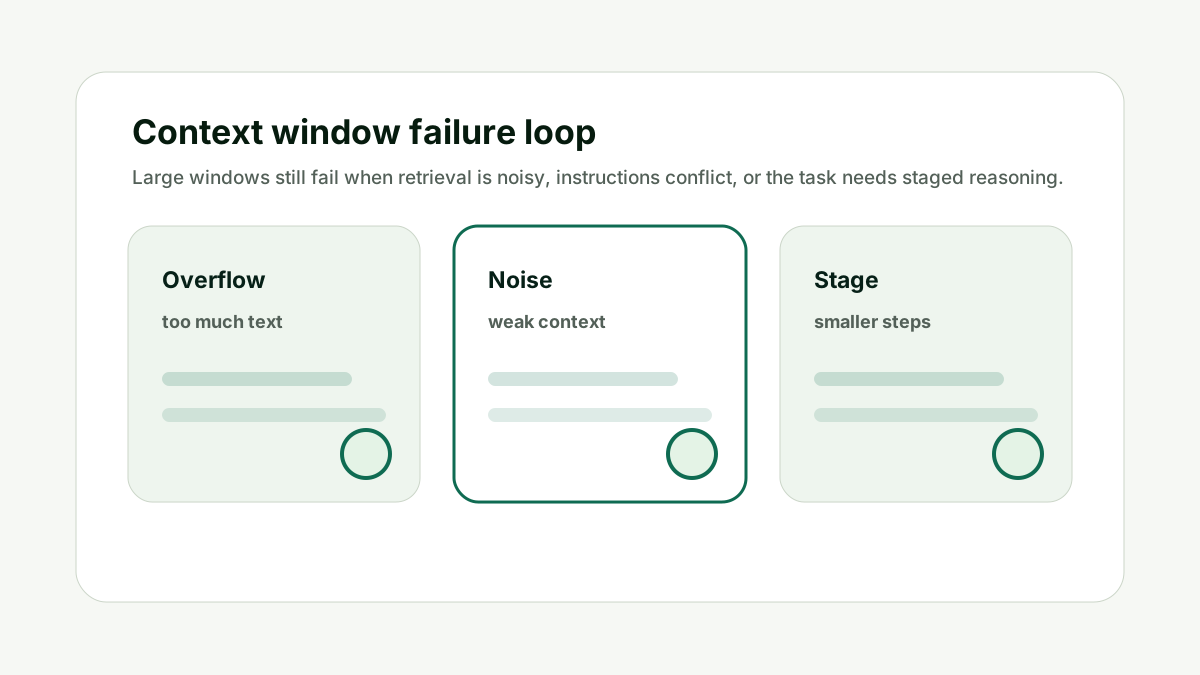
Ask the model to first outline, then expand one section at a time. For document work, summarize chunks before asking for a final synthesis.
Do not force reading, analysis, drafting, and polishing into one response. The better habit is to treat the context window like a budget: spend it on instructions, evidence, examples, and answer room that directly support the current job.
For Why is ChatGPT cutting off my answer?, the practical standard is simple: the prompt should have one clear task, relevant source context, no stale instructions, and enough remaining space for the answer format. If one of those pieces is missing, a larger model may not fix the workflow.
This is also a content and operations issue. Teams that build reusable AI workflows need prompt-length checks before they turn a useful demo into a template, internal tool, or customer-facing feature.
Use internal links naturally. The prompt checker handles context fit, the AI Token & API Cost Calculator handles budget impact, and the AI Tool Chooser helps when model selection is the real constraint.
Split the Task keeps the prompt tied to useful context, not just the largest possible input.
Reduce Repeated Context
Repeated instructions and chat history can make every follow-up more expensive and more likely to truncate. This matters because prompt size is not only a technical limit. It changes answer quality, cost, latency, and how much useful work the model can complete in one response.
In long conversations, restate only the current task and the essential facts. Remove stale turns that no longer matter.
Do not keep adding follow-ups to a bloated thread forever. The better habit is to treat the context window like a budget: spend it on instructions, evidence, examples, and answer room that directly support the current job.
For Why is ChatGPT cutting off my answer?, the practical standard is simple: the prompt should have one clear task, relevant source context, no stale instructions, and enough remaining space for the answer format. If one of those pieces is missing, a larger model may not fix the workflow.
This is also a content and operations issue. Teams that build reusable AI workflows need prompt-length checks before they turn a useful demo into a template, internal tool, or customer-facing feature.
Use internal links naturally. The prompt checker handles context fit, the AI Token & API Cost Calculator handles budget impact, and the AI Tool Chooser helps when model selection is the real constraint.
Reduce Repeated Context keeps the prompt tied to useful context, not just the largest possible input.
Ask for Continuation Carefully
A continuation can work, but it is better when the previous output had a clear structure. This matters because prompt size is not only a technical limit. It changes answer quality, cost, latency, and how much useful work the model can complete in one response.
Ask the model to continue from the exact heading or item where it stopped. For important workflows, design section-by-section output so continuation is predictable.
Do not rely on random continuation for structured reports or code. The better habit is to treat the context window like a budget: spend it on instructions, evidence, examples, and answer room that directly support the current job.
For Why is ChatGPT cutting off my answer?, the practical standard is simple: the prompt should have one clear task, relevant source context, no stale instructions, and enough remaining space for the answer format. If one of those pieces is missing, a larger model may not fix the workflow.
This is also a content and operations issue. Teams that build reusable AI workflows need prompt-length checks before they turn a useful demo into a template, internal tool, or customer-facing feature.
Use internal links naturally. The prompt checker handles context fit, the AI Token & API Cost Calculator handles budget impact, and the AI Tool Chooser helps when model selection is the real constraint.
Ask for Continuation Carefully keeps the prompt tied to useful context, not just the largest possible input.
How This Fits the Wider AI Workflow
The useful way to think about Why is ChatGPT cutting off my answer? is that prompt length is part of workflow design. A prompt is not just text; it is the instructions, source material, examples, history, and reserved answer space that shape the final output.
The technical foundation comes from tokenization and transformer language models. Research such as subword tokenization, Attention Is All You Need, and few-shot language model research explains why prompts, examples, and generated answers all consume finite space.
For exact tokenizer behavior, use provider tooling where available, such as the OpenAI tokenizer, and read current model documentation for context limits before building production workflows. The checker on this site is a practical planning aid, not a replacement for model-specific tokenizer tests.
Check the prompt and reserve a realistic answer length before rerunning the same request. If the prompt affects content or AI search work, pair this with the GEO / LLM SEO Planner for prompt strategy and the AI Citation Readiness Checker when page-level evidence is the bottleneck.
The goal is a workflow that fits, answers completely, costs what you expect, and stays maintainable after prompts evolve.
A Simple Worked Example
A user asks for 100 article ideas, a content calendar, full outlines, and SEO metadata for each item. The answer stops after the first twenty.
The fix is not simply "continue". The better workflow asks for the 100 ideas first, then chooses ten, then generates outlines, then creates metadata.
Each step has a clear output length and the context stays smaller. The user gets a complete result instead of repeated partial answers.
Cutoff problems are often workflow-design problems. A shorter, staged request usually beats one huge command.
Practical action checklist
- Check output length limits.
- Reduce oversized input context.
- Simplify tables or JSON formats.
- Split large tasks into stages.
- Avoid bloated chat history.
- Use structured continuation only when needed.
What I Would Do Next
Estimate the prompt in the context checker.
Reserve more output room or ask for a shorter first pass.
Break the task into sections if the answer is still incomplete.
Conclusion
Why is ChatGPT cutting off my answer? matters because prompt length affects more than whether text fits. It affects answer quality, completion, cost, latency, and whether the workflow can be maintained over time.
The practical answer is to estimate tokens, reserve output room, remove noisy context, split large tasks, and test worst-case prompts before relying on a workflow.
When the prompt budget is clear, the model has a better chance of doing the job completely and predictably.
FAQ
Does a cutoff mean the model failed?
Not necessarily. It may have hit an output limit, context limit, or task-design limit.
Can I just type continue?
Sometimes, but structured staged output is more reliable for important work.
Why do tables get cut off?
Tables can consume many output tokens, especially when they include many rows and columns.
How do I prevent cutoffs in API workflows?
Set realistic output limits, reserve answer room, and split long tasks into smaller calls.

Adam O'neil
1stpage Editorial Team
Our 1stpage editorial team combines hands-on SEO agency experience with evidence-backed search performance guidance. These posts are built from real search wins, audit-grade insight, and conversion-tested tactics designed to help agencies, founders, and search teams earn more traffic and trust.