Short answer
Your prompt is too long when it leaves too little room for the answer, includes context the model does not need, causes truncation, or makes the model lose track of the task. Check estimated tokens, reserve output space, and split the prompt when one request contains multiple jobs.
Model context limits and tokenizer behavior vary. Treat this guide as a workflow framework, then use model-specific documentation and tokenizer tools before production decisions.
Reader question
"How can I tell if my prompt is too long before I submit it?"
Paste the full prompt into the Prompt Length / Context Window Checker and reserve space for the answer you expect, not only the input you want to send.
Table of Contents
I am going to answer this like someone building prompts that need to work repeatedly, not just once in a demo.
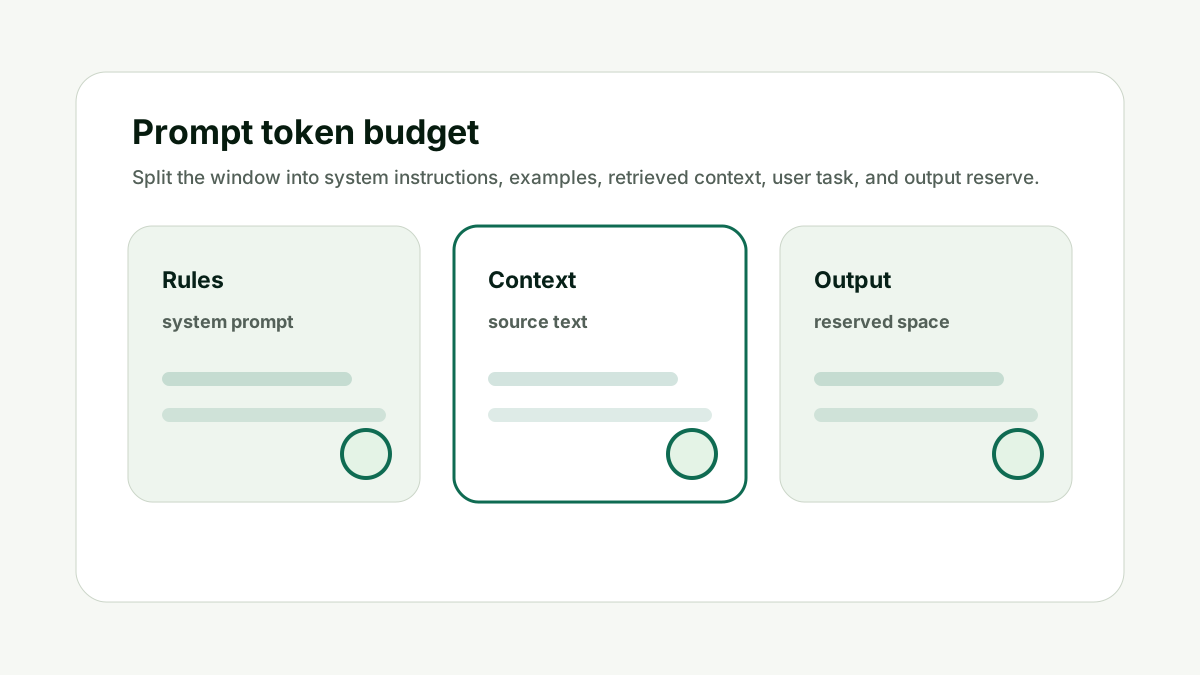
The common mistake is treating context windows as a storage locker. A better mental model is a working budget: every instruction, example, document, chat turn, and generated answer consumes space.
Here is the framework I would use for a marketer or product team is sending long briefs, documents, or transcripts into an AI workflow.
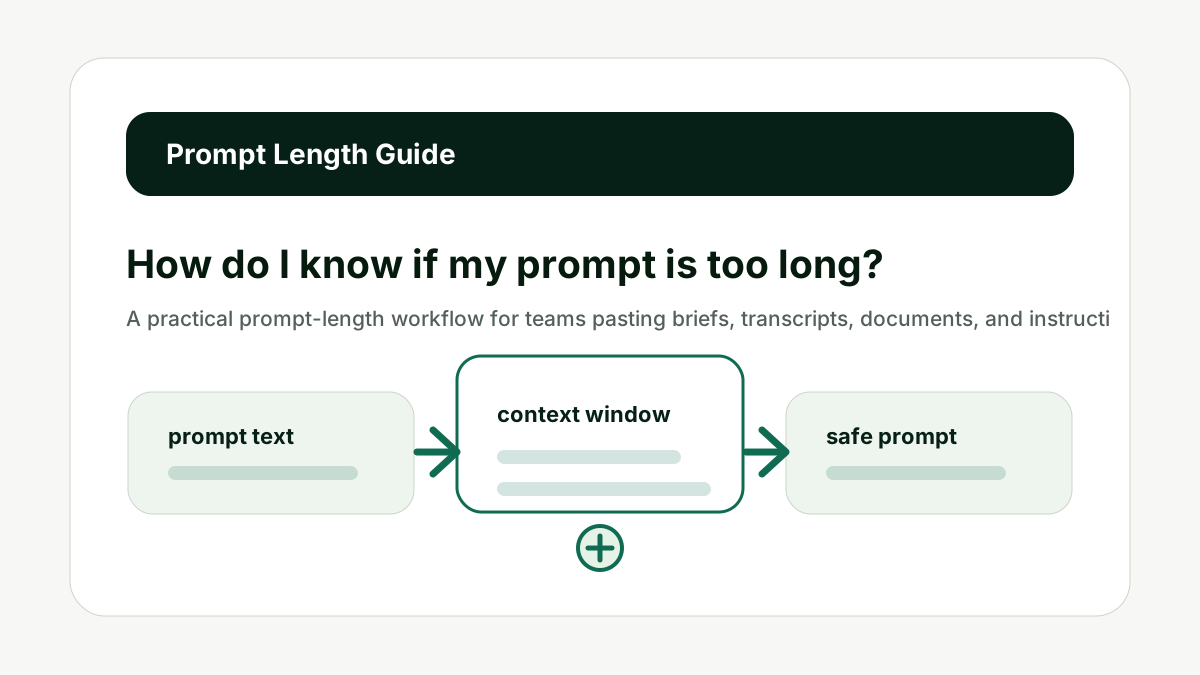
Estimate Tokens First
Prompt length should be measured in tokens, not characters or pages. This matters because prompt size is not only a technical limit. It changes answer quality, cost, latency, and how much useful work the model can complete in one response.
A prompt can look short but tokenize heavily because of formatting, code, tables, markup, or unusual language. Start by estimating the token count for the full prompt, including hidden system instructions and examples.
Do not check only the visible user message if your app sends extra context. The better habit is to treat the context window like a budget: spend it on instructions, evidence, examples, and answer room that directly support the current job.
For How do I know if my prompt is too long?, the practical standard is simple: the prompt should have one clear task, relevant source context, no stale instructions, and enough remaining space for the answer format. If one of those pieces is missing, a larger model may not fix the workflow.
This is also a content and operations issue. Teams that build reusable AI workflows need prompt-length checks before they turn a useful demo into a template, internal tool, or customer-facing feature.
Use internal links naturally. The prompt checker handles context fit, the AI Token & API Cost Calculator handles budget impact, and the AI Tool Chooser helps when model selection is the real constraint.
Estimate Tokens First keeps the prompt tied to useful context, not just the largest possible input.
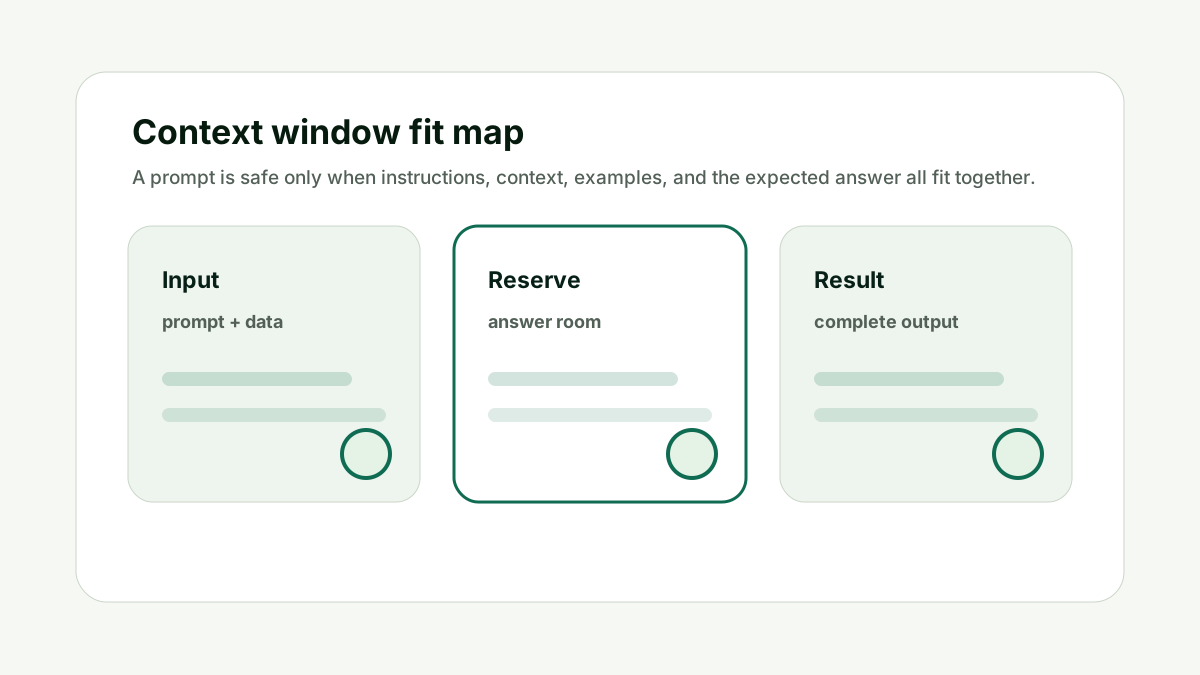
Reserve Answer Room
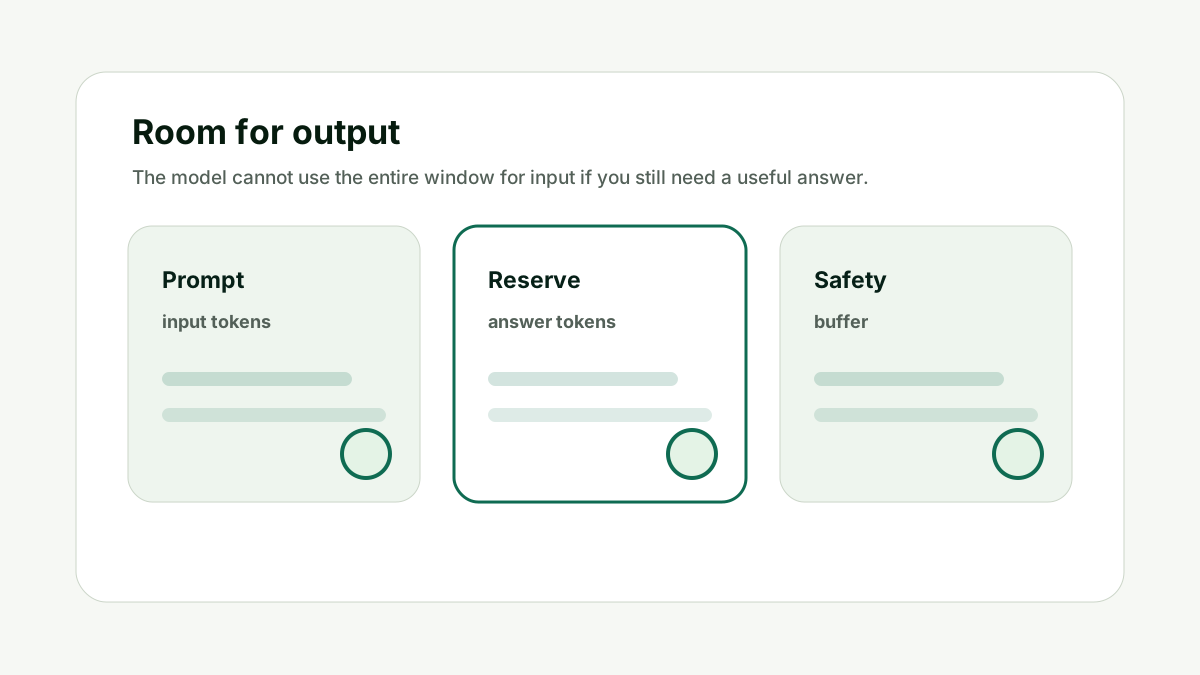
A prompt can fit technically and still leave no useful room for the answer. This matters because prompt size is not only a technical limit. It changes answer quality, cost, latency, and how much useful work the model can complete in one response.
Decide how long the answer should be, then reserve tokens for that output before sending the prompt. A summary, table, JSON object, report, or multi-step plan each needs a different output reserve.
Do not fill the whole context window with input. The better habit is to treat the context window like a budget: spend it on instructions, evidence, examples, and answer room that directly support the current job.
For How do I know if my prompt is too long?, the practical standard is simple: the prompt should have one clear task, relevant source context, no stale instructions, and enough remaining space for the answer format. If one of those pieces is missing, a larger model may not fix the workflow.
This is also a content and operations issue. Teams that build reusable AI workflows need prompt-length checks before they turn a useful demo into a template, internal tool, or customer-facing feature.
Use internal links naturally. The prompt checker handles context fit, the AI Token & API Cost Calculator handles budget impact, and the AI Tool Chooser helps when model selection is the real constraint.
Reserve Answer Room keeps the prompt tied to useful context, not just the largest possible input.
Remove Unused Context
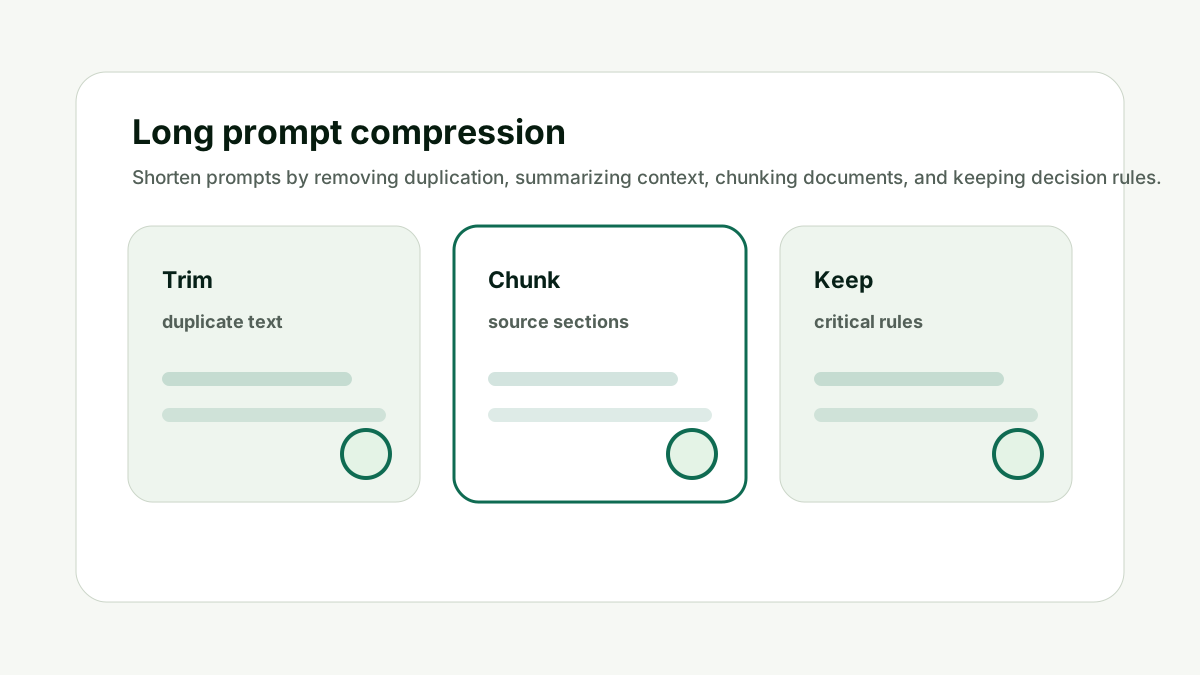
Long prompts often contain source text the model does not need for the current task. This matters because prompt size is not only a technical limit. It changes answer quality, cost, latency, and how much useful work the model can complete in one response.
Remove duplicate instructions, old examples, irrelevant document sections, previous chat turns, and background material that will not change the answer. Keep the facts and rules that affect the output.
Do not confuse more context with better context. The better habit is to treat the context window like a budget: spend it on instructions, evidence, examples, and answer room that directly support the current job.
For How do I know if my prompt is too long?, the practical standard is simple: the prompt should have one clear task, relevant source context, no stale instructions, and enough remaining space for the answer format. If one of those pieces is missing, a larger model may not fix the workflow.
This is also a content and operations issue. Teams that build reusable AI workflows need prompt-length checks before they turn a useful demo into a template, internal tool, or customer-facing feature.
Use internal links naturally. The prompt checker handles context fit, the AI Token & API Cost Calculator handles budget impact, and the AI Tool Chooser helps when model selection is the real constraint.
Remove Unused Context keeps the prompt tied to useful context, not just the largest possible input.
Watch Quality Signals
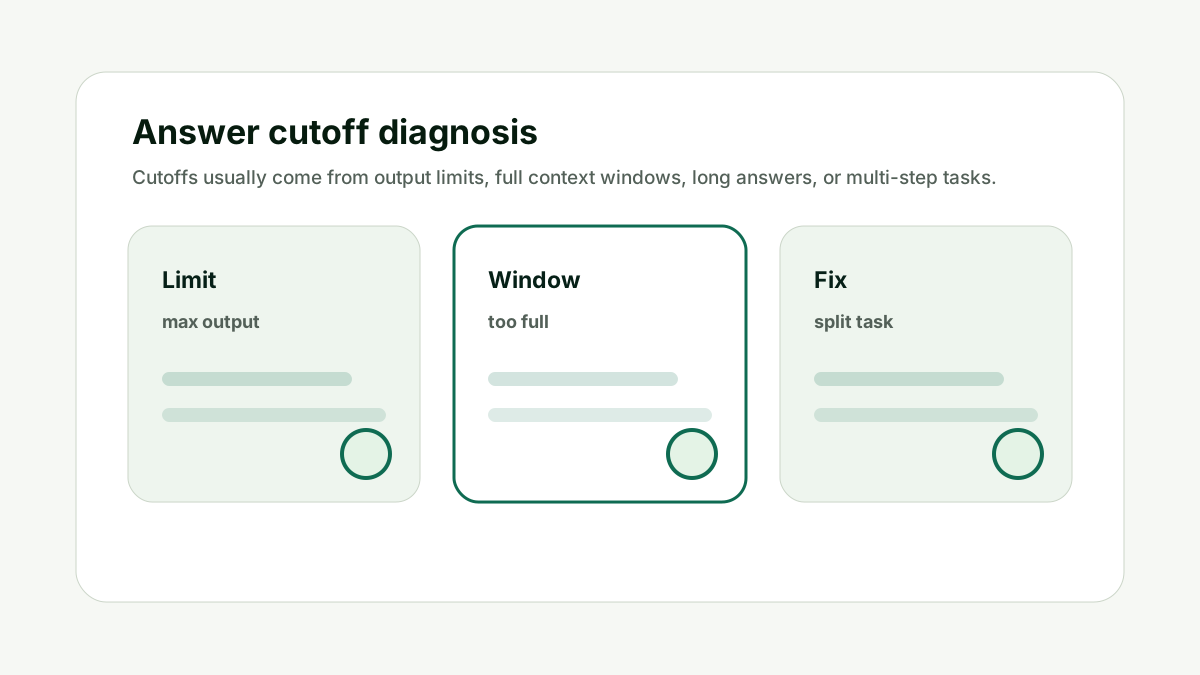
A long prompt is too long when quality starts dropping. This matters because prompt size is not only a technical limit. It changes answer quality, cost, latency, and how much useful work the model can complete in one response.
Look for incomplete answers, ignored instructions, generic summaries, missing citations, repeated sections, or outputs that answer only the final part of the request. These are signs the model is overloaded or the task is poorly staged.
Do not treat every failure as a model-quality problem. The better habit is to treat the context window like a budget: spend it on instructions, evidence, examples, and answer room that directly support the current job.
For How do I know if my prompt is too long?, the practical standard is simple: the prompt should have one clear task, relevant source context, no stale instructions, and enough remaining space for the answer format. If one of those pieces is missing, a larger model may not fix the workflow.
This is also a content and operations issue. Teams that build reusable AI workflows need prompt-length checks before they turn a useful demo into a template, internal tool, or customer-facing feature.
Use internal links naturally. The prompt checker handles context fit, the AI Token & API Cost Calculator handles budget impact, and the AI Tool Chooser helps when model selection is the real constraint.
Watch Quality Signals keeps the prompt tied to useful context, not just the largest possible input.
Split Big Tasks
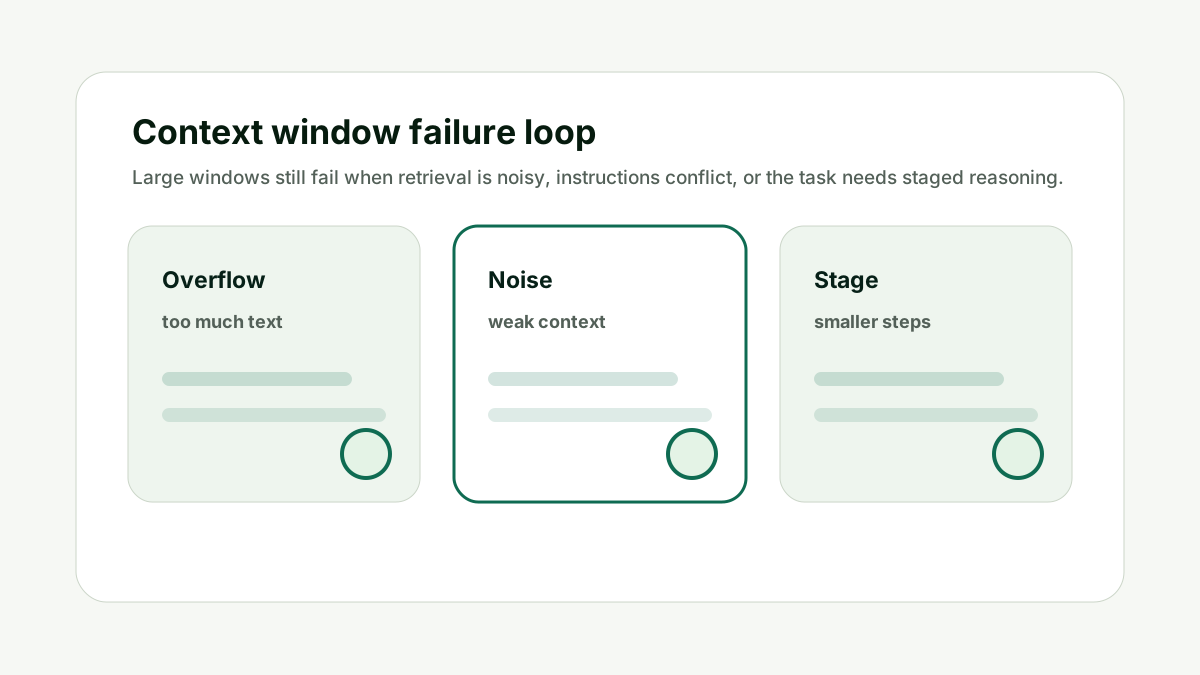
A prompt may be too long because it asks for too many jobs at once. This matters because prompt size is not only a technical limit. It changes answer quality, cost, latency, and how much useful work the model can complete in one response.
Split extraction, analysis, drafting, formatting, and review into separate steps when the task is complex. This often improves quality and makes token cost easier to control.
Do not ask one prompt to read everything, reason deeply, write the final output, and audit itself at the same time. The better habit is to treat the context window like a budget: spend it on instructions, evidence, examples, and answer room that directly support the current job.
For How do I know if my prompt is too long?, the practical standard is simple: the prompt should have one clear task, relevant source context, no stale instructions, and enough remaining space for the answer format. If one of those pieces is missing, a larger model may not fix the workflow.
This is also a content and operations issue. Teams that build reusable AI workflows need prompt-length checks before they turn a useful demo into a template, internal tool, or customer-facing feature.
Use internal links naturally. The prompt checker handles context fit, the AI Token & API Cost Calculator handles budget impact, and the AI Tool Chooser helps when model selection is the real constraint.
Split Big Tasks keeps the prompt tied to useful context, not just the largest possible input.
Test Edge Cases
A prompt that works once may fail when the document is longer or the user gives messy input. This matters because prompt size is not only a technical limit. It changes answer quality, cost, latency, and how much useful work the model can complete in one response.
Test with the shortest, normal, and longest examples you expect. If the longest case is unsafe, design a chunking or summarization workflow before users hit the limit.
Do not design around the cleanest demo prompt. The better habit is to treat the context window like a budget: spend it on instructions, evidence, examples, and answer room that directly support the current job.
For How do I know if my prompt is too long?, the practical standard is simple: the prompt should have one clear task, relevant source context, no stale instructions, and enough remaining space for the answer format. If one of those pieces is missing, a larger model may not fix the workflow.
This is also a content and operations issue. Teams that build reusable AI workflows need prompt-length checks before they turn a useful demo into a template, internal tool, or customer-facing feature.
Use internal links naturally. The prompt checker handles context fit, the AI Token & API Cost Calculator handles budget impact, and the AI Tool Chooser helps when model selection is the real constraint.
Test Edge Cases keeps the prompt tied to useful context, not just the largest possible input.
How This Fits the Wider AI Workflow
The useful way to think about How do I know if my prompt is too long? is that prompt length is part of workflow design. A prompt is not just text; it is the instructions, source material, examples, history, and reserved answer space that shape the final output.
The technical foundation comes from tokenization and transformer language models. Research such as subword tokenization, Attention Is All You Need, and few-shot language model research explains why prompts, examples, and generated answers all consume finite space.
For exact tokenizer behavior, use provider tooling where available, such as the OpenAI tokenizer, and read current model documentation for context limits before building production workflows. The checker on this site is a practical planning aid, not a replacement for model-specific tokenizer tests.
Use the checker before pasting a large document or building a production prompt. If the prompt affects content or AI search work, pair this with the GEO / LLM SEO Planner for prompt strategy and the AI Citation Readiness Checker when page-level evidence is the bottleneck.
The goal is a workflow that fits, answers completely, costs what you expect, and stays maintainable after prompts evolve.
A Simple Worked Example
A content team has a 9,000-word transcript and asks AI to summarize it, extract quotes, write a newsletter, and produce social posts in one request.
The prompt fits a large context window, but the answer is shallow and misses key quotes. The issue is not only size; it is too many jobs competing inside one request.
The team splits the workflow into transcript summary, quote extraction, newsletter outline, and final copy. Each step uses less context and has a clearer output.
The result is better and easier to control because the prompt was redesigned around the task, not only squeezed into a window.
Practical action checklist
- Estimate total tokens before sending.
- Reserve tokens for the expected answer.
- Remove irrelevant context and repeated instructions.
- Watch for ignored instructions and incomplete outputs.
- Split extraction, analysis, and drafting when needed.
- Test normal and worst-case inputs.
What I Would Do Next
Paste a real long prompt into the checker.
Reserve enough output room for the answer format you want.
Split the prompt if the input consumes most of the window.
Conclusion
How do I know if my prompt is too long? matters because prompt length affects more than whether text fits. It affects answer quality, completion, cost, latency, and whether the workflow can be maintained over time.
The practical answer is to estimate tokens, reserve output room, remove noisy context, split large tasks, and test worst-case prompts before relying on a workflow.
When the prompt budget is clear, the model has a better chance of doing the job completely and predictably.
FAQ
Is a prompt too long if it fits the context window?
Not always. It may still be too long if it leaves too little room for output or includes noisy context.
Should I always use the largest context window?
No. Larger windows can help, but cleaner prompts and staged workflows often matter more.
What should I remove first?
Remove duplicated instructions, irrelevant source text, stale chat history, and examples that do not affect the answer.
Can a long prompt reduce answer quality?
Yes. Long noisy prompts can make the model miss the main task or produce shallow answers.

Adam O'neil
1stpage Editorial Team
Our 1stpage editorial team combines hands-on SEO agency experience with evidence-backed search performance guidance. These posts are built from real search wins, audit-grade insight, and conversion-tested tactics designed to help agencies, founders, and search teams earn more traffic and trust.