Short answer
A context window is the amount of text the model can consider at one time, including instructions, user messages, source documents, chat history, tool data, and the answer it generates. It is not permanent memory. It is the working space for the current request.
Model context limits and tokenizer behavior vary. Treat this guide as a workflow framework, then use model-specific documentation and tokenizer tools before production decisions.
Reader question
"What does context window actually mean?"
Use the Prompt Length / Context Window Checker to see how much of the window your prompt uses and how much remains for the answer.
Table of Contents
I am going to answer this like someone building prompts that need to work repeatedly, not just once in a demo.
The common mistake is treating context windows as a storage locker. A better mental model is a working budget: every instruction, example, document, chat turn, and generated answer consumes space.
Here is the framework I would use for a non-technical team needs to understand why long prompts, documents, and chat history have limits.
Think of It as Working Space
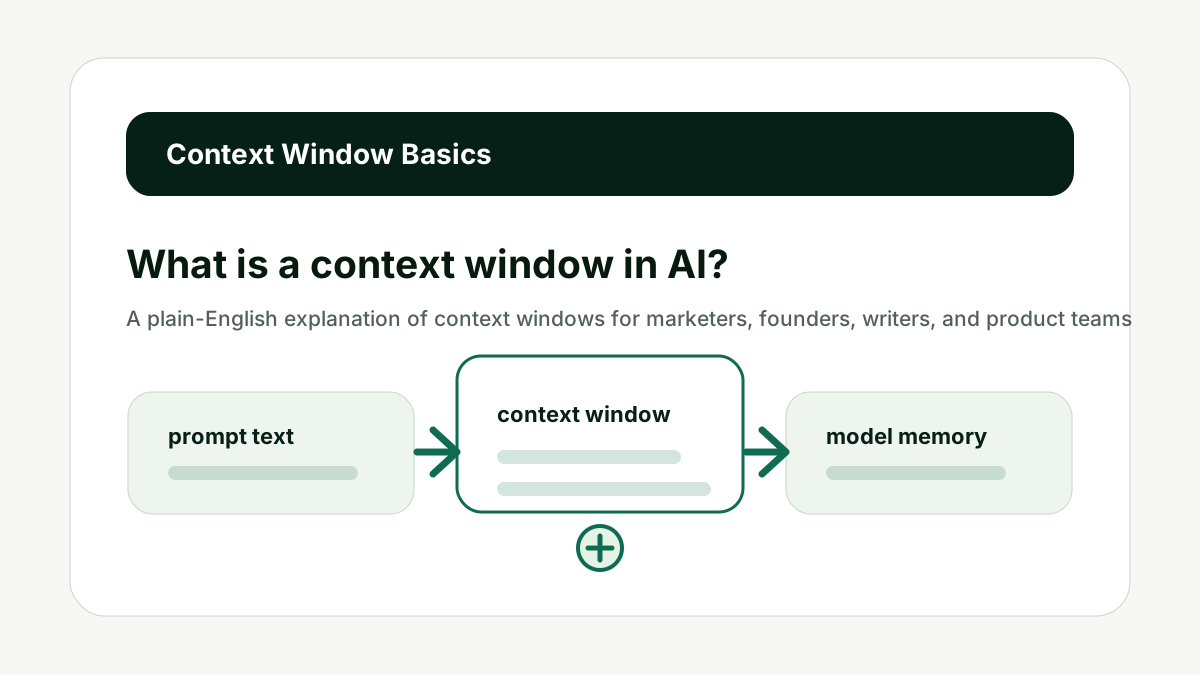
The context window is the model working space for a request. This matters because prompt size is not only a technical limit. It changes answer quality, cost, latency, and how much useful work the model can complete in one response.
It contains the prompt, system instructions, examples, retrieved passages, conversation history, tool messages, and generated output. Once the request is over, the model does not automatically remember everything unless the product stores and resends it.
Do not confuse context window with long-term memory. The better habit is to treat the context window like a budget: spend it on instructions, evidence, examples, and answer room that directly support the current job.
For What is a context window in AI?, the practical standard is simple: the prompt should have one clear task, relevant source context, no stale instructions, and enough remaining space for the answer format. If one of those pieces is missing, a larger model may not fix the workflow.
This is also a content and operations issue. Teams that build reusable AI workflows need prompt-length checks before they turn a useful demo into a template, internal tool, or customer-facing feature.
Use internal links naturally. The prompt checker handles context fit, the AI Token & API Cost Calculator handles budget impact, and the AI Tool Chooser helps when model selection is the real constraint.
Think of It as Working Space keeps the prompt tied to useful context, not just the largest possible input.
What Counts Toward the Window
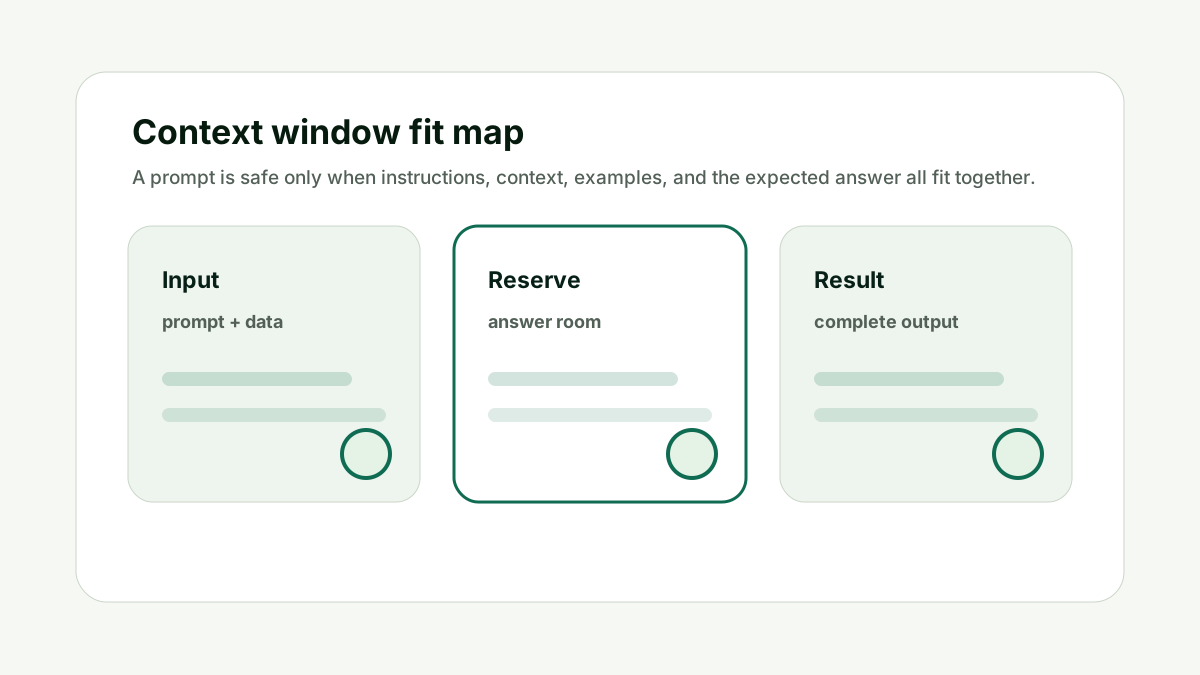
More text counts than most users realize. This matters because prompt size is not only a technical limit. It changes answer quality, cost, latency, and how much useful work the model can complete in one response.
Hidden instructions, formatting, code, tables, previous messages, and source documents all consume context. If an application uses retrieval, the retrieved passages also count.
Do not estimate context from the visible user message alone. The better habit is to treat the context window like a budget: spend it on instructions, evidence, examples, and answer room that directly support the current job.
For What is a context window in AI?, the practical standard is simple: the prompt should have one clear task, relevant source context, no stale instructions, and enough remaining space for the answer format. If one of those pieces is missing, a larger model may not fix the workflow.
This is also a content and operations issue. Teams that build reusable AI workflows need prompt-length checks before they turn a useful demo into a template, internal tool, or customer-facing feature.
Use internal links naturally. The prompt checker handles context fit, the AI Token & API Cost Calculator handles budget impact, and the AI Tool Chooser helps when model selection is the real constraint.
What Counts Toward the Window keeps the prompt tied to useful context, not just the largest possible input.
Why the Answer Also Needs Space
The output has to fit too. This matters because prompt size is not only a technical limit. It changes answer quality, cost, latency, and how much useful work the model can complete in one response.
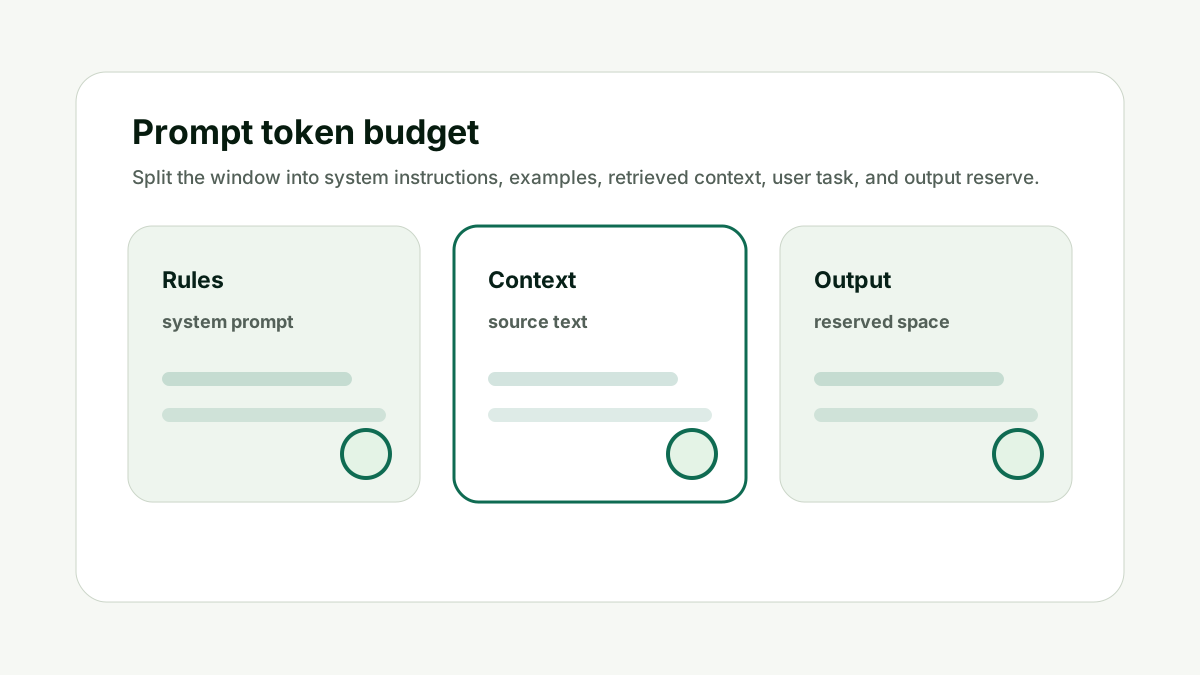
If the input fills the window, the model has little room to answer. This is why context planning should always include an output reserve.
Do not use the entire advertised window for source text. The better habit is to treat the context window like a budget: spend it on instructions, evidence, examples, and answer room that directly support the current job.
For What is a context window in AI?, the practical standard is simple: the prompt should have one clear task, relevant source context, no stale instructions, and enough remaining space for the answer format. If one of those pieces is missing, a larger model may not fix the workflow.
This is also a content and operations issue. Teams that build reusable AI workflows need prompt-length checks before they turn a useful demo into a template, internal tool, or customer-facing feature.
Use internal links naturally. The prompt checker handles context fit, the AI Token & API Cost Calculator handles budget impact, and the AI Tool Chooser helps when model selection is the real constraint.
Why the Answer Also Needs Space keeps the prompt tied to useful context, not just the largest possible input.
Why Large Windows Still Need Planning
A larger context window is useful, but it is not a substitute for relevance. This matters because prompt size is not only a technical limit. It changes answer quality, cost, latency, and how much useful work the model can complete in one response.
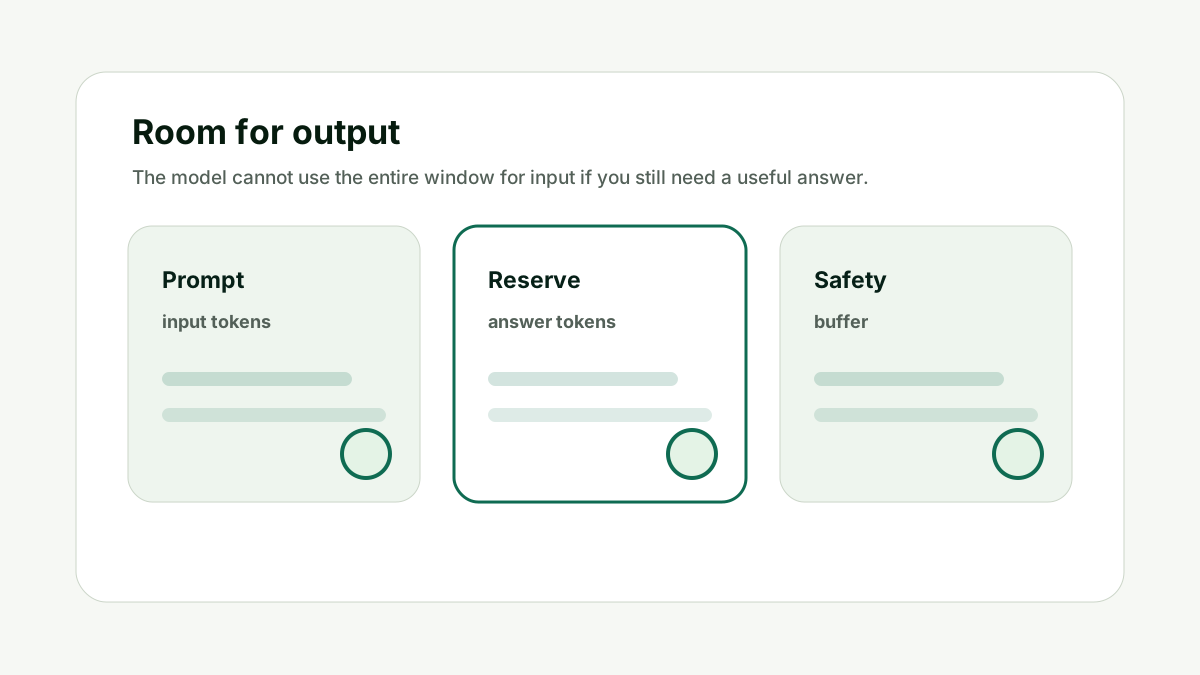
Large windows can hold more text, but noisy context can still weaken the answer. The model may have more to read, but the important details can be harder to prioritize.
Do not paste everything just because the window is large. The better habit is to treat the context window like a budget: spend it on instructions, evidence, examples, and answer room that directly support the current job.
For What is a context window in AI?, the practical standard is simple: the prompt should have one clear task, relevant source context, no stale instructions, and enough remaining space for the answer format. If one of those pieces is missing, a larger model may not fix the workflow.
This is also a content and operations issue. Teams that build reusable AI workflows need prompt-length checks before they turn a useful demo into a template, internal tool, or customer-facing feature.
Use internal links naturally. The prompt checker handles context fit, the AI Token & API Cost Calculator handles budget impact, and the AI Tool Chooser helps when model selection is the real constraint.
Why Large Windows Still Need Planning keeps the prompt tied to useful context, not just the largest possible input.
How Chat History Uses Context
Long chats can become heavy prompts. This matters because prompt size is not only a technical limit. It changes answer quality, cost, latency, and how much useful work the model can complete in one response.
If a product resends conversation history, every new turn can include earlier messages. Summaries and selective memory can reduce context while preserving important decisions.
Do not keep using the same thread when old context is now irrelevant. The better habit is to treat the context window like a budget: spend it on instructions, evidence, examples, and answer room that directly support the current job.
For What is a context window in AI?, the practical standard is simple: the prompt should have one clear task, relevant source context, no stale instructions, and enough remaining space for the answer format. If one of those pieces is missing, a larger model may not fix the workflow.
This is also a content and operations issue. Teams that build reusable AI workflows need prompt-length checks before they turn a useful demo into a template, internal tool, or customer-facing feature.
Use internal links naturally. The prompt checker handles context fit, the AI Token & API Cost Calculator handles budget impact, and the AI Tool Chooser helps when model selection is the real constraint.
How Chat History Uses Context keeps the prompt tied to useful context, not just the largest possible input.
How to Use the Window Well
The goal is not maximum length. The goal is useful context density. This matters because prompt size is not only a technical limit. It changes answer quality, cost, latency, and how much useful work the model can complete in one response.
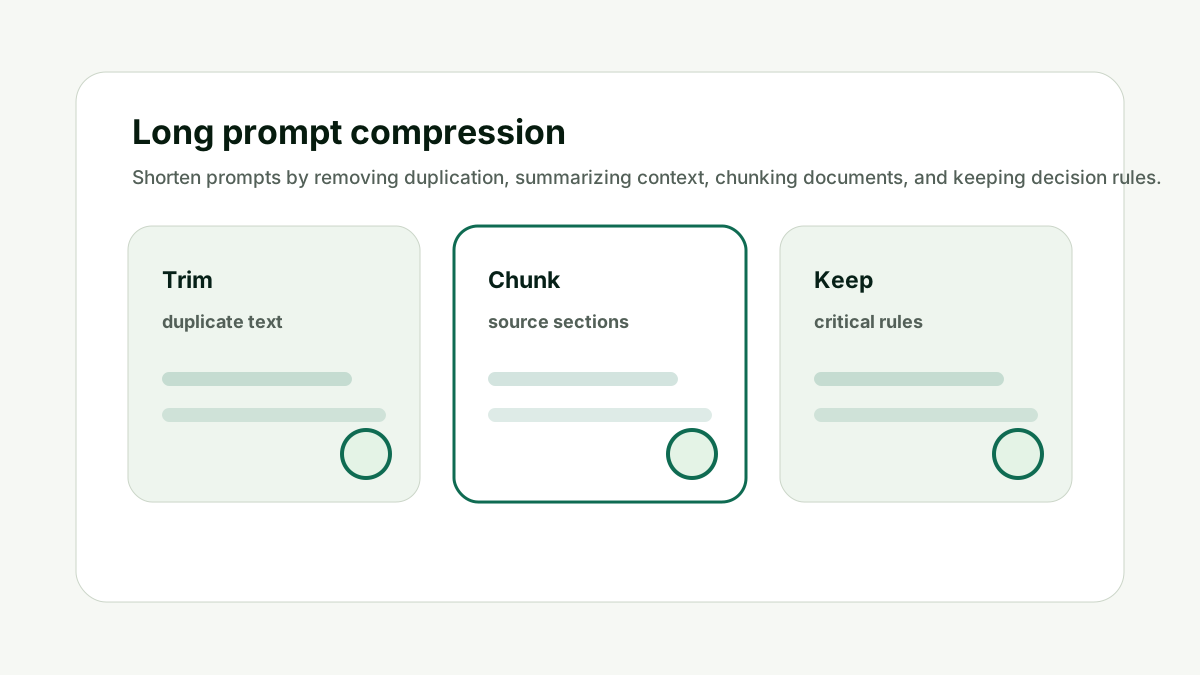
Send the facts, rules, examples, and source passages needed for the current job. Keep the instructions clear, reserve output room, and split complex tasks into stages.
Do not optimize for filling the window; optimize for answer quality. The better habit is to treat the context window like a budget: spend it on instructions, evidence, examples, and answer room that directly support the current job.
For What is a context window in AI?, the practical standard is simple: the prompt should have one clear task, relevant source context, no stale instructions, and enough remaining space for the answer format. If one of those pieces is missing, a larger model may not fix the workflow.
This is also a content and operations issue. Teams that build reusable AI workflows need prompt-length checks before they turn a useful demo into a template, internal tool, or customer-facing feature.
Use internal links naturally. The prompt checker handles context fit, the AI Token & API Cost Calculator handles budget impact, and the AI Tool Chooser helps when model selection is the real constraint.
How to Use the Window Well keeps the prompt tied to useful context, not just the largest possible input.
How This Fits the Wider AI Workflow
The useful way to think about What is a context window in AI? is that prompt length is part of workflow design. A prompt is not just text; it is the instructions, source material, examples, history, and reserved answer space that shape the final output.
The technical foundation comes from tokenization and transformer language models. Research such as subword tokenization, Attention Is All You Need, and few-shot language model research explains why prompts, examples, and generated answers all consume finite space.
For exact tokenizer behavior, use provider tooling where available, such as the OpenAI tokenizer, and read current model documentation for context limits before building production workflows. The checker on this site is a practical planning aid, not a replacement for model-specific tokenizer tests.
Use the checker as a teaching aid when deciding what context belongs in a prompt. If the prompt affects content or AI search work, pair this with the GEO / LLM SEO Planner for prompt strategy and the AI Citation Readiness Checker when page-level evidence is the bottleneck.
The goal is a workflow that fits, answers completely, costs what you expect, and stays maintainable after prompts evolve.
A Simple Worked Example
A legal marketing team pastes an entire website audit into an AI tool and asks for a priority plan. The model gives a generic answer because the prompt contains too many unrelated details.
A better prompt sends the audit summary, the top five issues, the target audience, and the decision needed today. The unused appendix stays outside the prompt unless a later step needs it.
The context window is the same concept in both cases, but the second prompt uses it better. It gives the model less noise and more decision-ready information.
That is the point: context windows reward selective context, not unlimited dumping.
Practical action checklist
- Count hidden instructions and visible text.
- Reserve room for the answer.
- Use relevant context, not all context.
- Summarize old chat history when needed.
- Split complex jobs into stages.
- Treat context as working space, not memory.
What I Would Do Next
Paste a real prompt into the checker.
Identify which text counts toward input.
Remove or summarize the least useful context before rerunning.
Conclusion
What is a context window in AI? matters because prompt length affects more than whether text fits. It affects answer quality, completion, cost, latency, and whether the workflow can be maintained over time.
The practical answer is to estimate tokens, reserve output room, remove noisy context, split large tasks, and test worst-case prompts before relying on a workflow.
When the prompt budget is clear, the model has a better chance of doing the job completely and predictably.
FAQ
Is context window the same as memory?
No. Context is the working text available in the current request. Memory depends on the product storing and resending information.
Do previous chat messages count?
They can, if the product sends them as part of the current request.
Does a larger context window always mean better answers?
No. Larger windows help with long inputs, but irrelevant or noisy context can still hurt quality.
Should I use all available context?
No. Leave room for output and send only context that helps the task.

Adam O'neil
1stpage Editorial Team
Our 1stpage editorial team combines hands-on SEO agency experience with evidence-backed search performance guidance. These posts are built from real search wins, audit-grade insight, and conversion-tested tactics designed to help agencies, founders, and search teams earn more traffic and trust.