Short answer
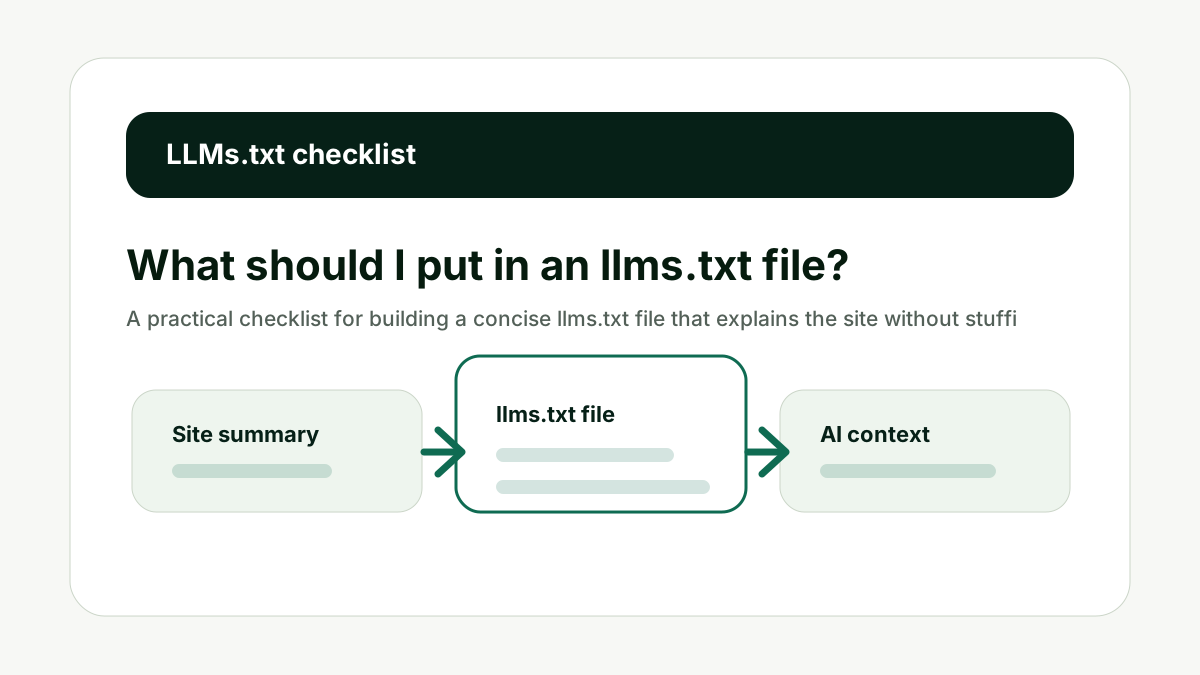
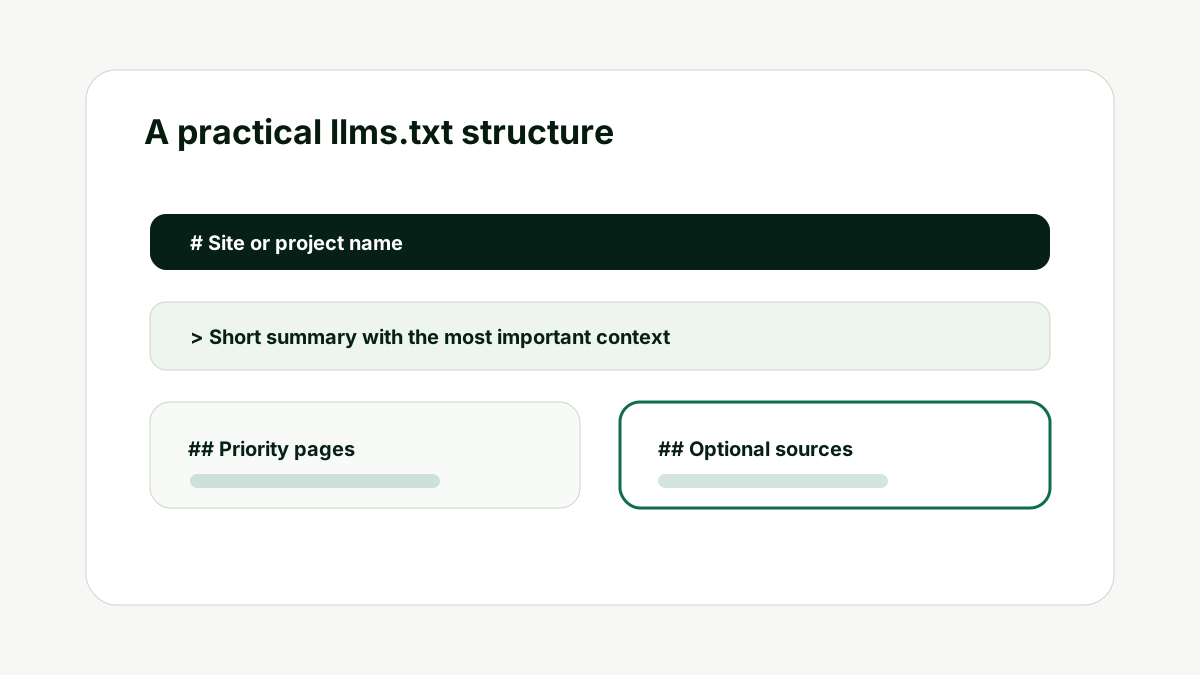
Put the site name, a short summary, priority pages, supporting resources, sitemap link, and any important interpretation notes in the file. Keep it concise. The file should guide AI systems toward the clearest sources, not become a second sitemap.
The useful way to think about this is not "will one file make AI systems recommend me?" The better question is whether your site gives crawlers, retrieval tools, and human reviewers a clean route to the pages that matter.
Reader question
"What should I add first?"
Start with the site summary and priority URLs in the Free LLMs.txt Generator, then add optional sections only when they help explain the site.
Table of Contents
I am going to answer this as a practical website-operations question, not as a hype cycle question.
An llms.txt file can be useful, but it works best when the surrounding site is already clear. The file should describe the site, point to important pages, and reduce ambiguity. It should not become a shortcut around weak content, blocked pages, or missing proof.
Here is how I would evaluate it across the parts that matter.
Site Summary
The first item is a short site summary. This should say what the site is, who it serves, and what topics it covers. The summary should be plain enough that a reader can understand it without opening the homepage.
Do not write a slogan. A slogan is usually too vague. Write the category, audience, and main outcome. A SaaS site might say it helps finance teams automate reconciliation. An agency might say it provides link building and AI visibility services for growth teams.
If the summary is hard to write, that is useful feedback. It means the positioning needs work before the file can help.
The summary is the top-level context. Make it factual, current, and specific.
Canonical Domain
The file should make the canonical domain obvious. If the site uses www, say so. If it has subdomains for docs or app pages, decide whether those belong in the same context or a separate file.
This matters because AI systems and crawlers may encounter duplicate or alternate URLs. Clean domain guidance reduces ambiguity and helps the file point to the version of the site you actually want treated as primary.
For technical checks, pair this with the Indexability and Canonical Checker so your priority URLs are not fighting canonical or noindex signals.
Canonical clarity prevents the file from pointing to the wrong version of your own site.
Priority URLs
Priority URLs are the pages you would want someone to read before explaining the business. They are not every URL. They are the pages that define the site.
For most commercial sites, this includes the homepage, main service or product pages, case studies, documentation, pricing or order pages, about page, and contact page. For content-heavy sites, it may include pillar guides and original research.
Each priority URL should include a short description. The description explains why the page matters, so the file is more useful than a plain list of links.
Priority URLs make the file useful. Add descriptions so the context is clear.
Optional Sources
The llms.txt proposal includes the idea of optional sections. This is helpful when a source may be useful but should not be loaded first if context is limited.
Optional sources can include older blog posts, long documentation sections, supporting research, changelogs, glossary pages, or policy pages. They are useful, but they are not always essential to the first answer.
Use optional sections to keep the file concise. If everything is marked as priority, nothing is priority.
Optional sections protect the main signal. They keep secondary sources available without crowding the core summary.
Interpretation Notes
Add short interpretation notes when the site has edge cases. For example, you might say that archived pages are historical, documentation is canonical for product features, or current service pages should be preferred over old announcements.
These notes should be factual. Avoid marketing copy, hidden instructions, or claims that are not supported by the pages. The purpose is to reduce ambiguity, not manipulate a model.
If your brand is often described incorrectly, run a Brand-in-AI Snapshot as well. The file can clarify your site, but wider source gaps may still shape how AI systems describe you.
Interpretation notes are useful when they explain real site structure and reduce ambiguity.
Review Date
A useful file should have an internal review habit even if the file itself does not need a visible date. The team should know when it was last checked and what changed.
Review the file when you add a major product, remove an offer, publish a new case study, change positioning, or discover that AI answers are using old information.
The file is small, so maintenance should be easy. The hard part is remembering to update it when the site evolves.
A file that stays current is more useful than a perfect file that becomes stale.
How This Fits the Wider AI Search Workflow
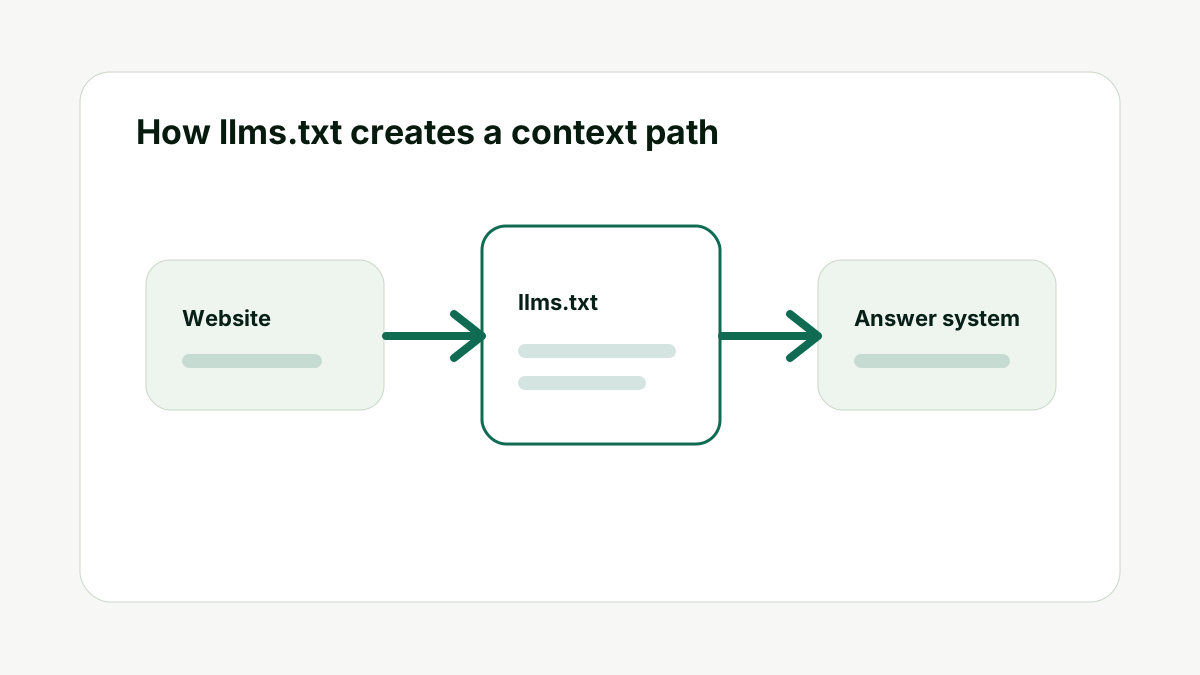
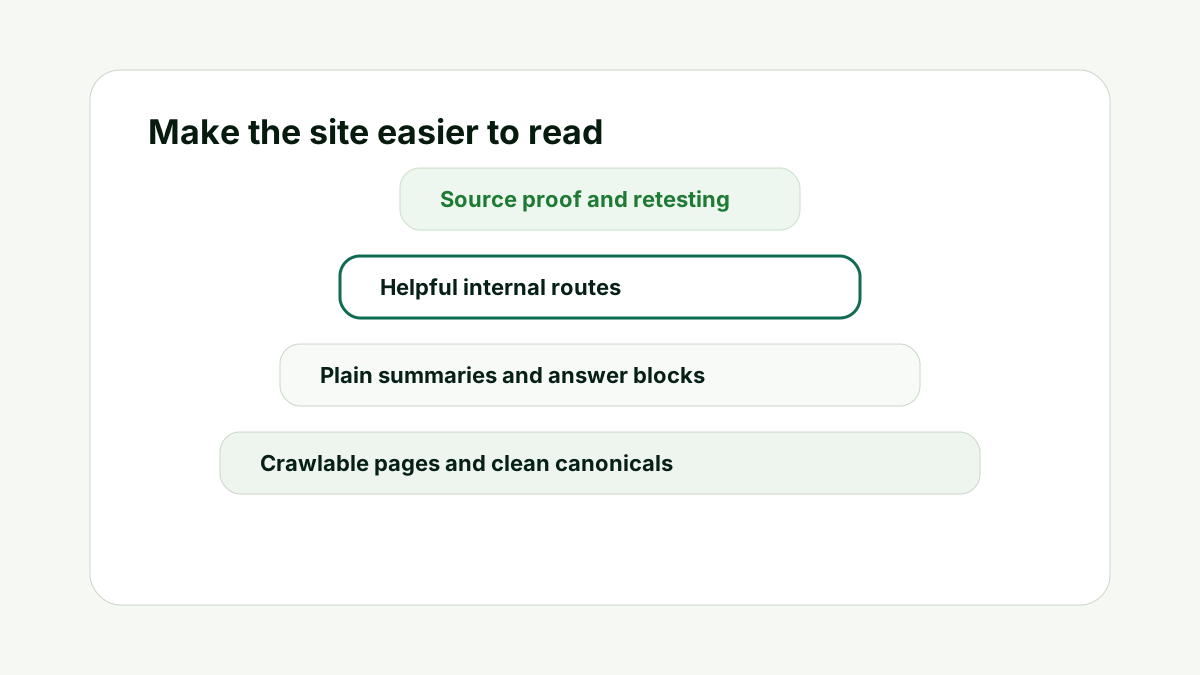
The important thing with What should I put in an llms.txt file? is to avoid treating the file as an isolated SEO task. It belongs inside a wider workflow that starts with crawlability, moves into page clarity, then uses llms.txt as the curated map for the pages that deserve attention.
That order matters. If the page is blocked, the file cannot make it accessible. If the page is vague, the file cannot make it authoritative. If outside sources describe the brand differently, the file cannot erase the wider source gap. The file is useful because it makes the intended site structure visible, but it still depends on the quality of the pages and sources it points to.
In practice, I would use the file as a checkpoint. If a URL is important enough to include in llms.txt, it should also be strong enough to answer its core question clearly. It should have a stable canonical URL, a useful title, headings that match the topic, and enough proof to support the claims. If a page fails that check, improve the page before making it a priority source.
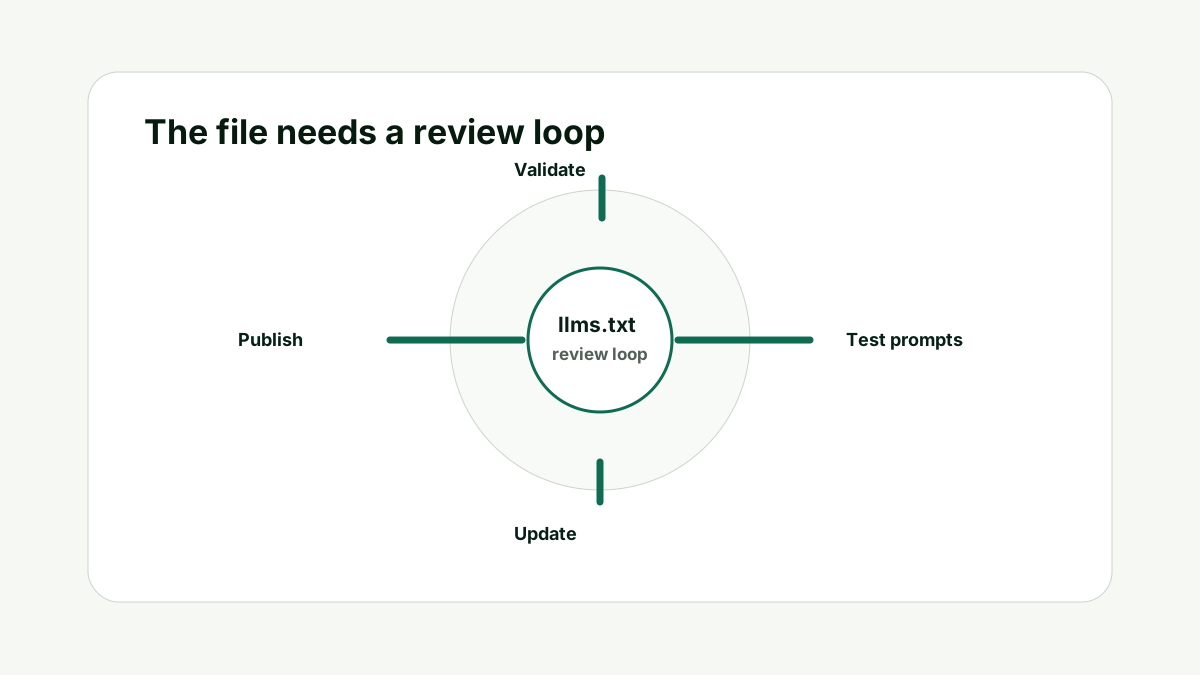
I would also connect the file to measurement. After publishing or updating it, run the prompts that matter to the business. Check whether the brand appears, whether the description is accurate, and whether the answer seems to rely on better sources. If the answers do not improve, the next step is not to stuff the file with more URLs. The next step is to improve the pages, source proof, and internal routes that support the file.
For teams, this also gives the file a clear owner. Someone should know which URLs are approved, which pages are optional, and which claims are no longer current. Without that owner, llms.txt can quietly drift away from the site it is supposed to explain.
That is why llms.txt should feel boring in the best way. It should be clear, current, and useful. The strategy is not to impress a model with a clever file. The strategy is to make your website easier to understand from the strongest available evidence.
A Simple Worked Example
For a service company, I would start with the company name, canonical domain, and a two-sentence summary. Then I would add the homepage, main service page, about page, case studies page, contact page, and privacy or terms page if they support trust.
For each URL, I would add one short note. The note might say "main service overview", "proof examples", or "contact and support route". That is enough. The file should not become a sales letter.
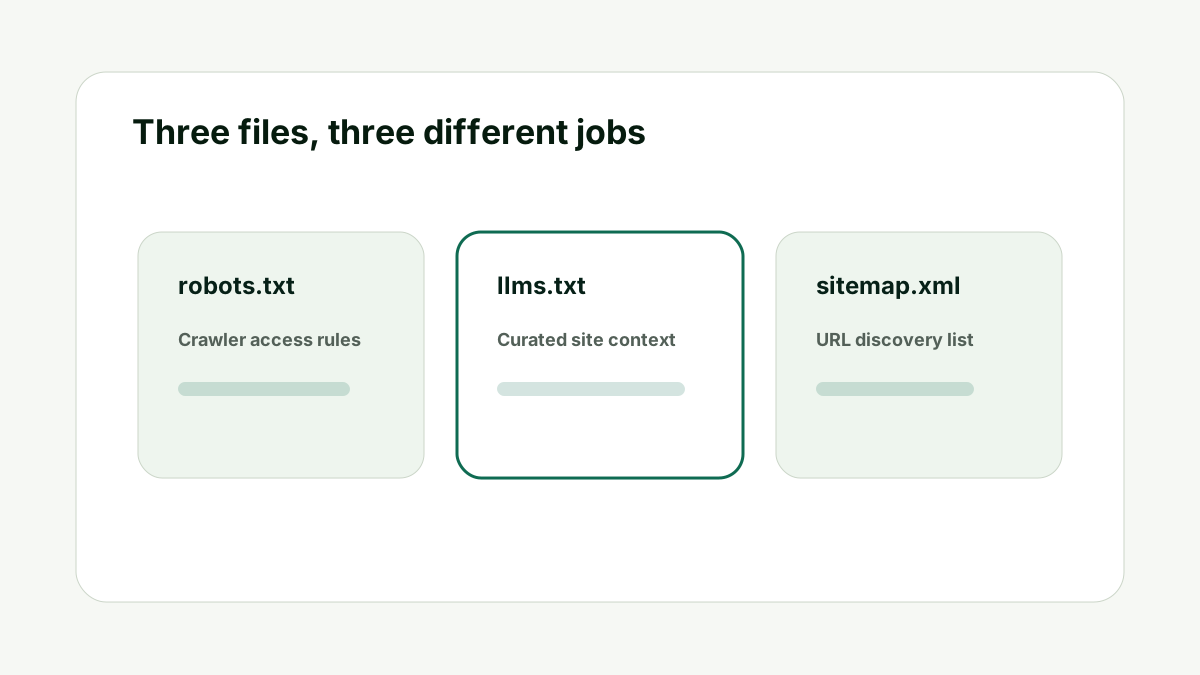
Then I would add an optional section for educational posts. If the site has many blog posts, I would include only the strongest guides or a blog index page. The sitemap can list everything else.
Finally, I would review the file by asking whether a stranger could understand the business from it in less than a minute. If the answer is no, the file is too vague or too crowded.
Practical action checklist
- Write the exact site context the file should clarify.
- List only the priority URLs that support that context.
- Check crawlability before blaming AI systems for missing the page.
- Add contextual internal links only when they help the reader take the next step.
- Review the file after major site, product, or positioning changes.
What I Would Do Next
Open the generator and create a first draft with only the site summary and the five to ten most important URLs.
Review the output for clarity. Remove weak links. Add descriptions to the pages that matter.
Upload the file and then test the pages it points to with citation and visibility tools.
Conclusion
What should I put in an llms.txt file? is a useful question because it separates AI-search preparation from guesswork.
The practical answer is to make the site easy to understand first, then use llms.txt as the concise map. Keep the file current, point it to strong pages, and test whether the answers around your brand improve over time.
That gives your team a better workflow than publishing a file once and hoping an AI system does the rest.
FAQ
How many URLs should I include?
There is no fixed number. Start with the pages that define the site. For many businesses, five to fifteen priority URLs is enough.
Should I include every blog post?
Usually no. Use the sitemap for broad discovery and use llms.txt for curated context. Include only the strongest posts or a blog index.
Should I include external sources?
Only when they genuinely help explain the site, product, documentation, or proof. Keep the file focused.
Can I include instructions to AI models?
You can include factual guidance about the site, but avoid manipulative or unsupported instructions. The file should clarify, not make claims the site cannot prove.

Adam O'neil
1stpage Editorial Team
Our 1stpage editorial team combines hands-on SEO agency experience with evidence-backed search performance guidance. These posts are built from real search wins, audit-grade insight, and conversion-tested tactics designed to help agencies, founders, and search teams earn more traffic and trust.