Short answer
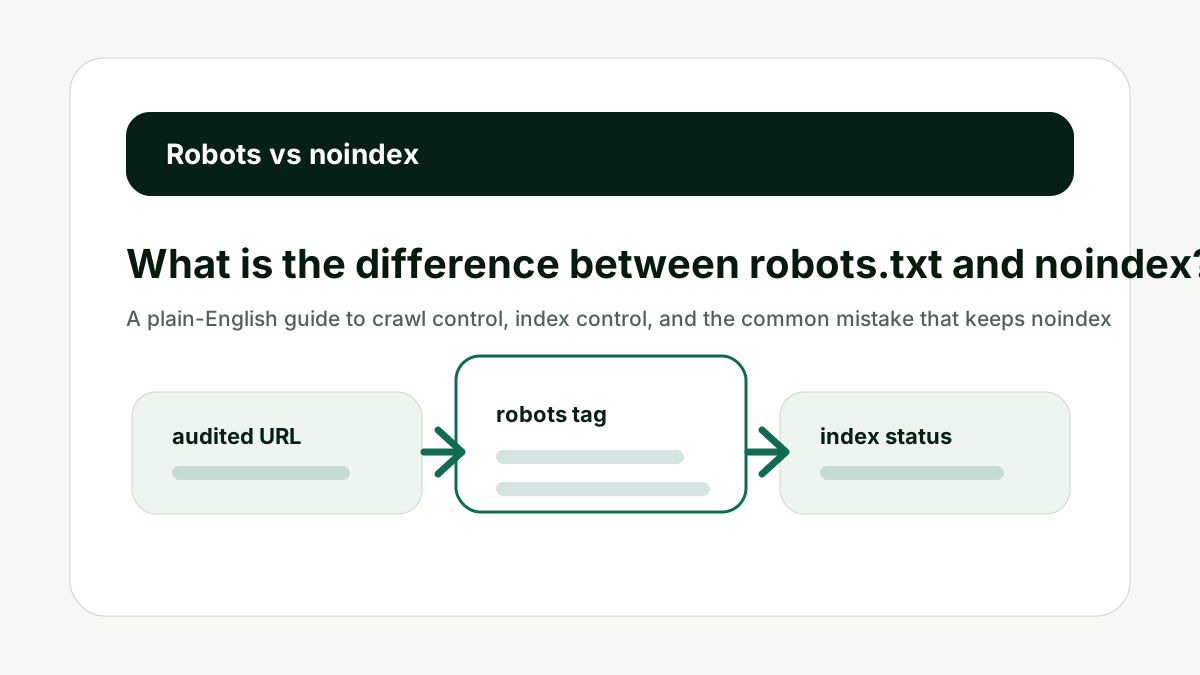
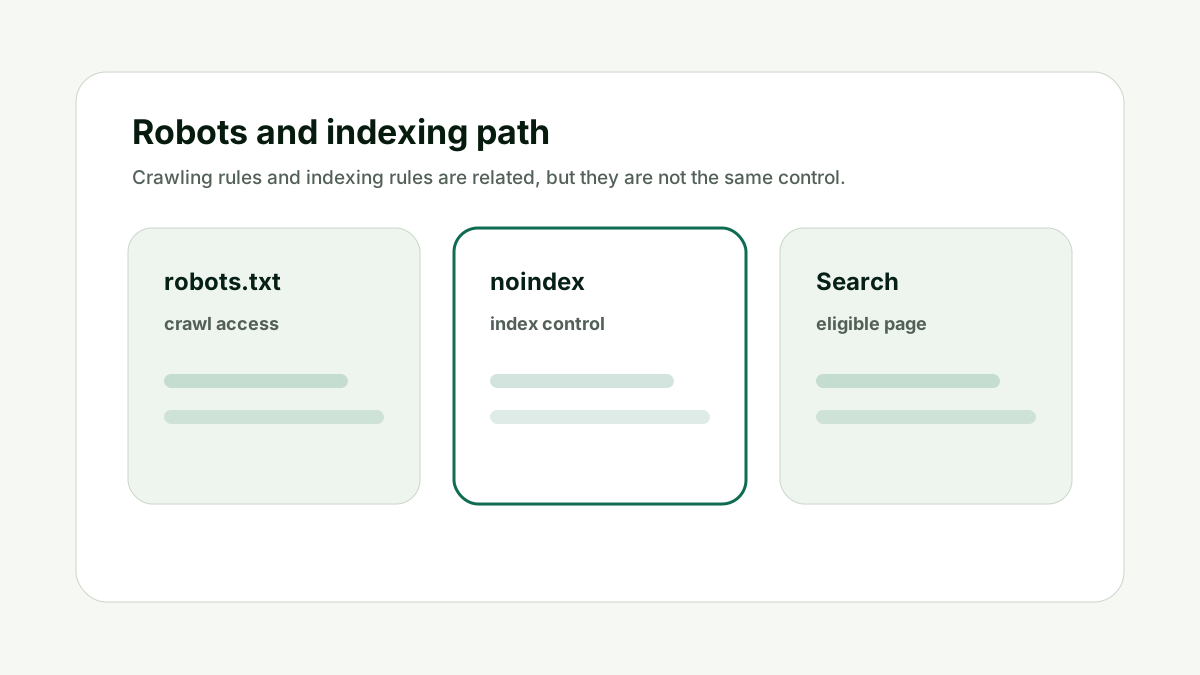
Robots.txt controls crawler access to URLs. Noindex controls whether a page should be included in search results after it is crawled. If a page is blocked in robots.txt, search engines may not see a noindex directive on that page.
The useful way to think about this is not "what does one warning label mean?" The better question is whether every crawl, index, canonical, sitemap, and metadata signal supports the same URL outcome.
Reader question
"Which one removes a page from Google?"
Use noindex or access controls for removal from search, not robots.txt alone. First check the page with the Indexability and Canonical Checker so you know which control is present.
Table of Contents
I am going to answer this as a practical technical SEO workflow, not as a single-tag superstition.
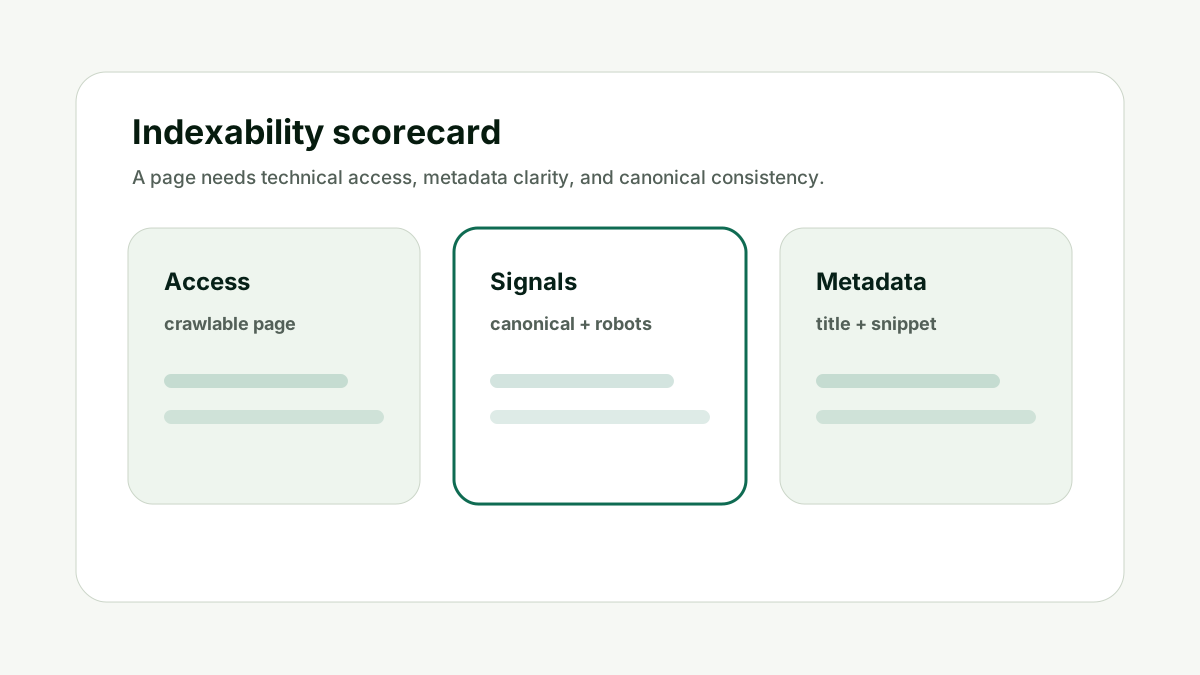
Indexability is usually a stack of signals. The URL has to be reachable, allowed, canonical, internally supported, listed appropriately, and useful enough to be selected.
Here is the framework I would use for a team blocks a URL in robots.txt and wonders why the URL can still appear without a normal snippet.
Crawl Control
For What is the difference between robots.txt and noindex?, crawl control matters because robots.txt primarily tells compliant crawlers which URLs they may access. This is where many audits go wrong: teams see one warning in a tool and start editing content before they know whether the page is even sending a clean crawl or canonical signal.
Use robots.txt to manage crawl traffic, protect crawl budget, or keep crawlers out of unimportant paths. Google states that robots.txt is not the right mechanism for keeping a web page out of Google results.
Do not treat robots.txt as a privacy, security, or guaranteed removal system. The practical test is simple: would a crawler, sitemap, internal link, and canonical tag all point to the same intended outcome? If not, the signal needs cleanup before you move to content or authority work.
Crawl Control is one of the signals that decides whether the page can be evaluated cleanly.
Index Control
For What is the difference between robots.txt and noindex?, index control matters because noindex tells search engines not to include the page in search results once they can crawl and see the directive. This is where many audits go wrong: teams see one warning in a tool and start editing content before they know whether the page is even sending a clean crawl or canonical signal.
Use a robots meta tag for HTML pages or an X-Robots-Tag HTTP header for files and responses where HTML meta tags are not available.
Do not block the page in robots.txt if the crawler needs to see the noindex directive. The practical test is simple: would a crawler, sitemap, internal link, and canonical tag all point to the same intended outcome? If not, the signal needs cleanup before you move to content or authority work.
Index Control is one of the signals that decides whether the page can be evaluated cleanly.
Blocked But Visible
For What is the difference between robots.txt and noindex?, blocked but visible matters because a URL blocked by robots.txt can still be discovered through links and may appear in search without normal page content. This is where many audits go wrong: teams see one warning in a tool and start editing content before they know whether the page is even sending a clean crawl or canonical signal.
If the goal is removal from search, remove the block long enough for noindex to be discovered or use another proper removal/access method depending on the situation.
Do not assume disallow means invisible. It means crawl access is restricted. The practical test is simple: would a crawler, sitemap, internal link, and canonical tag all point to the same intended outcome? If not, the signal needs cleanup before you move to content or authority work.
Blocked But Visible is one of the signals that decides whether the page can be evaluated cleanly.
Canonical Impact
For What is the difference between robots.txt and noindex?, canonical impact matters because robots blocks can also hide canonical signals that exist on the page. This is where many audits go wrong: teams see one warning in a tool and start editing content before they know whether the page is even sending a clean crawl or canonical signal.
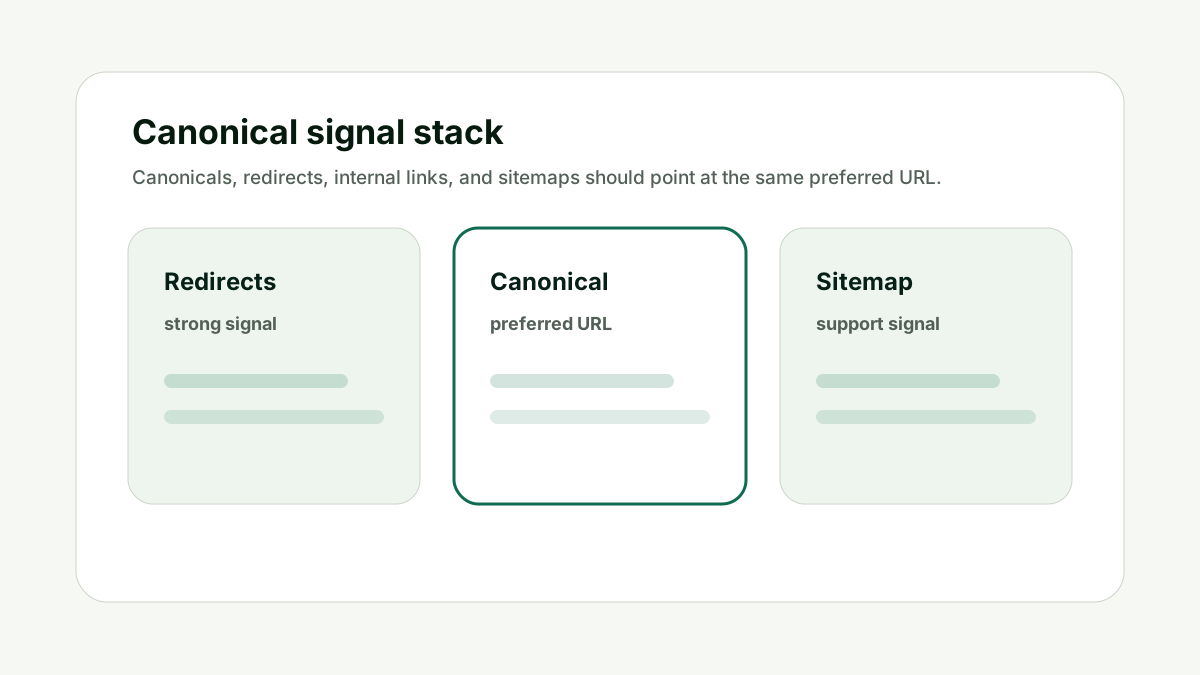
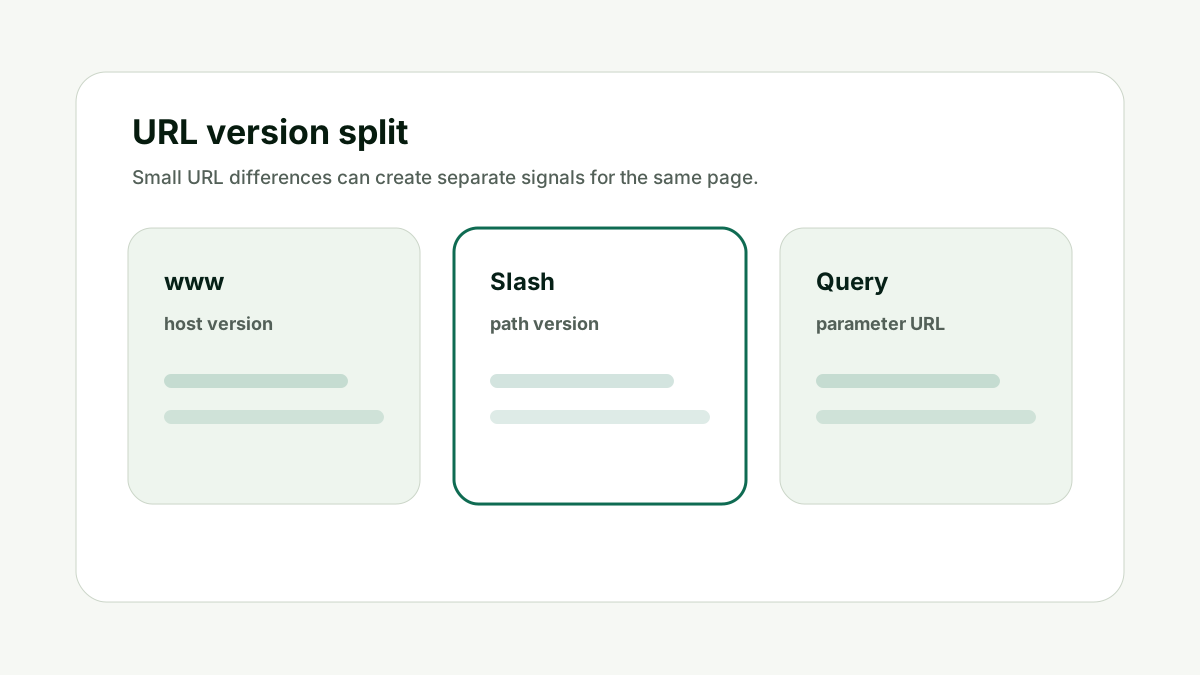
If a duplicate URL is blocked, Google may not see the canonical tag pointing to the preferred URL. Canonicalization is better handled through redirects, rel canonical tags, and consistent internal links.
Do not use robots.txt as a canonicalization tool. The practical test is simple: would a crawler, sitemap, internal link, and canonical tag all point to the same intended outcome? If not, the signal needs cleanup before you move to content or authority work.
Canonical Impact is one of the signals that decides whether the page can be evaluated cleanly.
File Types
For What is the difference between robots.txt and noindex?, file types matters because HTML pages and non-HTML files often need different indexing controls. This is where many audits go wrong: teams see one warning in a tool and start editing content before they know whether the page is even sending a clean crawl or canonical signal.
Use robots meta tags for HTML. Use X-Robots-Tag headers for PDFs, images, and other non-HTML resources when you need indexing rules.
Do not expect an HTML meta tag to control a PDF or image response. The practical test is simple: would a crawler, sitemap, internal link, and canonical tag all point to the same intended outcome? If not, the signal needs cleanup before you move to content or authority work.
File Types is one of the signals that decides whether the page can be evaluated cleanly.
Validation
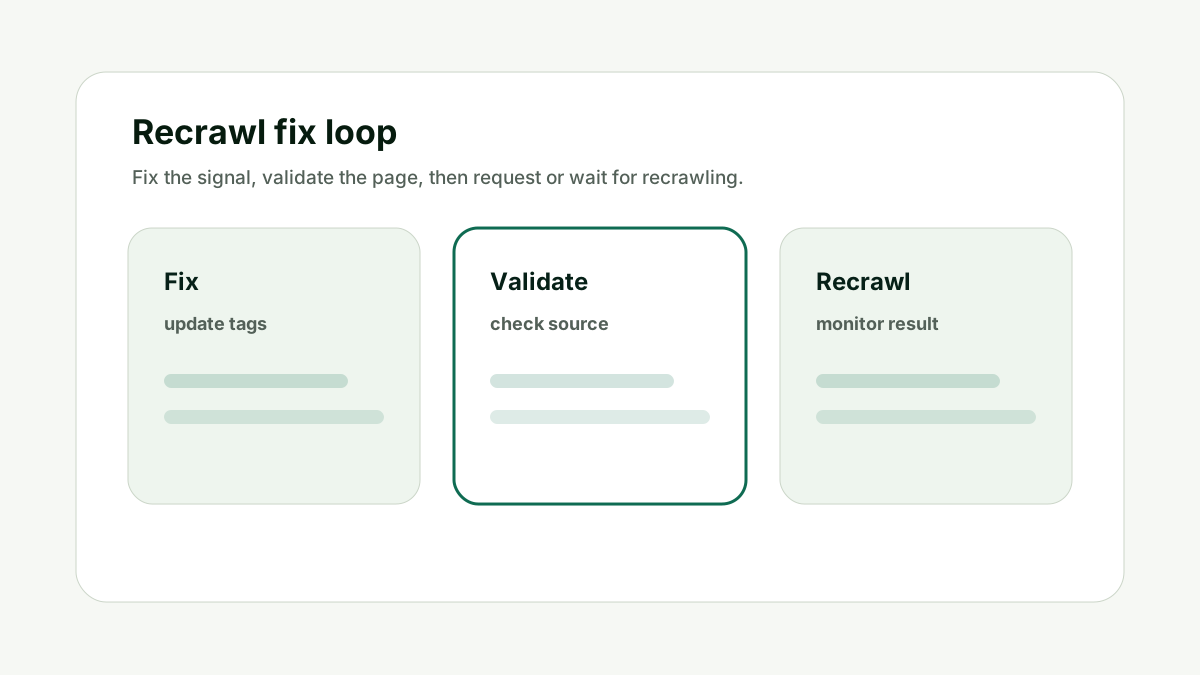
For What is the difference between robots.txt and noindex?, validation matters because crawl and index controls should be validated from the final live URL. This is where many audits go wrong: teams see one warning in a tool and start editing content before they know whether the page is even sending a clean crawl or canonical signal.
Check the robots.txt rule, page source, response headers, canonical tag, and final URL after redirects. The exact combination matters.
Do not debug from a staging URL or copied snippet if the live URL behaves differently. The practical test is simple: would a crawler, sitemap, internal link, and canonical tag all point to the same intended outcome? If not, the signal needs cleanup before you move to content or authority work.
Validation is one of the signals that decides whether the page can be evaluated cleanly.
How This Fits the Wider SEO and AI Search Workflow
The important thing with What is the difference between robots.txt and noindex? is to treat indexability as the foundation, not as a final polish item. The real job is choosing the right crawl or index control, then making sure the page can support SEO, AI citation, and authority work without technical confusion.
That order matters because many teams try to solve an indexing problem with more content, more links, or more AI-search tooling. Those can help only after the URL is crawlable, indexable, canonical, internally linked, and represented consistently in the sitemap.
I would use the indexability check as a gate. If the URL fails because it is blocked, noindexed, canonicalized elsewhere, missing from the sitemap, or internally orphaned, fix that first. If the page passes technically but still does not perform, then the issue may be quality, relevance, authority, or source proof.
This is also where internal links should stay natural. Link to another tool or service only when it helps the reader take the next step. A page with forced internal links is not more trustworthy; it is just more cluttered.
Check whether the page is blocked from crawling before expecting crawlers to discover noindex. Once the URL is technically clean, use citation-readiness and visibility tools to test whether the page is useful enough for AI answers and search snippets.
Good indexability work is quiet. It does not create a flashy campaign asset, but it prevents the campaign from being built on the wrong URL.
A Simple Worked Example
A company adds `Disallow: /old-guides/` to robots.txt because it wants old guide pages removed from search. Weeks later, the URLs still appear, but without useful snippets.
That is a classic control mismatch. Robots.txt restricted crawling, but it did not guarantee removal from results. Because crawlers cannot fetch the page, they may not see a noindex tag on the page either.
I would decide the goal first. If the pages should never appear, use noindex or access controls correctly. If the pages are duplicates, use canonicals or redirects. If the issue is crawl load, robots.txt may be appropriate.
Once the purpose is clear, validate the live URL. The fix is rarely "add more directives." The fix is choosing the right directive for the actual outcome.
Practical action checklist
- Audit the final URL after redirects, not the first URL someone pasted.
- Check robots.txt, robots meta, X-Robots-Tag, canonical, sitemap, and internal links together.
- Make the sitemap, canonical, Open Graph URL, and internal links agree on the preferred URL.
- Fix technical blockers before rewriting or promoting the page.
- Retest after deployment and record what changed.
What I Would Do Next
Decide whether the goal is crawl control, index removal, canonical consolidation, or privacy.
Use robots.txt for crawl access and noindex or access controls for search removal.
Validate that crawlers can actually discover the directive you expect them to obey.
Conclusion
What is the difference between robots.txt and noindex? is a useful question because it separates crawl access, index permission, canonical preference, and page quality.
The practical answer is to make every technical signal point at the same intended URL, then decide whether the page is strong enough to deserve indexing or AI-search visibility.
That gives your team a cleaner workflow than changing tags randomly and waiting for a different report color.
FAQ
Can robots.txt remove a page from Google?
Not reliably. Google says robots.txt is not the mechanism for keeping a web page out of Google. Use noindex or access controls.
Can noindex work if the page is blocked?
If crawlers cannot fetch the page, they may not see the noindex directive. That is why blocking and noindex can conflict.
What is X-Robots-Tag for?
It lets you set robots directives in HTTP headers, which is useful for non-HTML files such as PDFs or images.
Is robots.txt a security tool?
No. Use authentication or other access controls for private content.

Adam O'neil
1stpage Editorial Team
Our 1stpage editorial team combines hands-on SEO agency experience with evidence-backed search performance guidance. These posts are built from real search wins, audit-grade insight, and conversion-tested tactics designed to help agencies, founders, and search teams earn more traffic and trust.