Short answer
Optimize for Google Images by making images crawlable in HTML, using descriptive filenames and alt text, placing images on relevant landing pages, providing high-quality and fast-loading assets, and using image sitemaps where discovery needs help.
For platform rules, use Google's image SEO best practices, the W3C alt text decision tree, and Web.dev image performance guidance as the source of truth.
Reader question
"What matters most for Google Images?"
Start with crawlable images and page context. The AI Image SEO Optimizer can help generate filenames, alt text, captions, and compression notes, but the page itself still has to support the image topic.
Table of Contents
I am going to answer this as an editorial and technical SEO workflow, not as a keyword stuffing exercise.
Images help users understand pages, but they also create crawl, accessibility, performance, and preview signals. That is why the best image SEO work is specific and restrained.
Here is the framework I would use for a publisher or content team wants images to be discoverable in Google Images, Discover, and rich search surfaces.
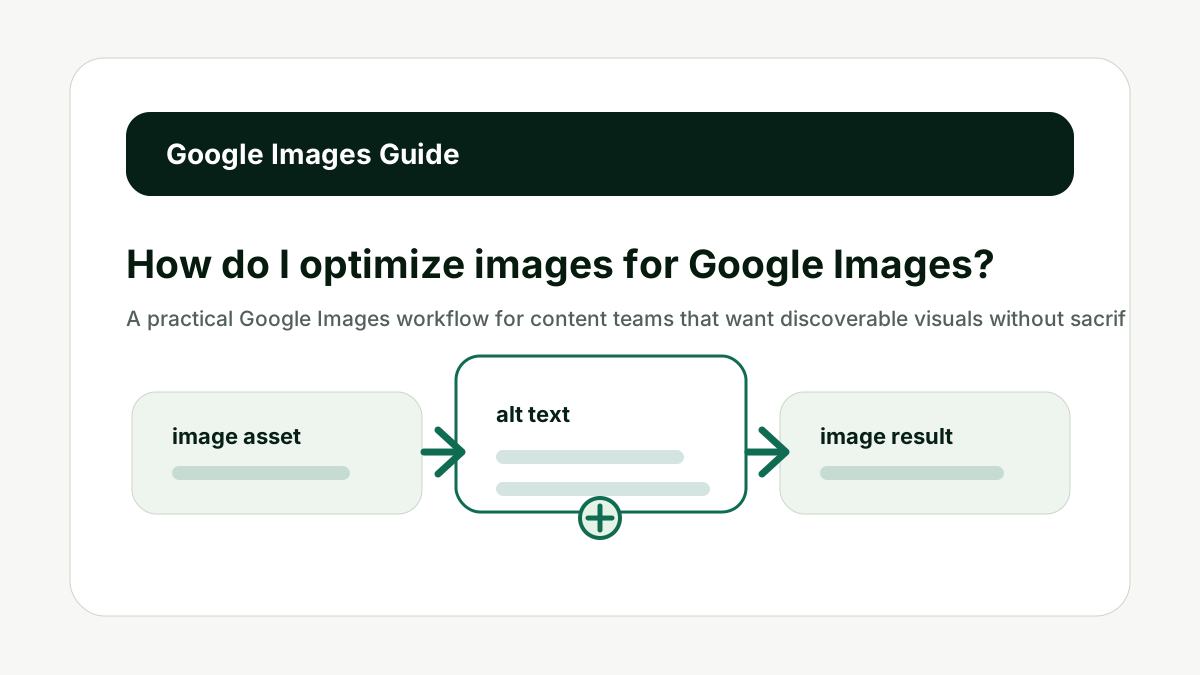
Use HTML Image Elements
For How do I optimize images for Google Images?, use html image elements matters because Google states that standard HTML image elements help crawlers find and process images, while CSS background images are not indexed in the same way. The common mistake is treating image SEO as one field in the CMS when it is really a small system of asset quality, page context, crawlability, accessibility, and performance.
Use img elements with real src attributes. Picture and srcset are fine when they include a fallback image source. This gives crawlers a clear path to the asset.
Do not put important editorial images only in CSS backgrounds. The better habit is to decide what the image contributes, then make the filename, alt text, caption, metadata, and surrounding page support that same job.
This is also where AI output needs human review. A generated filename or alt attribute can save time, but it cannot know whether the screenshot is current, whether a product variant is correct, or whether a chart takeaway is already explained in nearby text.
Use HTML Image Elements is one of the checks that keeps image SEO useful instead of noisy.
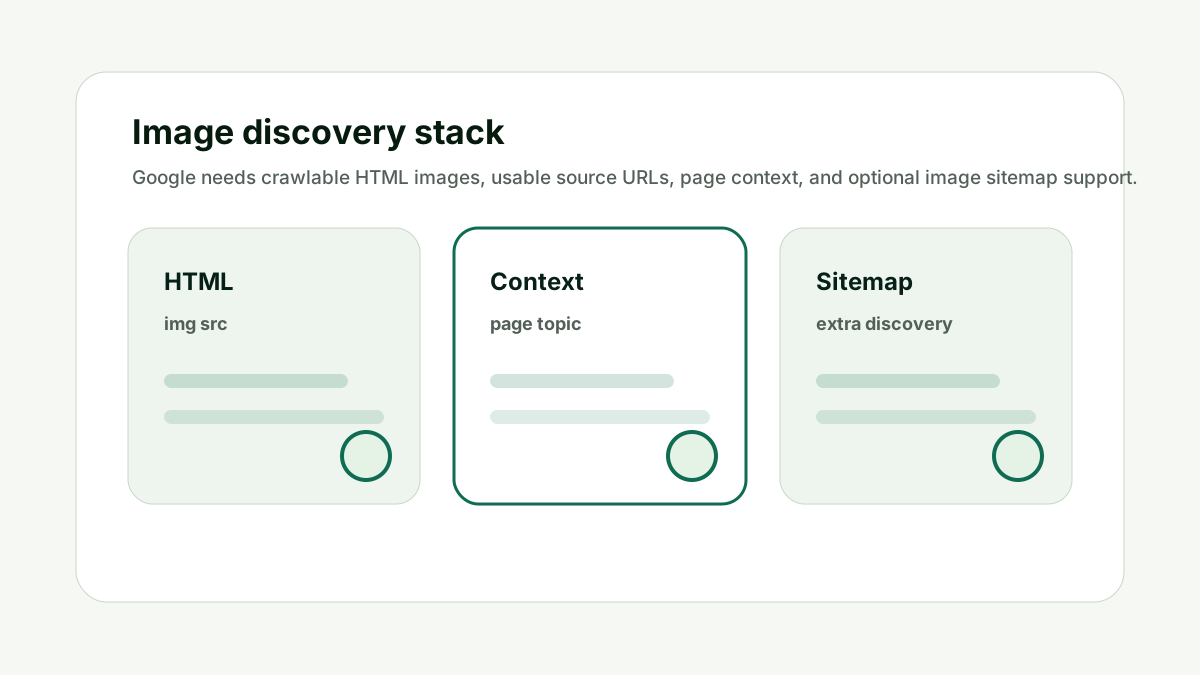
Make the Page Relevant
For How do I optimize images for Google Images?, make the page relevant matters because Google notes that landing page content and metadata influence how and where an image may appear. The common mistake is treating image SEO as one field in the CMS when it is really a small system of asset quality, page context, crawlability, accessibility, and performance.
The page heading, body copy, caption, alt text, and structured data should all reinforce the same image topic. Image SEO is not only an asset task; it is a page task.
Do not expect a strong image to rank from a weak or unrelated landing page. The better habit is to decide what the image contributes, then make the filename, alt text, caption, metadata, and surrounding page support that same job.
This is also where AI output needs human review. A generated filename or alt attribute can save time, but it cannot know whether the screenshot is current, whether a product variant is correct, or whether a chart takeaway is already explained in nearby text.
Make the Page Relevant is one of the checks that keeps image SEO useful instead of noisy.
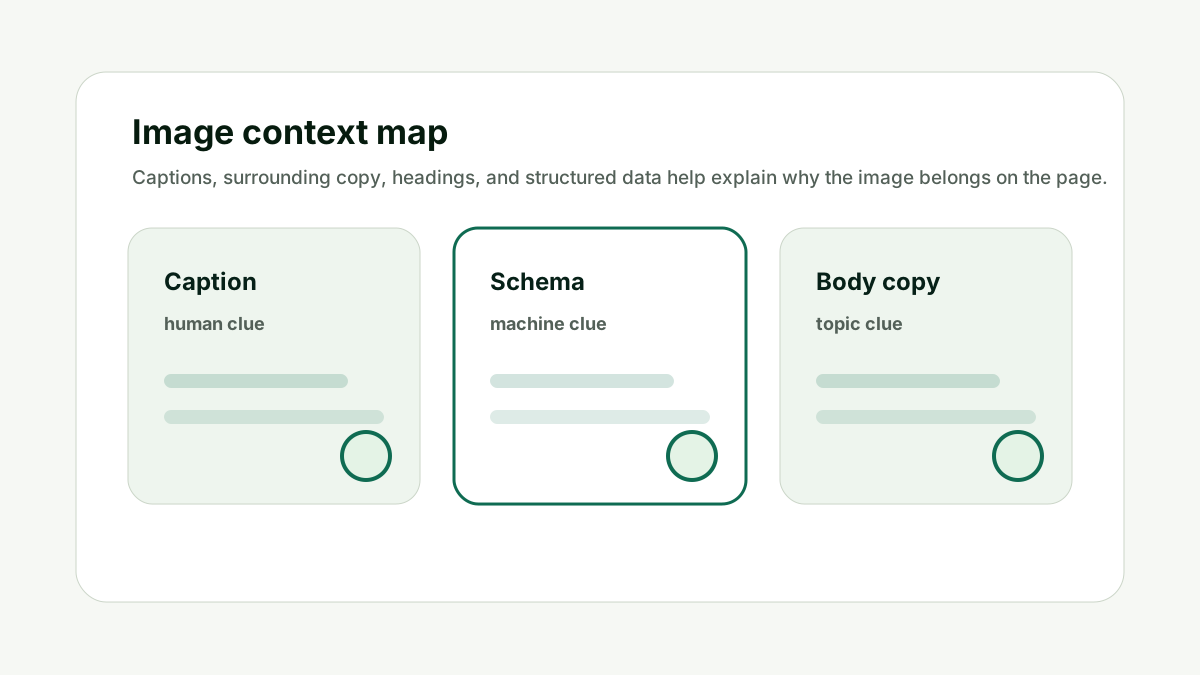
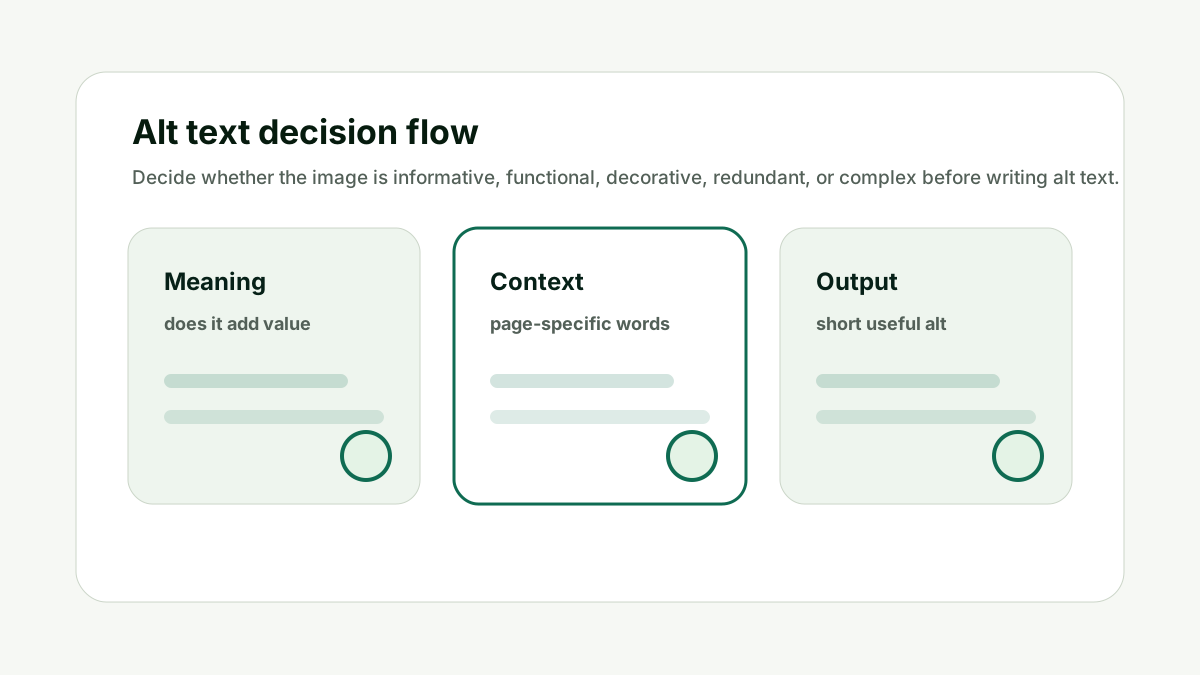
Write Useful Alt Text
For How do I optimize images for Google Images?, write useful alt text matters because alt text helps users and search systems understand what the image contributes. The common mistake is treating image SEO as one field in the CMS when it is really a small system of asset quality, page context, crawlability, accessibility, and performance.
Describe the image in page context. If the image is a chart, summarize the chart. If it is a product image, identify the product and meaningful detail.
Do not use alt text as a pile of synonyms. The better habit is to decide what the image contributes, then make the filename, alt text, caption, metadata, and surrounding page support that same job.
This is also where AI output needs human review. A generated filename or alt attribute can save time, but it cannot know whether the screenshot is current, whether a product variant is correct, or whether a chart takeaway is already explained in nearby text.
Write Useful Alt Text is one of the checks that keeps image SEO useful instead of noisy.
Choose a Clean Filename
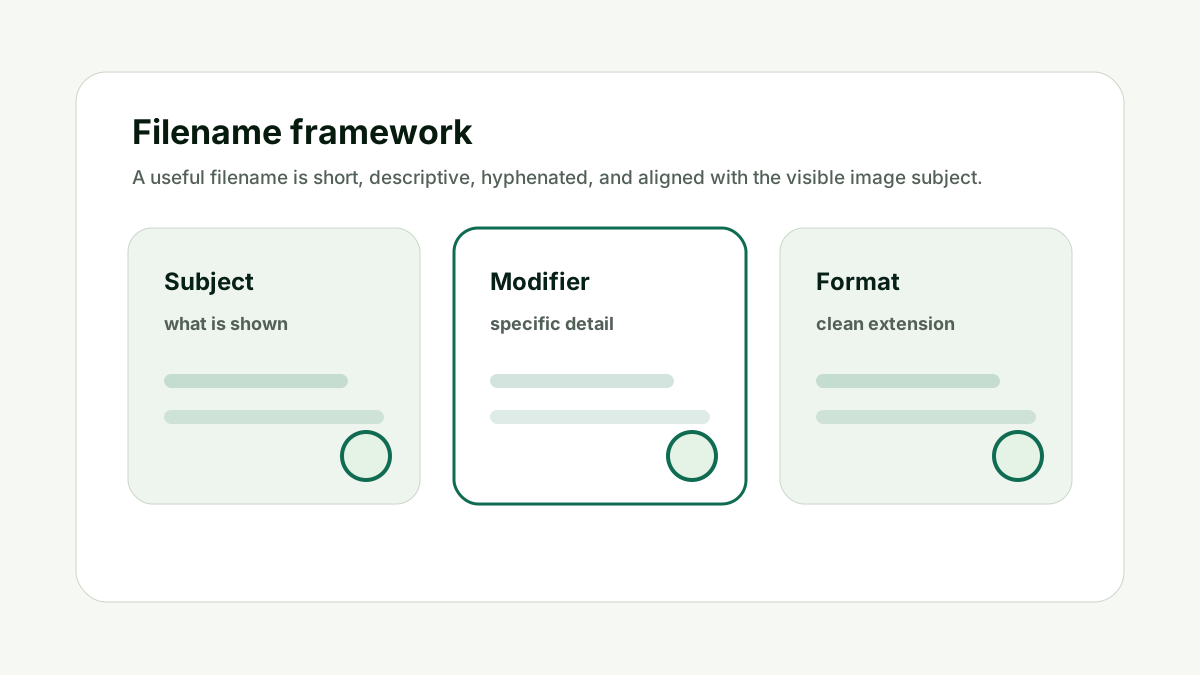
For How do I optimize images for Google Images?, choose a clean filename matters because a descriptive filename is another useful clue about image content. The common mistake is treating image SEO as one field in the CMS when it is really a small system of asset quality, page context, crawlability, accessibility, and performance.
Rename assets before upload with short, hyphenated phrases that match the visual subject. Keep extensions aligned with the actual format.
Do not leave key assets as IMG_0007.jpg or screenshot-final-final.png. The better habit is to decide what the image contributes, then make the filename, alt text, caption, metadata, and surrounding page support that same job.
This is also where AI output needs human review. A generated filename or alt attribute can save time, but it cannot know whether the screenshot is current, whether a product variant is correct, or whether a chart takeaway is already explained in nearby text.
Choose a Clean Filename is one of the checks that keeps image SEO useful instead of noisy.
Use Image Sitemaps When Needed
For How do I optimize images for Google Images?, use image sitemaps when needed matters because Google says image sitemaps can help provide URLs of images that might not otherwise be discovered. The common mistake is treating image SEO as one field in the CMS when it is really a small system of asset quality, page context, crawlability, accessibility, and performance.
Use image sitemap support for large media libraries, JavaScript-heavy pages, CDN-hosted images, or important images that need stronger discovery paths.
Do not rely on sitemaps to fix blocked, broken, or irrelevant images. The better habit is to decide what the image contributes, then make the filename, alt text, caption, metadata, and surrounding page support that same job.
This is also where AI output needs human review. A generated filename or alt attribute can save time, but it cannot know whether the screenshot is current, whether a product variant is correct, or whether a chart takeaway is already explained in nearby text.
Use Image Sitemaps When Needed is one of the checks that keeps image SEO useful instead of noisy.
Balance Quality and Speed
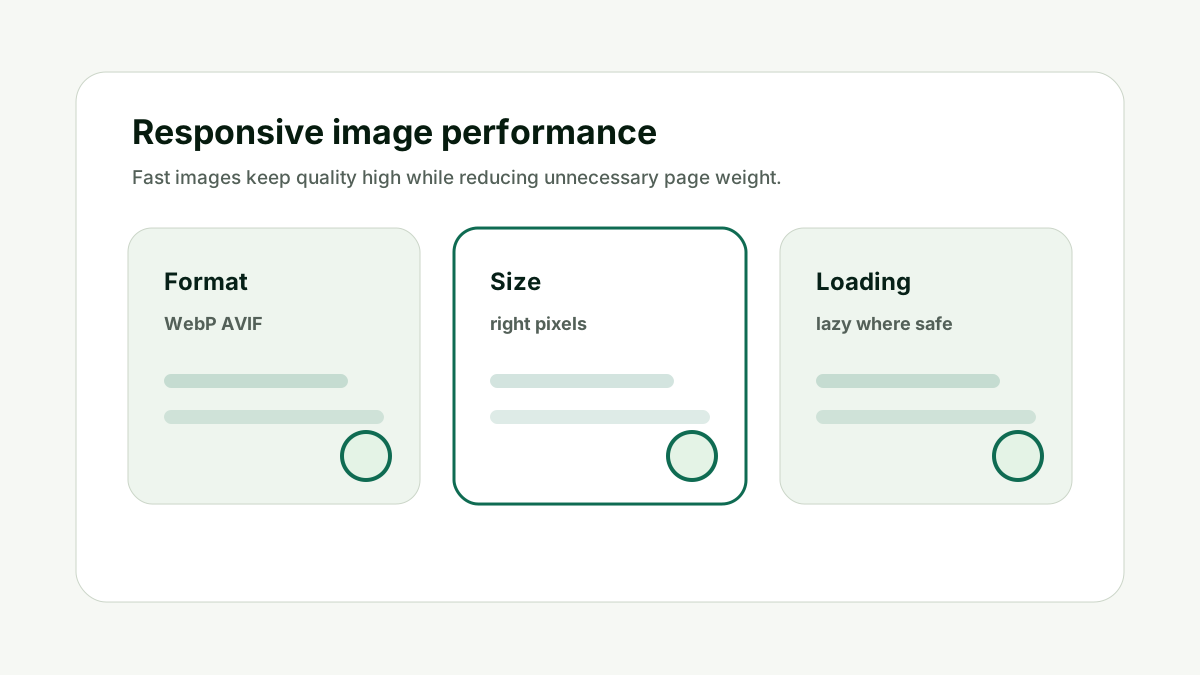
For How do I optimize images for Google Images?, balance quality and speed matters because high-quality images appeal to users, but oversized images can slow pages and hurt experience. The common mistake is treating image SEO as one field in the CMS when it is really a small system of asset quality, page context, crawlability, accessibility, and performance.
Use responsive images, modern formats, compression, dimensions, and lazy loading where appropriate. Keep the above-the-fold hero experience crisp without shipping unnecessary pixels.
Do not compress images so aggressively that thumbnails become blurry or untrustworthy. The better habit is to decide what the image contributes, then make the filename, alt text, caption, metadata, and surrounding page support that same job.
This is also where AI output needs human review. A generated filename or alt attribute can save time, but it cannot know whether the screenshot is current, whether a product variant is correct, or whether a chart takeaway is already explained in nearby text.
Balance Quality and Speed is one of the checks that keeps image SEO useful instead of noisy.
How This Fits the Wider SEO and AI Search Workflow
The important thing with How do I optimize images for Google Images? is to treat images as part of the page's evidence, not only as decoration. The real job is making images easier to discover, understand, and serve quickly, then making sure the final article remains crawlable, fast, accessible, and easy to summarize.
That order matters because image SEO has overlapping audiences. Humans need useful visuals. Screen-reader users need meaningful alternatives. Google needs crawlable assets and page context. AI systems need enough surrounding detail to understand why the image belongs on the page.
I would use the optimizer as a draft assistant. It can generate filename ideas, alt text, captions, and compression notes. The editor still decides whether the image is informative, decorative, functional, redundant, or complex.
This is also where internal links should stay natural. Use the image tool when the reader is preparing an asset. Use the Indexability and Canonical Checker when the final page has crawl or metadata problems. Use the AI Citation Readiness Checker when the image supports claims that AI systems may quote or summarize.
Use the optimizer to prepare the asset, then validate the final page with technical and citation-readiness checks. Once the page is live, revisit image performance and search appearance only when the image matters to discovery, trust, conversion, or explanation.
Good image SEO is quiet. It makes the page easier to understand without making the page feel over-optimized.
A Simple Worked Example
A recipe publisher wants a lasagna image to appear in Google Images. The image is currently a CSS background on the recipe card, named hero2.jpg, with no alt text and a heavy file size.
The fix starts by placing the image in an HTML img element, renaming it to classic-beef-lasagna-slice.webp, and adding alt text that describes the dish in context. The caption can mention that the image shows the finished slice after baking.
The recipe page should include the image in structured data where appropriate, use a relevant heading, and make sure the file loads quickly on mobile.
If the site has many recipe images or CDN-hosted media, an image sitemap can help discovery. But sitemap support works only after the asset and landing page are already clean.
Practical action checklist
- Use img or picture markup with a fallback src.
- Make the image landing page clearly relevant.
- Write accurate alt text and captions.
- Use descriptive filenames before upload.
- Compress and size images for fast mobile loading.
- Use image sitemaps when discovery needs extra support.
What I Would Do Next
Audit one important page for CSS-only images and missing image context.
Prepare filenames, alt text, and captions before upload.
Check whether important images are discoverable through HTML and sitemaps.
Conclusion
How do I optimize images for Google Images? is a useful question because it separates visual quality, accessibility, crawlability, page context, and performance.
The practical answer is to make the image clear, useful, fast, and connected to the surrounding page. That is better than treating alt text or filenames as isolated SEO fields.
When the image genuinely supports the page, search engines and AI systems have a cleaner signal to understand it.
FAQ
Can Google index CSS background images?
Google recommends standard HTML image elements for images you want crawled and processed. Important images should not live only as CSS backgrounds.
Do image sitemaps guarantee ranking?
No. They can help discovery, but the landing page, relevance, quality, and technical access still matter.
Should I use WebP or AVIF?
Modern formats can help performance, but use graceful fallbacks and make sure quality stays high.
Does Google Images need captions?
Captions are not mandatory, but they can add useful context for users and search systems.

Adam O'neil
1stpage Editorial Team
Our 1stpage editorial team combines hands-on SEO agency experience with evidence-backed search performance guidance. These posts are built from real search wins, audit-grade insight, and conversion-tested tactics designed to help agencies, founders, and search teams earn more traffic and trust.