Short answer
Make images load faster by serving the right dimensions, using modern formats, compressing carefully, lazy loading below-the-fold images, setting width and height, and keeping the most important image sharp. Do not chase tiny file sizes if quality becomes untrustworthy.
For platform rules, use Google's image SEO best practices, the W3C alt text decision tree, and Web.dev image performance guidance as the source of truth.
Reader question
"What should I optimize first?"
Start with dimensions and file weight. The AI Image SEO Optimizer can produce compression notes, but use PageSpeed or lab testing to validate the final page.
Table of Contents
I am going to answer this as an editorial and technical SEO workflow, not as a keyword stuffing exercise.
Images help users understand pages, but they also create crawl, accessibility, performance, and preview signals. That is why the best image SEO work is specific and restrained.
Here is the framework I would use for a site owner wants better image SEO and page speed without making the page look cheap or visually broken.
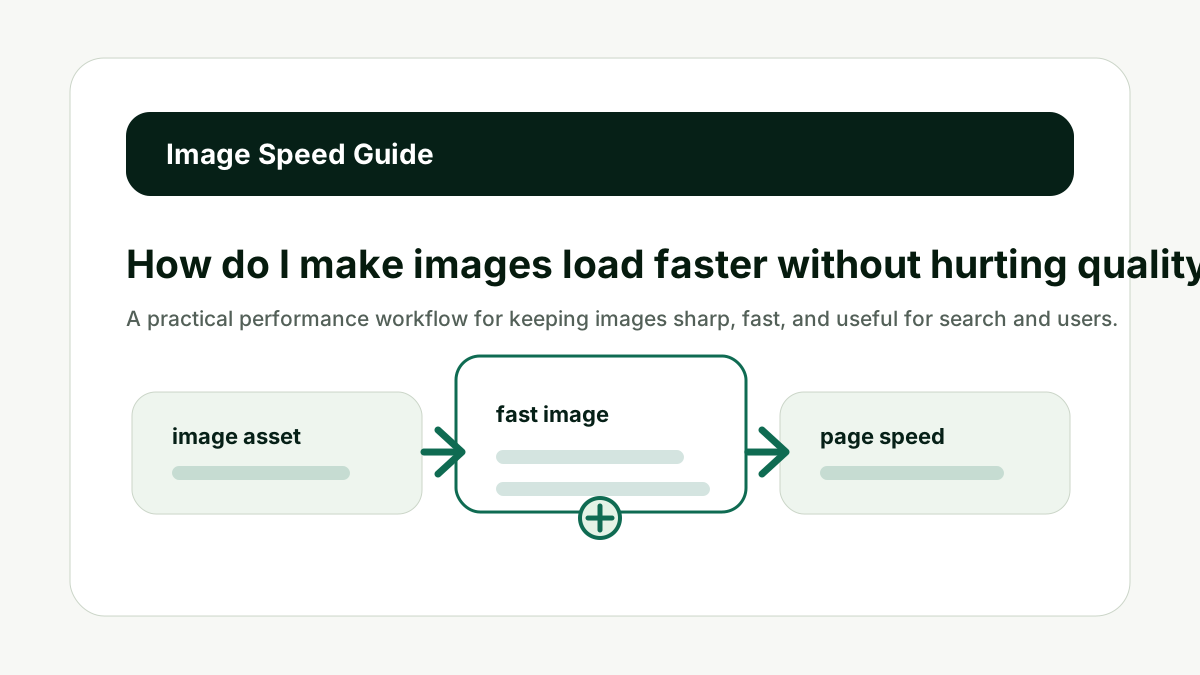
Serve the Right Dimensions
For How do I make images load faster without hurting quality?, serve the right dimensions matters because many slow pages ship images far larger than the display size. The common mistake is treating image SEO as one field in the CMS when it is really a small system of asset quality, page context, crawlability, accessibility, and performance.
Resize images to match their layout needs. Use responsive sources for different viewport widths so mobile users do not download desktop-sized assets unnecessarily.
Do not upload a 4000-pixel image and display it at 600 pixels without resizing support. The better habit is to decide what the image contributes, then make the filename, alt text, caption, metadata, and surrounding page support that same job.
This is also where AI output needs human review. A generated filename or alt attribute can save time, but it cannot know whether the screenshot is current, whether a product variant is correct, or whether a chart takeaway is already explained in nearby text.
Serve the Right Dimensions is one of the checks that keeps image SEO useful instead of noisy.
Use Modern Formats
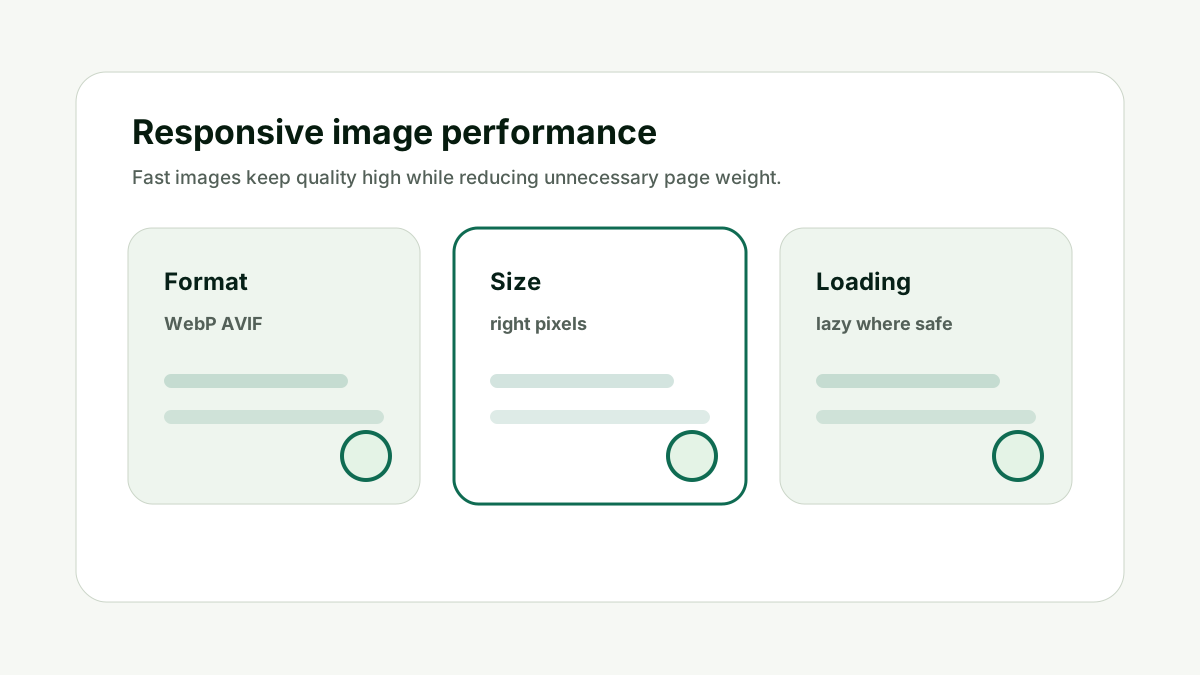
For How do I make images load faster without hurting quality?, use modern formats matters because formats like WebP and AVIF can reduce file size while preserving quality when used carefully. The common mistake is treating image SEO as one field in the CMS when it is really a small system of asset quality, page context, crawlability, accessibility, and performance.
Choose the format based on image type, browser support, and fallback needs. Keep the extension aligned with the actual file type so systems interpret it correctly.
Do not convert every image blindly if the result introduces artifacts or compatibility problems. The better habit is to decide what the image contributes, then make the filename, alt text, caption, metadata, and surrounding page support that same job.
This is also where AI output needs human review. A generated filename or alt attribute can save time, but it cannot know whether the screenshot is current, whether a product variant is correct, or whether a chart takeaway is already explained in nearby text.
Use Modern Formats is one of the checks that keeps image SEO useful instead of noisy.
Compress Carefully
For How do I make images load faster without hurting quality?, compress carefully matters because compression is useful only while the image still looks credible. The common mistake is treating image SEO as one field in the CMS when it is really a small system of asset quality, page context, crawlability, accessibility, and performance.
Check faces, text, screenshots, charts, and product detail after compression. These are areas where artifacts can damage trust quickly.
Do not make a product image smaller at the cost of making the product harder to inspect. The better habit is to decide what the image contributes, then make the filename, alt text, caption, metadata, and surrounding page support that same job.
This is also where AI output needs human review. A generated filename or alt attribute can save time, but it cannot know whether the screenshot is current, whether a product variant is correct, or whether a chart takeaway is already explained in nearby text.
Compress Carefully is one of the checks that keeps image SEO useful instead of noisy.
Lazy Load Below the Fold
For How do I make images load faster without hurting quality?, lazy load below the fold matters because not every image needs to load immediately. The common mistake is treating image SEO as one field in the CMS when it is really a small system of asset quality, page context, crawlability, accessibility, and performance.
Use lazy loading for images below the initial viewport. Be more careful with hero images, above-the-fold product images, and anything that affects the main visual experience.
Do not lazy load the most important image if it delays the primary page experience. The better habit is to decide what the image contributes, then make the filename, alt text, caption, metadata, and surrounding page support that same job.
This is also where AI output needs human review. A generated filename or alt attribute can save time, but it cannot know whether the screenshot is current, whether a product variant is correct, or whether a chart takeaway is already explained in nearby text.
Lazy Load Below the Fold is one of the checks that keeps image SEO useful instead of noisy.
Set Dimensions
For How do I make images load faster without hurting quality?, set dimensions matters because defined dimensions reduce layout shift and help browsers reserve space before images load. The common mistake is treating image SEO as one field in the CMS when it is really a small system of asset quality, page context, crawlability, accessibility, and performance.
Add width and height or CSS aspect-ratio where appropriate. This is especially important for article bodies, product grids, and image-heavy landing pages.
Do not let images jump the layout while users are reading. The better habit is to decide what the image contributes, then make the filename, alt text, caption, metadata, and surrounding page support that same job.
This is also where AI output needs human review. A generated filename or alt attribute can save time, but it cannot know whether the screenshot is current, whether a product variant is correct, or whether a chart takeaway is already explained in nearby text.
Set Dimensions is one of the checks that keeps image SEO useful instead of noisy.
Keep Context
For How do I make images load faster without hurting quality?, keep context matters because performance work should not remove captions, alt text, or image relevance. The common mistake is treating image SEO as one field in the CMS when it is really a small system of asset quality, page context, crawlability, accessibility, and performance.
A fast image that loses its caption, structured data, or context is not fully optimized. Keep speed improvements connected to the image SEO and accessibility workflow.
Do not treat performance as separate from meaning. The better habit is to decide what the image contributes, then make the filename, alt text, caption, metadata, and surrounding page support that same job.
This is also where AI output needs human review. A generated filename or alt attribute can save time, but it cannot know whether the screenshot is current, whether a product variant is correct, or whether a chart takeaway is already explained in nearby text.
Keep Context is one of the checks that keeps image SEO useful instead of noisy.
How This Fits the Wider SEO and AI Search Workflow
The important thing with How do I make images load faster without hurting quality? is to treat images as part of the page's evidence, not only as decoration. The real job is balancing image performance with quality, accessibility, and search visibility, then making sure the final article remains crawlable, fast, accessible, and easy to summarize.
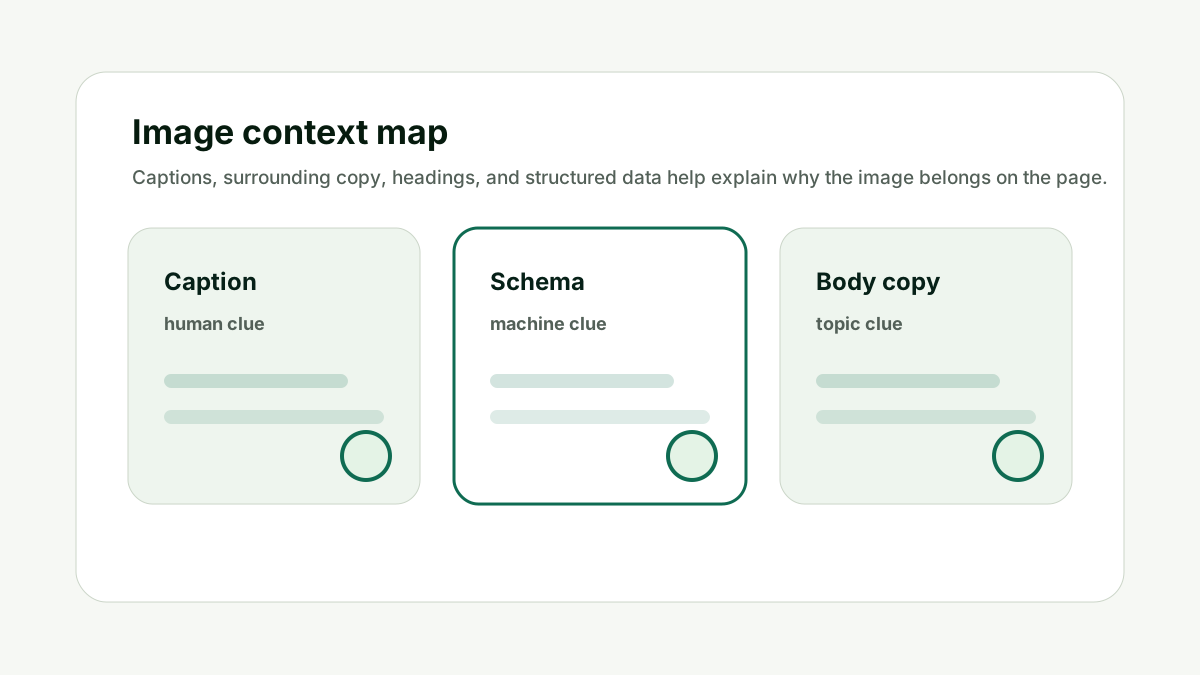
That order matters because image SEO has overlapping audiences. Humans need useful visuals. Screen-reader users need meaningful alternatives. Google needs crawlable assets and page context. AI systems need enough surrounding detail to understand why the image belongs on the page.
I would use the optimizer as a draft assistant. It can generate filename ideas, alt text, captions, and compression notes. The editor still decides whether the image is informative, decorative, functional, redundant, or complex.
This is also where internal links should stay natural. Use the image tool when the reader is preparing an asset. Use the Indexability and Canonical Checker when the final page has crawl or metadata problems. Use the AI Citation Readiness Checker when the image supports claims that AI systems may quote or summarize.
Use generated compression notes as a starting point, then test the final page with actual performance tools. Once the page is live, revisit image performance and search appearance only when the image matters to discovery, trust, conversion, or explanation.
Good image SEO is quiet. It makes the page easier to understand without making the page feel over-optimized.
A Simple Worked Example
A blog hero image is 3.8MB and displays at 1100 pixels wide. It looks sharp, but it slows the page. The first fix is not to delete the image or blur it. The first fix is to create a right-sized version and a modern format variant.
The team exports a 1600-pixel WebP for desktop, a smaller version for mobile, and keeps enough quality to preserve text and interface details in the graphic.
Below-the-fold diagrams are lazy loaded, but the hero image is loaded normally because it is central to the first viewport. Width and height are set so the article does not jump while loading.
That is better image optimization because it improves speed while keeping the editorial value of the image intact.
Practical action checklist
- Resize images for actual layout needs.
- Use responsive image sources where useful.
- Try WebP or AVIF with fallbacks when appropriate.
- Compress screenshots and product images carefully.
- Lazy load below-the-fold images.
- Set dimensions or aspect ratio to avoid layout shift.
What I Would Do Next
Find the heaviest image on one important page.
Create right-sized versions before changing captions or alt text.
Test visual quality and page speed after compression.
Conclusion
How do I make images load faster without hurting quality? is a useful question because it separates visual quality, accessibility, crawlability, page context, and performance.
The practical answer is to make the image clear, useful, fast, and connected to the surrounding page. That is better than treating alt text or filenames as isolated SEO fields.
When the image genuinely supports the page, search engines and AI systems have a cleaner signal to understand it.
FAQ
What is the best image format for SEO?
There is no single best format. Use supported formats that balance quality, file size, and compatibility.
Should I lazy load all images?
No. Lazy load below-the-fold images carefully, but do not delay the main image if it is central to the initial page experience.
Does image speed affect SEO?
Page experience matters, and images often contribute heavily to page weight. Faster images can improve user experience and performance metrics.
How small should image files be?
Small enough to load quickly while still preserving the detail users need. Quality matters.

Adam O'neil
1stpage Editorial Team
Our 1stpage editorial team combines hands-on SEO agency experience with evidence-backed search performance guidance. These posts are built from real search wins, audit-grade insight, and conversion-tested tactics designed to help agencies, founders, and search teams earn more traffic and trust.