Short answer
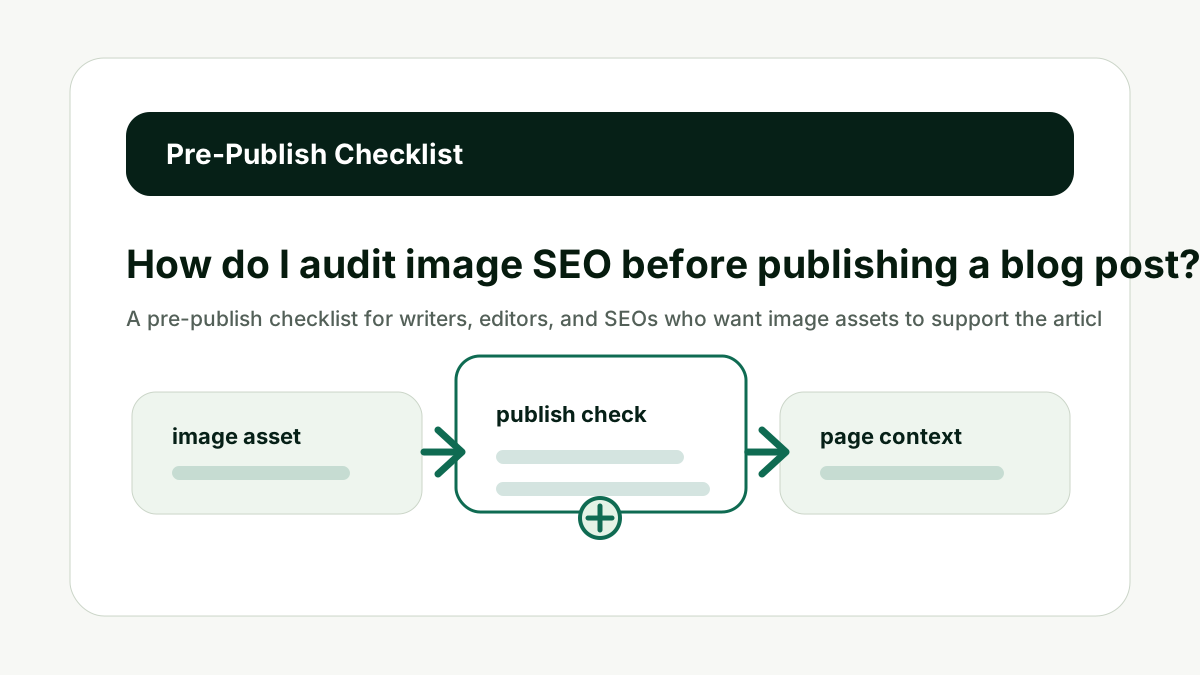
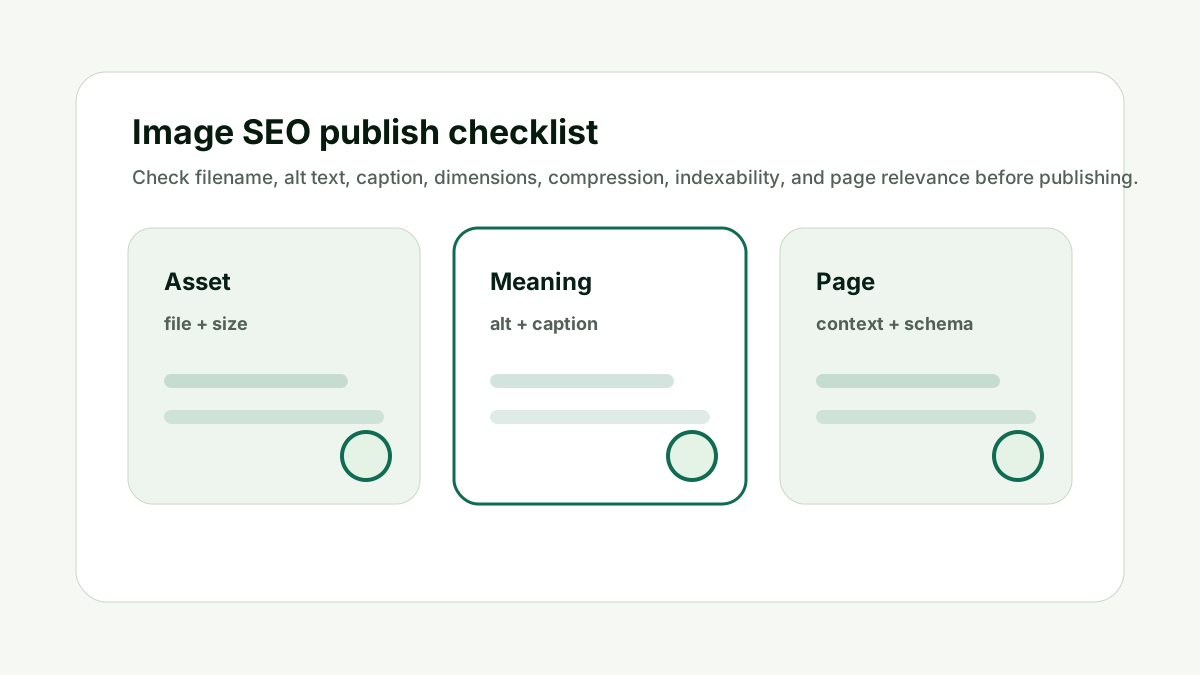
Audit image SEO before publishing by checking each important image for a descriptive filename, accurate alt text, useful caption, correct dimensions, reasonable compression, crawlable HTML markup, representative Open Graph image, and relevance to the surrounding article section.
For platform rules, use Google's image SEO best practices, the W3C alt text decision tree, and Web.dev image performance guidance as the source of truth.
Reader question
"What should an editor check before hitting publish?"
Run the image through the AI Image SEO Optimizer, then review the final page with the AI Citation Readiness Checker if the visuals support important claims.
Table of Contents
I am going to answer this as an editorial and technical SEO workflow, not as a keyword stuffing exercise.
Images help users understand pages, but they also create crawl, accessibility, performance, and preview signals. That is why the best image SEO work is specific and restrained.
Here is the framework I would use for an editorial team wants a repeatable image SEO checklist for every blog post, guide, case study, and tool page.
Choose the Primary Image
For How do I audit image SEO before publishing a blog post?, choose the primary image matters because every article should have one representative image for previews, sharing, and structured data where appropriate. The common mistake is treating image SEO as one field in the CMS when it is really a small system of asset quality, page context, crawlability, accessibility, and performance.
Pick an image that reflects the article topic, not a generic brand graphic. Make sure the Open Graph image and schema image point to the same or intentionally chosen asset.
Do not let a logo or random inline image become the default preview. The better habit is to decide what the image contributes, then make the filename, alt text, caption, metadata, and surrounding page support that same job.
This is also where AI output needs human review. A generated filename or alt attribute can save time, but it cannot know whether the screenshot is current, whether a product variant is correct, or whether a chart takeaway is already explained in nearby text.
Choose the Primary Image is one of the checks that keeps image SEO useful instead of noisy.
Check the Filename
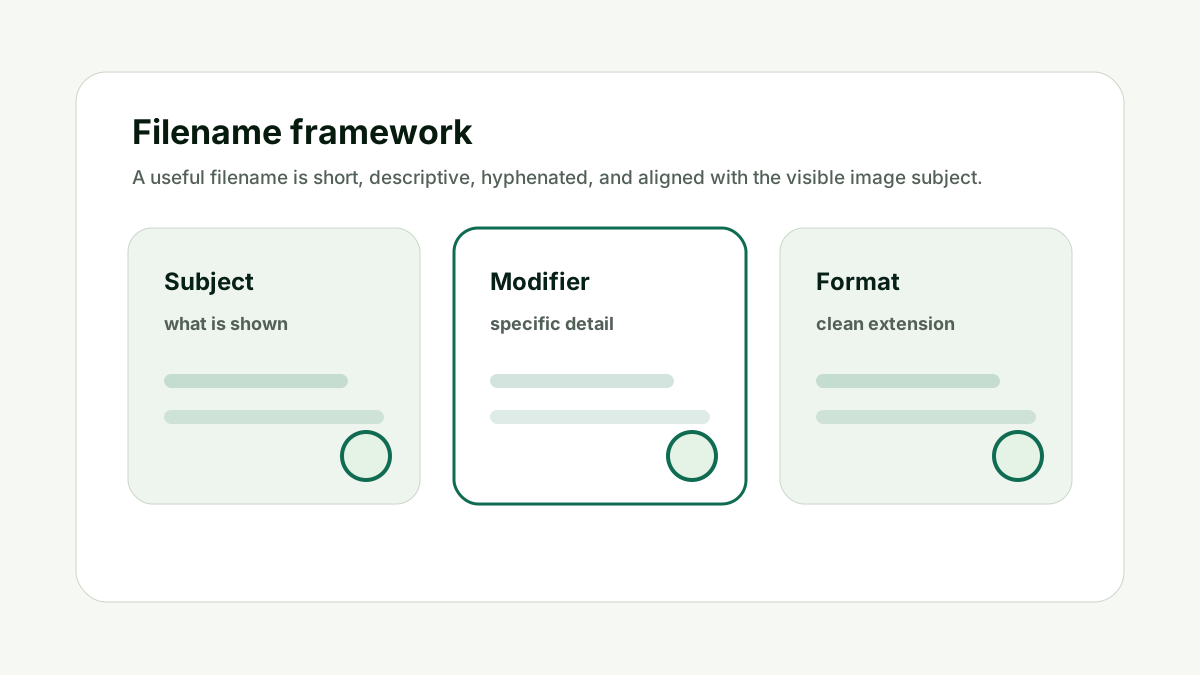
For How do I audit image SEO before publishing a blog post?, check the filename matters because filenames are easier to fix before upload than after publication. The common mistake is treating image SEO as one field in the CMS when it is really a small system of asset quality, page context, crawlability, accessibility, and performance.
Rename vague images before uploading. Use short, descriptive, hyphenated filenames that match the image subject and page context.
Do not publish media libraries full of IMG_1234, final-final, or screenshot-newest files. The better habit is to decide what the image contributes, then make the filename, alt text, caption, metadata, and surrounding page support that same job.
This is also where AI output needs human review. A generated filename or alt attribute can save time, but it cannot know whether the screenshot is current, whether a product variant is correct, or whether a chart takeaway is already explained in nearby text.
Check the Filename is one of the checks that keeps image SEO useful instead of noisy.
Check the Alt Text
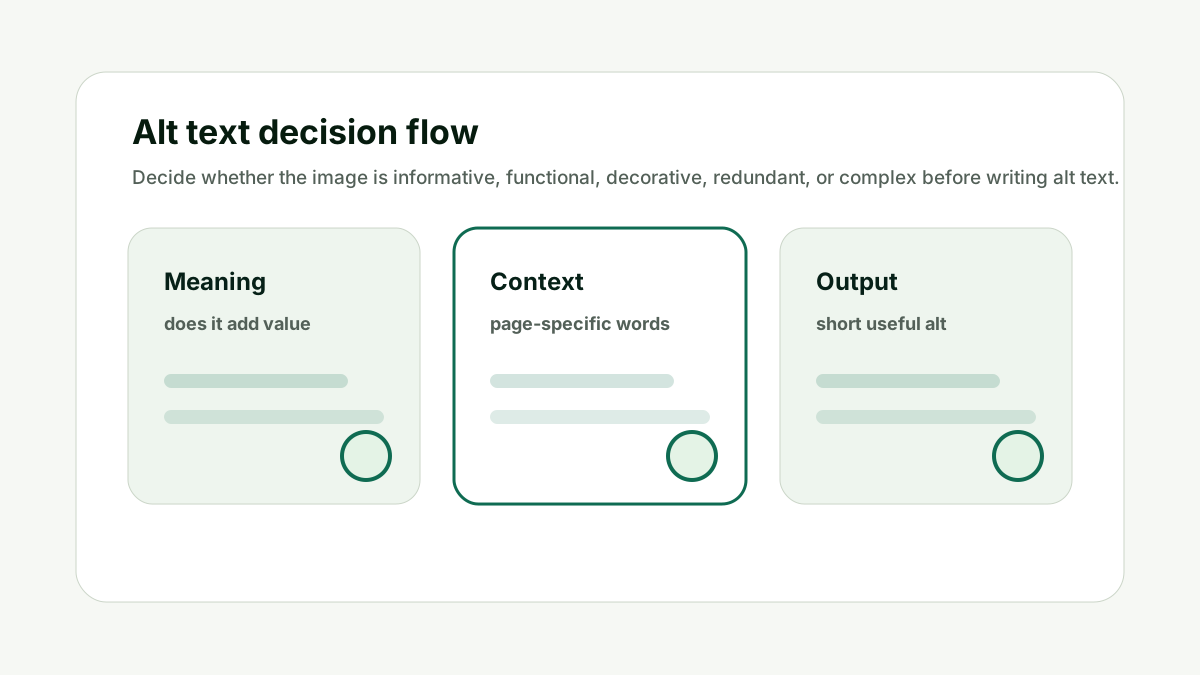
For How do I audit image SEO before publishing a blog post?, check the alt text matters because alt text is both an accessibility layer and a useful image-understanding signal. The common mistake is treating image SEO as one field in the CMS when it is really a small system of asset quality, page context, crawlability, accessibility, and performance.
Write accurate alt text for informative images, action-oriented alt text for functional images, and empty alt text for decorative images where appropriate.
Do not require keyword-heavy alt text on every image. The better habit is to decide what the image contributes, then make the filename, alt text, caption, metadata, and surrounding page support that same job.
This is also where AI output needs human review. A generated filename or alt attribute can save time, but it cannot know whether the screenshot is current, whether a product variant is correct, or whether a chart takeaway is already explained in nearby text.
Check the Alt Text is one of the checks that keeps image SEO useful instead of noisy.
Check Captions and Surrounding Copy
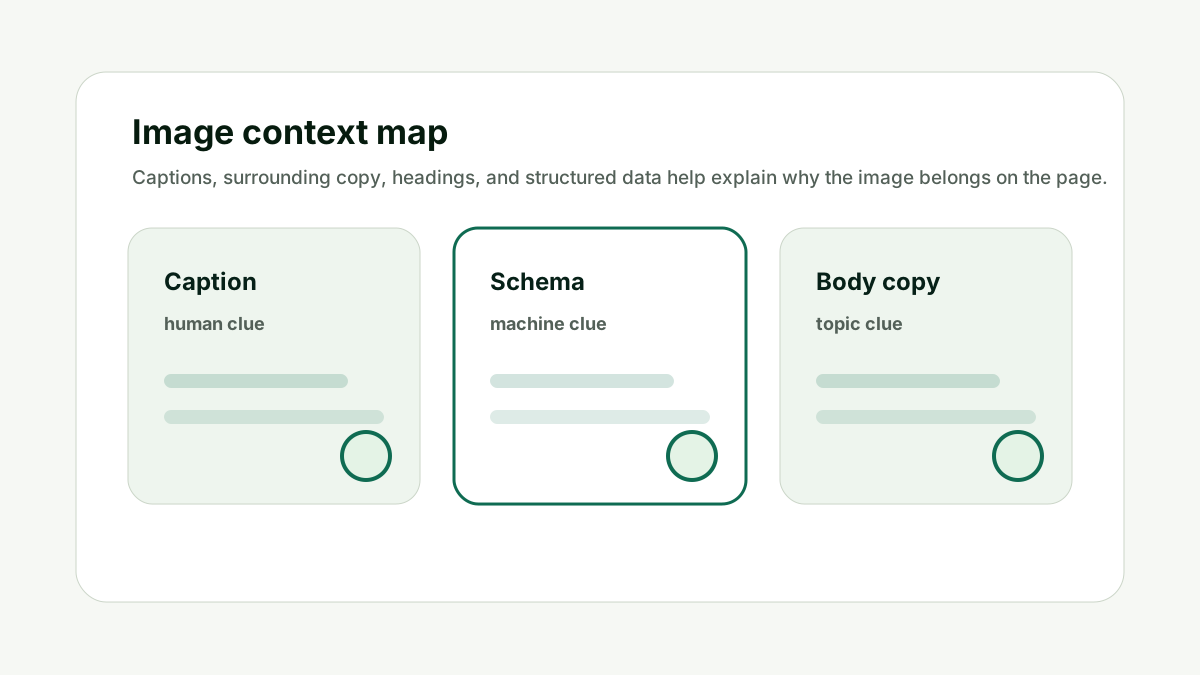
For How do I audit image SEO before publishing a blog post?, check captions and surrounding copy matters because captions and nearby paragraphs explain why the image appears at that point in the article. The common mistake is treating image SEO as one field in the CMS when it is really a small system of asset quality, page context, crawlability, accessibility, and performance.
Use captions for charts, screenshots, examples, and product visuals that need interpretation. Make sure the section heading and body copy support the same topic.
Do not make the reader infer the image meaning without surrounding context. The better habit is to decide what the image contributes, then make the filename, alt text, caption, metadata, and surrounding page support that same job.
This is also where AI output needs human review. A generated filename or alt attribute can save time, but it cannot know whether the screenshot is current, whether a product variant is correct, or whether a chart takeaway is already explained in nearby text.
Check Captions and Surrounding Copy is one of the checks that keeps image SEO useful instead of noisy.
Check Technical Implementation
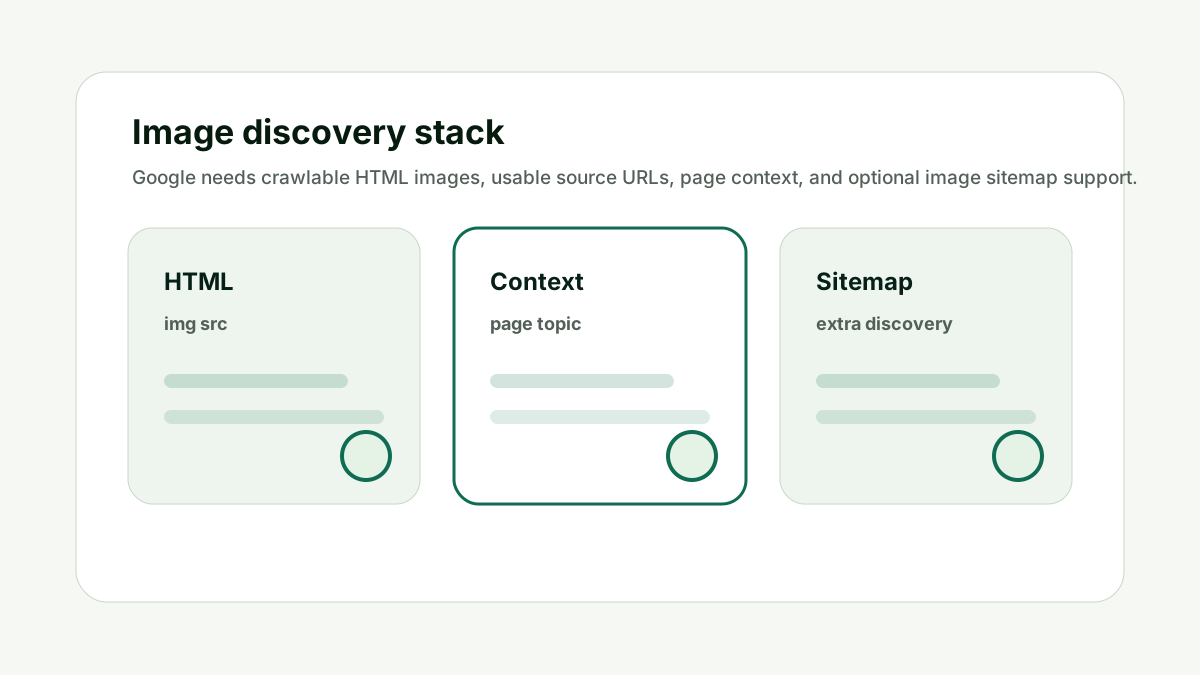
For How do I audit image SEO before publishing a blog post?, check technical implementation matters because important images need to be discoverable, stable, and fast. The common mistake is treating image SEO as one field in the CMS when it is really a small system of asset quality, page context, crawlability, accessibility, and performance.
Use HTML image elements, stable URLs, supported formats, right dimensions, compression, and lazy loading where appropriate. Add image sitemap support when discovery is a known issue.
Do not put important article images only in CSS backgrounds or scripts that hide the source URL. The better habit is to decide what the image contributes, then make the filename, alt text, caption, metadata, and surrounding page support that same job.
This is also where AI output needs human review. A generated filename or alt attribute can save time, but it cannot know whether the screenshot is current, whether a product variant is correct, or whether a chart takeaway is already explained in nearby text.
Check Technical Implementation is one of the checks that keeps image SEO useful instead of noisy.
Final QA
For How do I audit image SEO before publishing a blog post?, final qa matters because the final page can differ from the draft because templates, CMS settings, and plugins change image output. The common mistake is treating image SEO as one field in the CMS when it is really a small system of asset quality, page context, crawlability, accessibility, and performance.
Preview the published page or staging page. Check desktop, mobile, source markup, social preview image, and page speed. Then document any asset that needs a follow-up.
Do not assume the CMS preserved the filename, alt text, caption, or dimensions exactly as drafted. The better habit is to decide what the image contributes, then make the filename, alt text, caption, metadata, and surrounding page support that same job.
This is also where AI output needs human review. A generated filename or alt attribute can save time, but it cannot know whether the screenshot is current, whether a product variant is correct, or whether a chart takeaway is already explained in nearby text.
Final QA is one of the checks that keeps image SEO useful instead of noisy.
How This Fits the Wider SEO and AI Search Workflow
The important thing with How do I audit image SEO before publishing a blog post? is to treat images as part of the page's evidence, not only as decoration. The real job is making image SEO part of the publishing workflow instead of a late technical cleanup task, then making sure the final article remains crawlable, fast, accessible, and easy to summarize.
That order matters because image SEO has overlapping audiences. Humans need useful visuals. Screen-reader users need meaningful alternatives. Google needs crawlable assets and page context. AI systems need enough surrounding detail to understand why the image belongs on the page.
I would use the optimizer as a draft assistant. It can generate filename ideas, alt text, captions, and compression notes. The editor still decides whether the image is informative, decorative, functional, redundant, or complex.
This is also where internal links should stay natural. Use the image tool when the reader is preparing an asset. Use the Indexability and Canonical Checker when the final page has crawl or metadata problems. Use the AI Citation Readiness Checker when the image supports claims that AI systems may quote or summarize.
Treat the optimizer output as a draft checklist, then verify the final live article before indexing or promotion. Once the page is live, revisit image performance and search appearance only when the image matters to discovery, trust, conversion, or explanation.
Good image SEO is quiet. It makes the page easier to understand without making the page feel over-optimized.
A Simple Worked Example
An editor is preparing a 2,000-word guide with a hero image, two screenshots, and one chart. The draft looks good visually, but the media fields are inconsistent.
The editor renames the hero image before upload, writes concise alt text for the screenshots, adds a caption under the chart, and checks that the Open Graph image points to the hero image rather than the site logo.
The chart is complex, so the editor adds the key takeaway in nearby body copy instead of trying to pack the whole explanation into the alt attribute.
After staging, the editor checks mobile layout and confirms the images have dimensions and reasonable file sizes. That final QA prevents image SEO from becoming a separate cleanup ticket after publication.
Practical action checklist
- Select one representative primary image.
- Rename vague files before upload.
- Write context-specific alt text.
- Add captions where images need interpretation.
- Use crawlable image markup and stable URLs.
- Check Open Graph, schema image, dimensions, and compression.
- Preview the final page on desktop and mobile.
What I Would Do Next
Add this checklist to your blog publishing workflow.
Run the optimizer for every important hero, screenshot, chart, and product image.
Recheck the live page after publishing so CMS changes do not undo the work.
Conclusion
How do I audit image SEO before publishing a blog post? is a useful question because it separates visual quality, accessibility, crawlability, page context, and performance.
The practical answer is to make the image clear, useful, fast, and connected to the surrounding page. That is better than treating alt text or filenames as isolated SEO fields.
When the image genuinely supports the page, search engines and AI systems have a cleaner signal to understand it.
FAQ
How many images should a blog post have?
Use as many as genuinely help the reader. Each image should clarify, demonstrate, compare, or support the article.
Should every image be in the image sitemap?
Not necessarily. Prioritize important images and discovery gaps.
Can AI generate all captions?
AI can draft captions, but editors should verify accuracy and usefulness.
What is the most common pre-publish mistake?
Treating images as decoration and forgetting filenames, alt text, captions, dimensions, or preview metadata.

Adam O'neil
1stpage Editorial Team
Our 1stpage editorial team combines hands-on SEO agency experience with evidence-backed search performance guidance. These posts are built from real search wins, audit-grade insight, and conversion-tested tactics designed to help agencies, founders, and search teams earn more traffic and trust.