Short answer
If your website has important pages, documentation, service explanations, or content that AI systems may need to summarize, an llms.txt file is worth creating. It is not a ranking guarantee and it is not a replacement for crawlable pages, but it can give AI tools a cleaner map of what matters.
The useful way to think about this is not "will one file make AI systems recommend me?" The better question is whether your site gives crawlers, retrieval tools, and human reviewers a clean route to the pages that matter.
Reader question
"What is the practical test?"
Use the Free LLMs.txt Generator when your site has priority URLs that deserve a curated explanation instead of being discovered only through a long sitemap.
Table of Contents
I am going to answer this as a practical website-operations question, not as a hype cycle question.
An llms.txt file can be useful, but it works best when the surrounding site is already clear. The file should describe the site, point to important pages, and reduce ambiguity. It should not become a shortcut around weak content, blocked pages, or missing proof.
Here is how I would evaluate it across the parts that matter.
Current Status
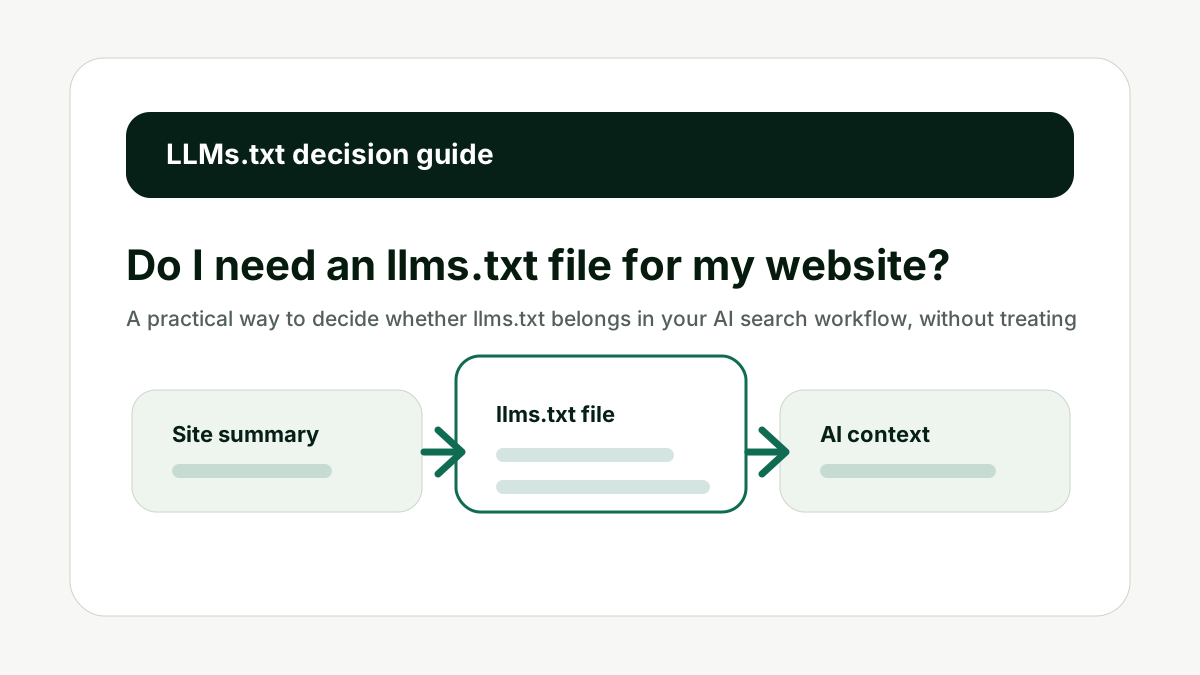
The first thing to understand is that llms.txt is still best treated as an emerging convention, not a universal search engine requirement. The public proposal describes a Markdown file placed at /llms.txt to help language models use a website at inference time.
That means you should not create the file because someone promised instant AI rankings. Create it because it gives your site a concise, readable summary and a curated list of useful URLs. That is valuable when your site has more context than a crawler can understand from a homepage alone.
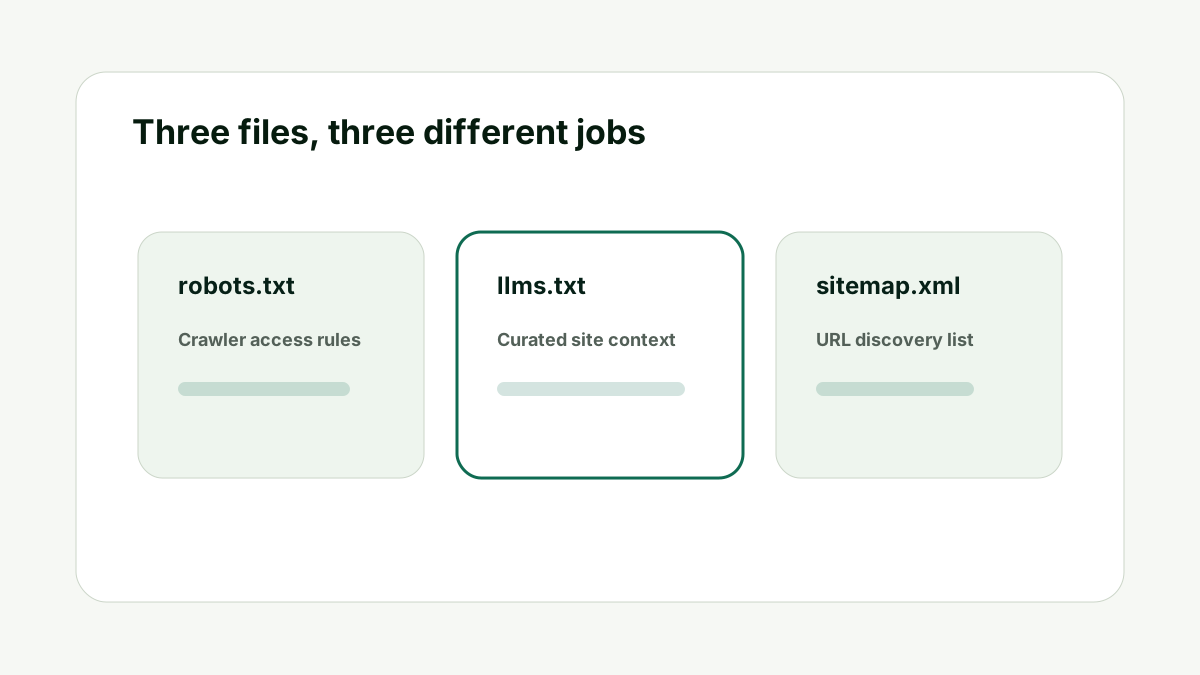
So the realistic answer is yes for many serious websites, but not because it replaces SEO. It belongs beside your sitemap, robots file, strong pages, and source proof.
Current status matters. Treat llms.txt as a helpful context layer, not a guaranteed visibility switch.
Site Complexity
The more complex the site, the more useful a curated file becomes. A small five-page website may only need a clear homepage, service page, and sitemap. A SaaS site, agency site, ecommerce site, university site, documentation hub, or professional service site usually has more moving parts.
AI systems and retrieval tools may see blog posts, product pages, help docs, old announcements, policies, and landing pages. Without a curated summary, they may treat all of those pages as equally important. That is rarely what you want.
A good llms.txt file tells the reader which pages are canonical, which pages explain the offer, and which pages are optional background.
Site complexity is the clearest reason to create the file. The file helps separate core context from noise.
Priority Pages
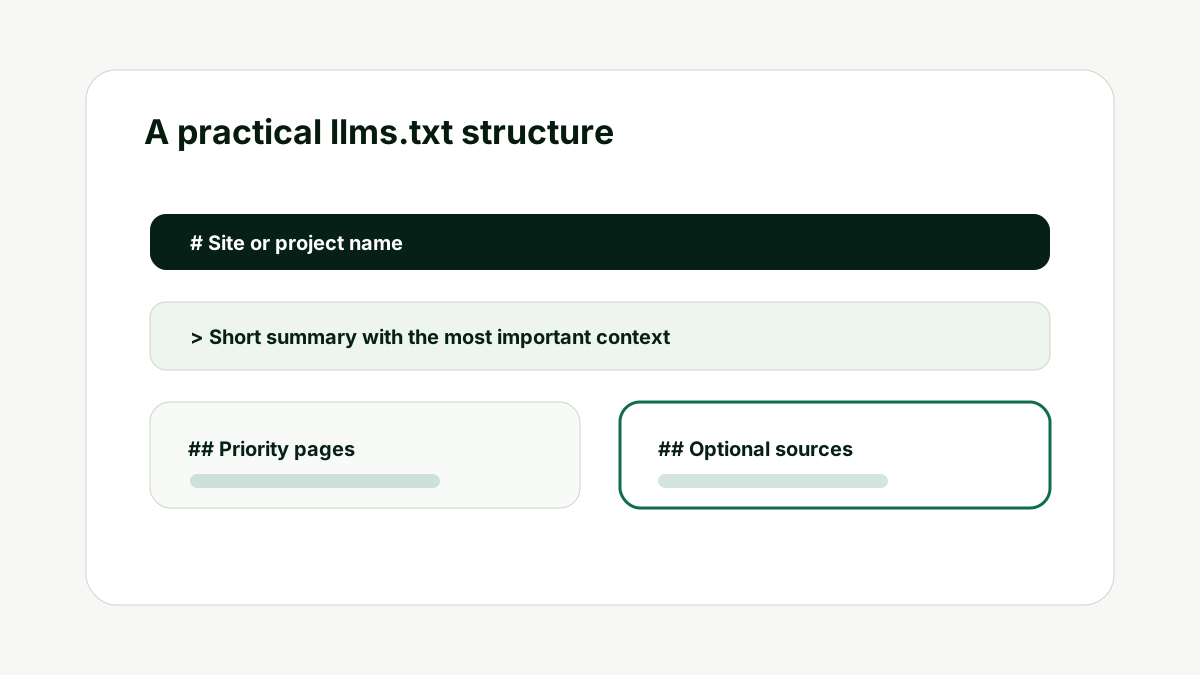
The file becomes useful when it points to priority pages. These are the pages you would want an AI answer system to read before describing your business, product, service, documentation, or policies.
For 1stpage-style AI search work, priority pages usually include the homepage, service page, tool page, case study, pricing or order page, about page, and relevant policies. For a SaaS company, it may include docs, integrations, changelog, security, and support pages.
If you cannot name your priority pages, that is the first problem to fix. The file should reflect a real information architecture, not become a dumping ground for every URL.
Priority pages are the heart of the file. Curate them before you generate anything.
AI Crawler Context
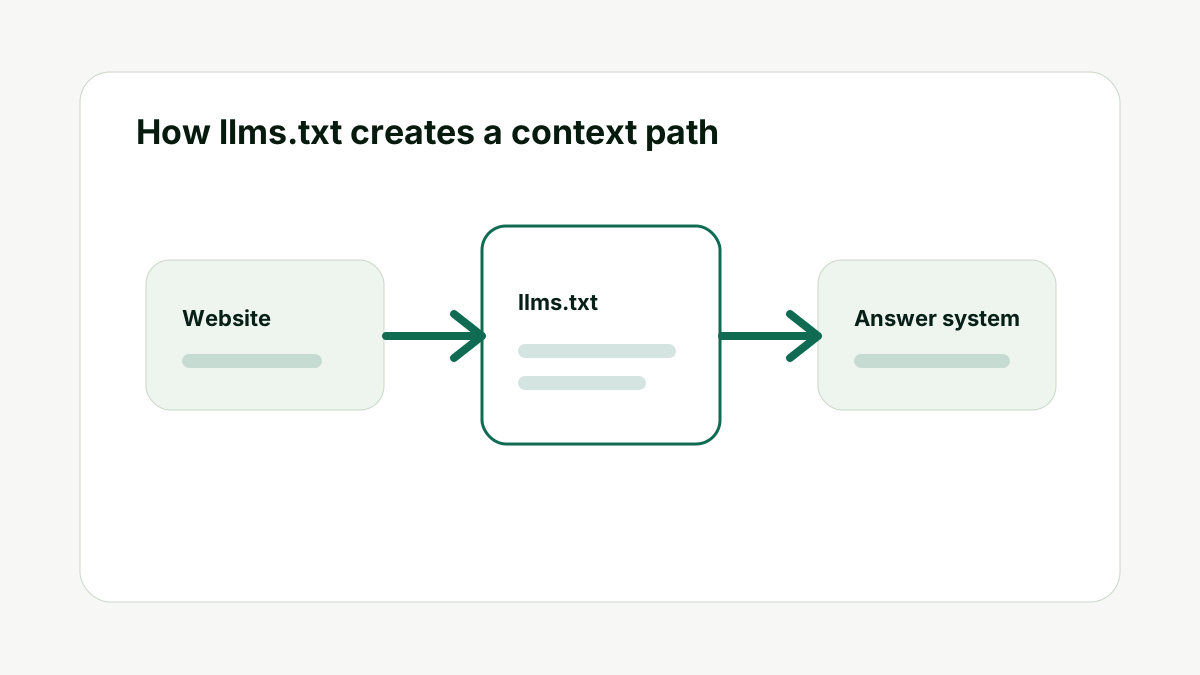
An llms.txt file can help a crawler, agent, or retrieval process understand what the site is about faster. It can describe the brand, summarize the audience, and point to pages that explain the main topics.
It does not mean every AI model will fetch the file. It does not mean ChatGPT will always use it. The safer claim is that the file makes your site more prepared for systems that do look for concise machine-readable or Markdown-readable context.
For pages that need to be quoted or cited, use the AI Citation Readiness Checker after creating the file. The file points to pages; the pages still need to be clear.
Context helps, but page quality still decides whether the source is useful.
Limitations
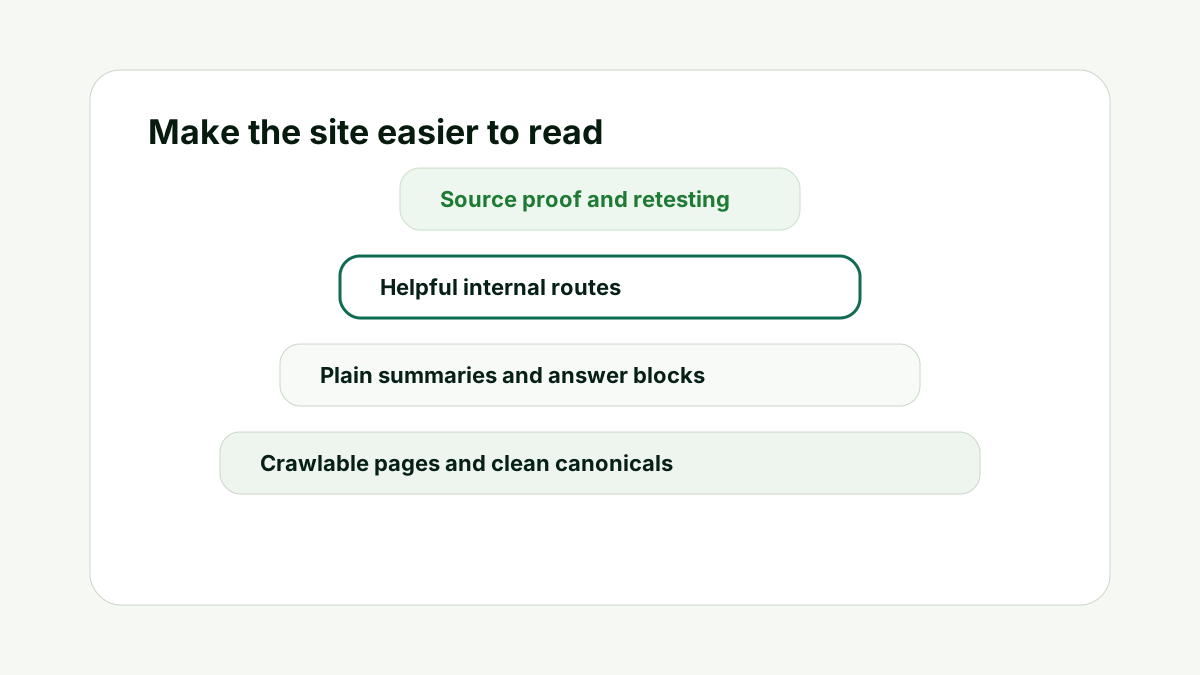
The biggest mistake is expecting llms.txt to fix weak content. A file that points to vague service pages will not make those pages more authoritative. A file that lists every blog post will not magically make the site easier to summarize.
The file also does not override robots rules, canonical problems, noindex tags, duplicate pages, or blocked assets. If technical access is broken, fix crawlability first with an indexability review.
Use the Indexability and Canonical Checker when you are unsure whether the pages you want to include are actually available to crawlers.
Limitations keep the workflow honest. The file helps explain strong assets; it cannot rescue weak ones.
Maintenance
An llms.txt file should change when your site changes. If you launch a new service, retire an old product, update documentation, or publish a better source page, the file should be reviewed.
A stale file can create its own problem. It may point to old pages, missing URLs, or outdated positioning. That is worse than having no file because it creates a clean-looking but inaccurate summary.
The best habit is to review it during major site updates and after important AI visibility checks. If the brand is misunderstood, inspect both the pages and the file.
Maintenance is part of the value. The file should stay aligned with the site you want AI systems to understand.
How This Fits the Wider AI Search Workflow
The important thing with Do I need an llms.txt file for my website? is to avoid treating the file as an isolated SEO task. It belongs inside a wider workflow that starts with crawlability, moves into page clarity, then uses llms.txt as the curated map for the pages that deserve attention.
That order matters. If the page is blocked, the file cannot make it accessible. If the page is vague, the file cannot make it authoritative. If outside sources describe the brand differently, the file cannot erase the wider source gap. The file is useful because it makes the intended site structure visible, but it still depends on the quality of the pages and sources it points to.
In practice, I would use the file as a checkpoint. If a URL is important enough to include in llms.txt, it should also be strong enough to answer its core question clearly. It should have a stable canonical URL, a useful title, headings that match the topic, and enough proof to support the claims. If a page fails that check, improve the page before making it a priority source.
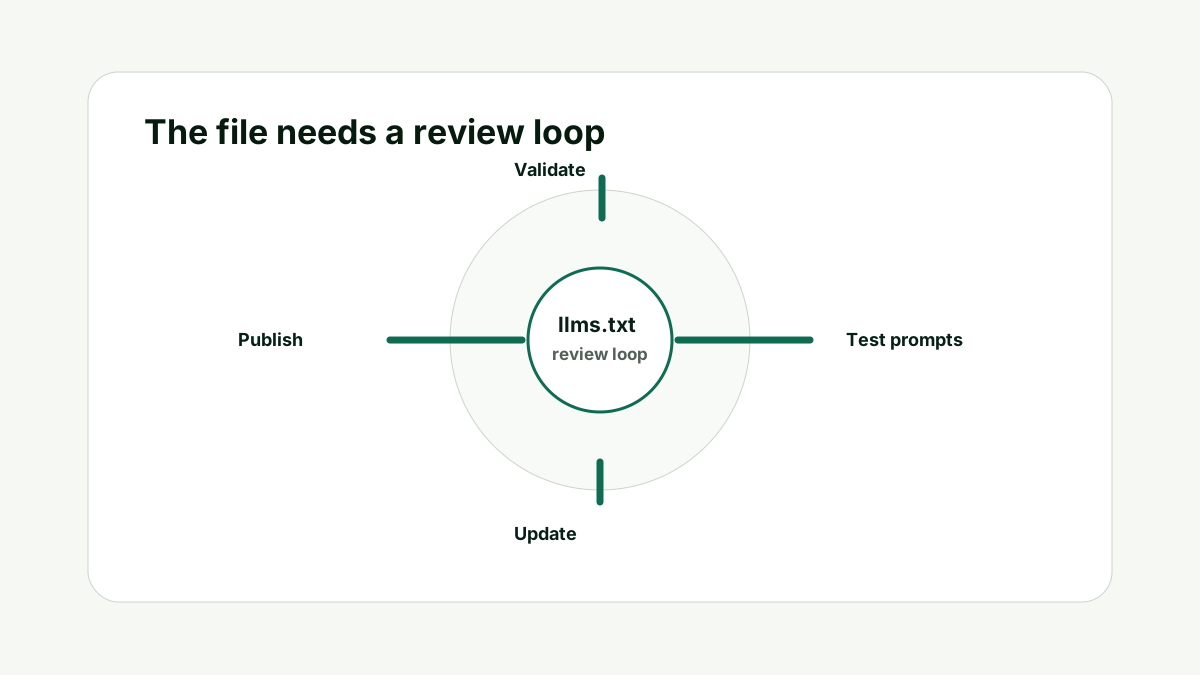
I would also connect the file to measurement. After publishing or updating it, run the prompts that matter to the business. Check whether the brand appears, whether the description is accurate, and whether the answer seems to rely on better sources. If the answers do not improve, the next step is not to stuff the file with more URLs. The next step is to improve the pages, source proof, and internal routes that support the file.
For teams, this also gives the file a clear owner. Someone should know which URLs are approved, which pages are optional, and which claims are no longer current. Without that owner, llms.txt can quietly drift away from the site it is supposed to explain.
That is why llms.txt should feel boring in the best way. It should be clear, current, and useful. The strategy is not to impress a model with a clever file. The strategy is to make your website easier to understand from the strongest available evidence.
A Simple Worked Example
Imagine a consulting firm has a homepage, five service pages, 80 blog posts, several case studies, and a contact page. The homepage is clear, but the blog has old posts that mention retired services. The sitemap lists everything. A model or agent that looks broadly at the site could find mixed signals.
In that case, I would create an llms.txt file. The summary would explain what the company does today. The priority section would list the homepage, the current service pages, the strongest case studies, the about page, and the contact page. Older posts would either be excluded or placed in an optional section.
Then I would test the site with brand and service prompts. If AI answers still misunderstand the firm, I would not blame the file first. I would inspect the pages it points to. Are they clear enough? Do they support the same category? Are external sources reinforcing the same story?
That is the right mindset. The file is a map. The map helps only if the destination pages are worth reading.
Practical action checklist
- Write the exact site context the file should clarify.
- List only the priority URLs that support that context.
- Check crawlability before blaming AI systems for missing the page.
- Add contextual internal links only when they help the reader take the next step.
- Review the file after major site, product, or positioning changes.
What I Would Do Next
First, list the pages that should define your site. If the list is short and obvious, the file is easy. If the list is messy, fix the structure before publishing.
Second, generate the file, upload it to the root of the site, and check that it loads at /llms.txt. Keep it readable for humans because humans will review it too.
Third, use prompt checks to see whether the brand is being described correctly. If not, update the priority pages, source proof, and file together.
Conclusion
Do I need an llms.txt file for my website? is a useful question because it separates AI-search preparation from guesswork.
The practical answer is to make the site easy to understand first, then use llms.txt as the concise map. Keep the file current, point it to strong pages, and test whether the answers around your brand improve over time.
That gives your team a better workflow than publishing a file once and hoping an AI system does the rest.
FAQ
Is llms.txt required for SEO?
No. Treat it as an emerging context file, not a formal ranking requirement. It can support AI search readiness, but it does not replace SEO fundamentals.
Where should the file go?
The usual location is the root path of the website, such as https://example.com/llms.txt.
Should every website create one?
Not every site needs one urgently. It is most useful when the site has important pages, docs, services, products, or source material that should be curated.
Can it hurt my site?
A bad file can create confusion if it points to outdated pages or misstates the brand. Review it before publishing and update it when the site changes.

Adam O'neil
1stpage Editorial Team
Our 1stpage editorial team combines hands-on SEO agency experience with evidence-backed search performance guidance. These posts are built from real search wins, audit-grade insight, and conversion-tested tactics designed to help agencies, founders, and search teams earn more traffic and trust.