Short answer
Build a topical map by turning keyword clusters into a hierarchy of pages. Choose a hub topic, define supporting subtopics, assign one page per intent, add internal links, and prioritize pages that close the biggest knowledge, trust, or conversion gaps.
For the underlying SEO rules, use Google's SEO starter guide and helpful content guidance. For the information-retrieval background, topic modeling and vector-space research such as Latent Dirichlet Allocation and the Vector Space Model explain why grouping related language can be useful, but SEO page ownership still needs human judgment.
Reader question
"How do I turn keyword research into a topical map?"
Use the AI Keyword Clustering & Topical Map Helper to draft clusters, then convert each cluster into a hub, spoke, or support page with a clear internal-link path.
Table of Contents
I am going to answer this like a practical content architect, not like someone trying to turn every keyword variation into a new URL.
Keyword clusters are useful only when they help a team decide what page to build, what to merge, what to link, and what to ignore. A cluster that cannot become a page brief is just another spreadsheet tab.
Here is the framework I would use for a site owner has keyword research but no clear content architecture.
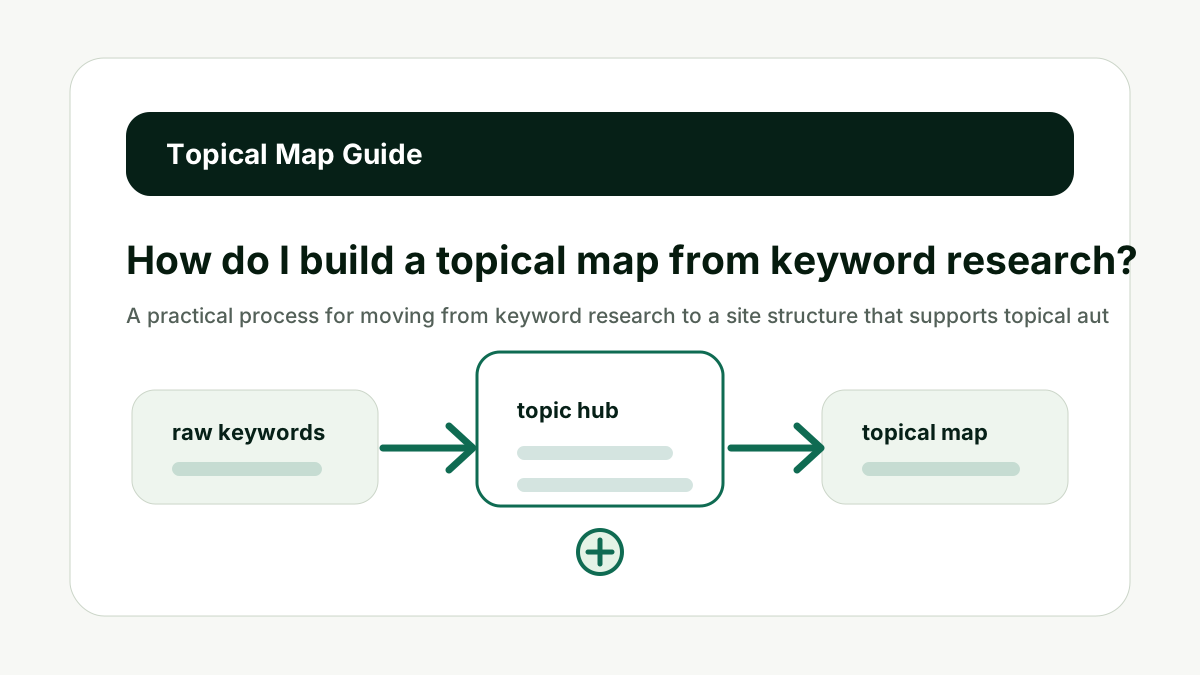
Choose the Hub Topic
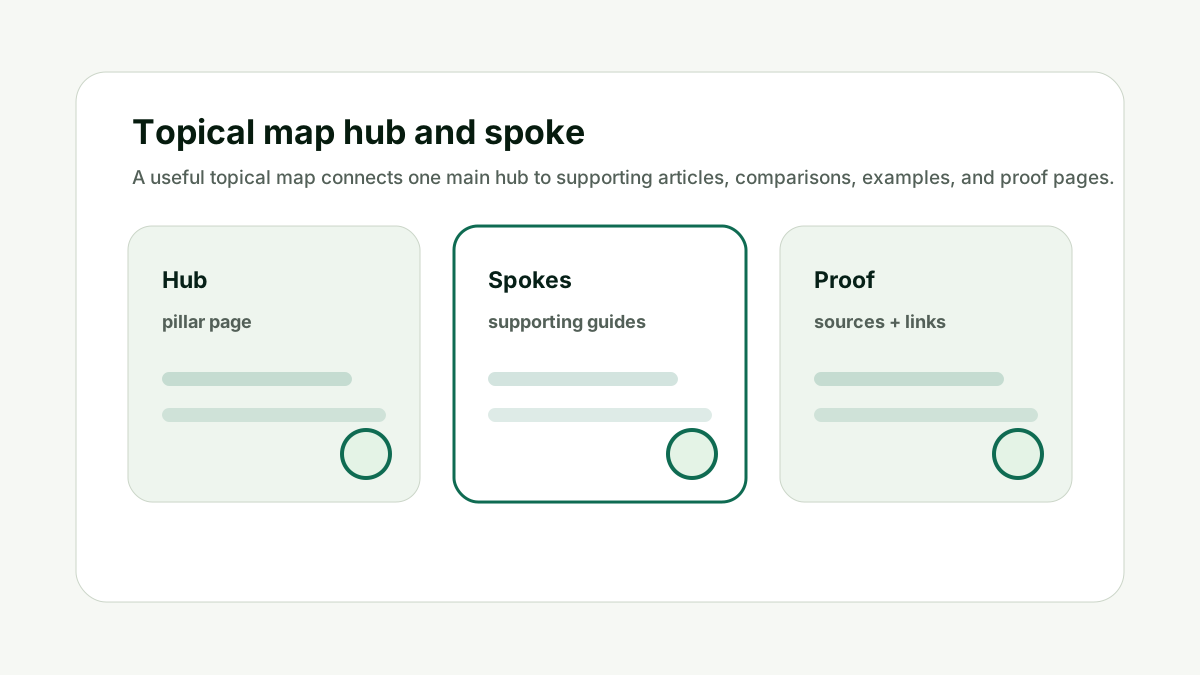
A topical map needs a center. The hub is the broad page that introduces the subject and routes readers to deeper pages. This is the point where keyword planning stops being a spreadsheet exercise and becomes a decision about what page should exist.
Pick a hub that matches your business and can naturally link to the supporting pages. For this tool, the hub could be keyword clustering, topical maps, or AI content planning depending on the site.
Do not choose a hub only because it has the highest volume. The better habit is to check whether the cluster would help a reader finish a job, choose a solution, compare options, or understand the topic deeply enough to take the next step.
For How do I build a topical map from keyword research?, the practical standard is simple: every cluster should have one clear intent, one likely page owner, one internal-link role, and one reason it matters to the business. If any of those are missing, the cluster needs more review before it becomes a brief.
A useful review question is: would the reader be satisfied if this exact page answered the whole keyword group? If the answer is yes, the group can probably become one strong page. If the answer is no, the terms may need a separate support article, comparison page, template, tool page, or service page.
This also protects internal linking quality. When the page role is clear, links can point users from the broad guide to the specific next action. When the page role is muddy, teams usually add links mechanically, which makes the cluster feel forced and makes the site hierarchy harder to understand.
Choose the Hub Topic keeps the cluster tied to page ownership, not just keyword similarity.
Define Supporting Subtopics
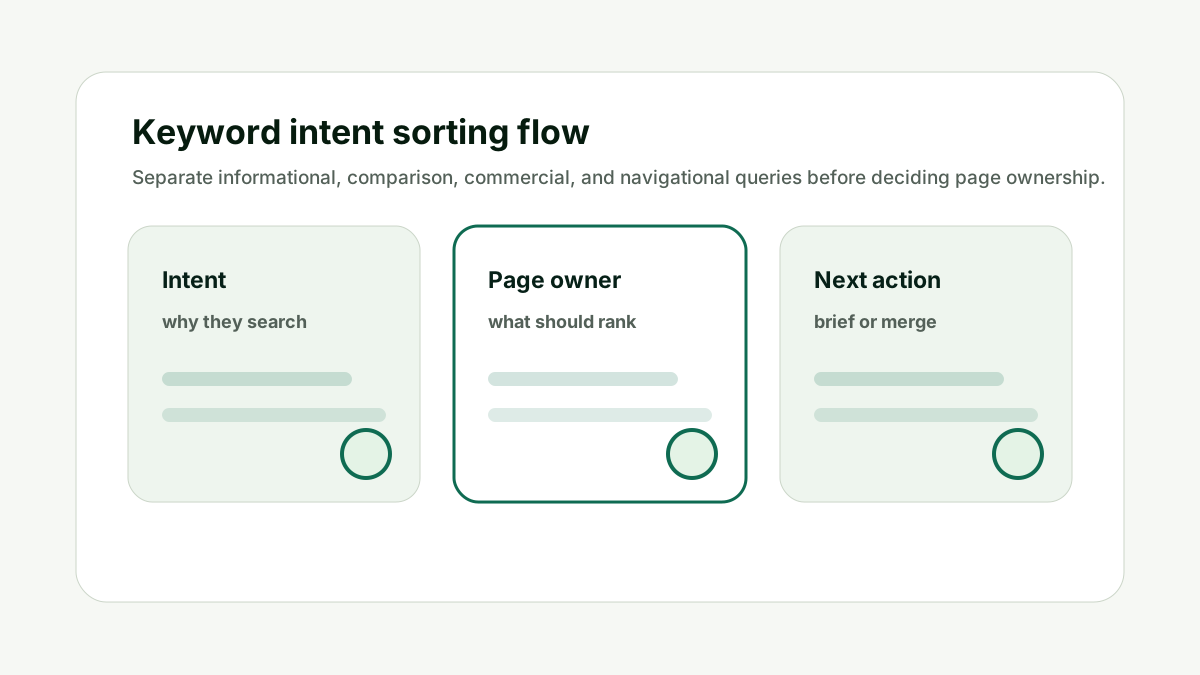
Supporting pages should answer narrower questions that the hub cannot cover deeply. This is the point where keyword planning stops being a spreadsheet exercise and becomes a decision about what page should exist.
Look for recurring questions, modifiers, comparisons, mistakes, templates, examples, and audience-specific use cases. Those become spokes around the hub.
Do not create supporting pages that simply repeat the hub with a longer title. The better habit is to check whether the cluster would help a reader finish a job, choose a solution, compare options, or understand the topic deeply enough to take the next step.
For How do I build a topical map from keyword research?, the practical standard is simple: every cluster should have one clear intent, one likely page owner, one internal-link role, and one reason it matters to the business. If any of those are missing, the cluster needs more review before it becomes a brief.
A useful review question is: would the reader be satisfied if this exact page answered the whole keyword group? If the answer is yes, the group can probably become one strong page. If the answer is no, the terms may need a separate support article, comparison page, template, tool page, or service page.
This also protects internal linking quality. When the page role is clear, links can point users from the broad guide to the specific next action. When the page role is muddy, teams usually add links mechanically, which makes the cluster feel forced and makes the site hierarchy harder to understand.
Define Supporting Subtopics keeps the cluster tied to page ownership, not just keyword similarity.
Assign Page Types
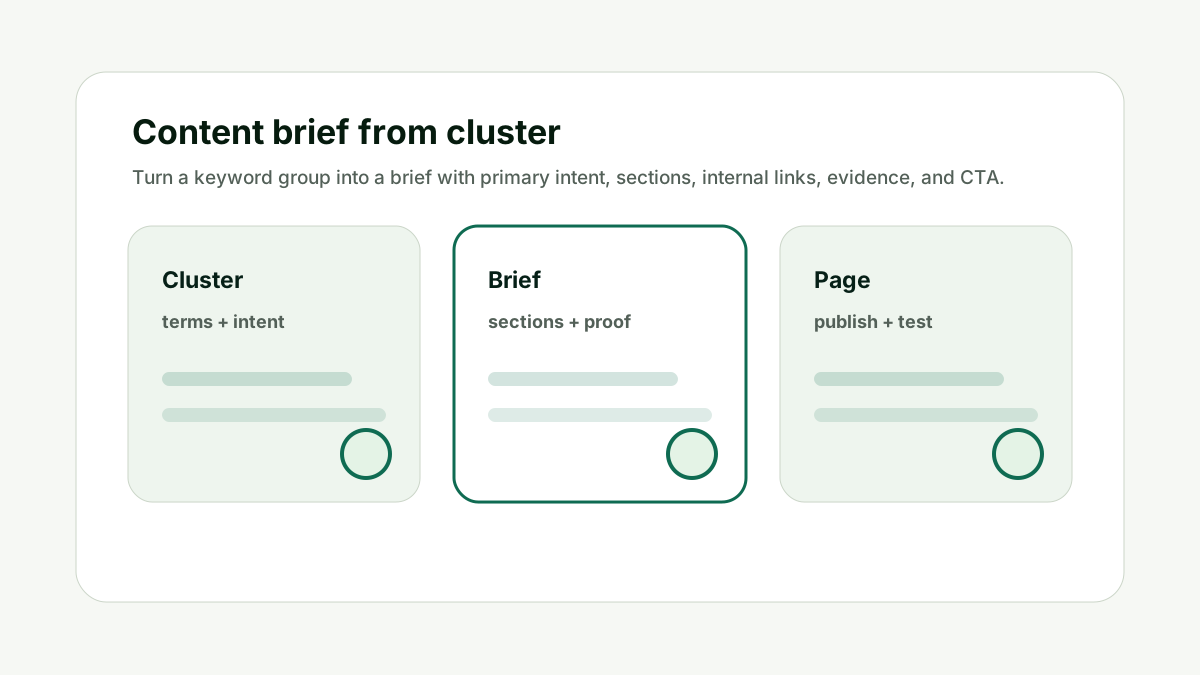
A topical map is stronger when every page has the right format. This is the point where keyword planning stops being a spreadsheet exercise and becomes a decision about what page should exist.
Some clusters need guides. Some need templates. Some need tools. Some need comparisons. Some need case studies. Assigning page type early prevents every brief from becoming a generic blog post.
Do not use one article format for every search intent. The better habit is to check whether the cluster would help a reader finish a job, choose a solution, compare options, or understand the topic deeply enough to take the next step.
For How do I build a topical map from keyword research?, the practical standard is simple: every cluster should have one clear intent, one likely page owner, one internal-link role, and one reason it matters to the business. If any of those are missing, the cluster needs more review before it becomes a brief.
A useful review question is: would the reader be satisfied if this exact page answered the whole keyword group? If the answer is yes, the group can probably become one strong page. If the answer is no, the terms may need a separate support article, comparison page, template, tool page, or service page.
This also protects internal linking quality. When the page role is clear, links can point users from the broad guide to the specific next action. When the page role is muddy, teams usually add links mechanically, which makes the cluster feel forced and makes the site hierarchy harder to understand.
Assign Page Types keeps the cluster tied to page ownership, not just keyword similarity.
Link the Map
Internal links turn a topic list into a crawlable structure. This is the point where keyword planning stops being a spreadsheet exercise and becomes a decision about what page should exist.
The hub should link to supporting pages, supporting pages should link back to the hub, and related spokes should link to each other when the connection helps the reader. Use descriptive anchor text that explains the next step.
Do not add internal links just to hit a quota. The better habit is to check whether the cluster would help a reader finish a job, choose a solution, compare options, or understand the topic deeply enough to take the next step.
For How do I build a topical map from keyword research?, the practical standard is simple: every cluster should have one clear intent, one likely page owner, one internal-link role, and one reason it matters to the business. If any of those are missing, the cluster needs more review before it becomes a brief.
A useful review question is: would the reader be satisfied if this exact page answered the whole keyword group? If the answer is yes, the group can probably become one strong page. If the answer is no, the terms may need a separate support article, comparison page, template, tool page, or service page.
This also protects internal linking quality. When the page role is clear, links can point users from the broad guide to the specific next action. When the page role is muddy, teams usually add links mechanically, which makes the cluster feel forced and makes the site hierarchy harder to understand.
Link the Map keeps the cluster tied to page ownership, not just keyword similarity.
Add Proof Pages
Topical authority is not only educational coverage. It also needs evidence, experience, and trust. This is the point where keyword planning stops being a spreadsheet exercise and becomes a decision about what page should exist.
Add case studies, examples, data pages, FAQs, expert commentary, and source-backed explanations where the topic demands confidence. This helps humans and AI systems understand why the site should be trusted.
Do not rely on generic informational pages alone for competitive topics. The better habit is to check whether the cluster would help a reader finish a job, choose a solution, compare options, or understand the topic deeply enough to take the next step.
For How do I build a topical map from keyword research?, the practical standard is simple: every cluster should have one clear intent, one likely page owner, one internal-link role, and one reason it matters to the business. If any of those are missing, the cluster needs more review before it becomes a brief.
A useful review question is: would the reader be satisfied if this exact page answered the whole keyword group? If the answer is yes, the group can probably become one strong page. If the answer is no, the terms may need a separate support article, comparison page, template, tool page, or service page.
This also protects internal linking quality. When the page role is clear, links can point users from the broad guide to the specific next action. When the page role is muddy, teams usually add links mechanically, which makes the cluster feel forced and makes the site hierarchy harder to understand.
Add Proof Pages keeps the cluster tied to page ownership, not just keyword similarity.
Keep the Map Maintained
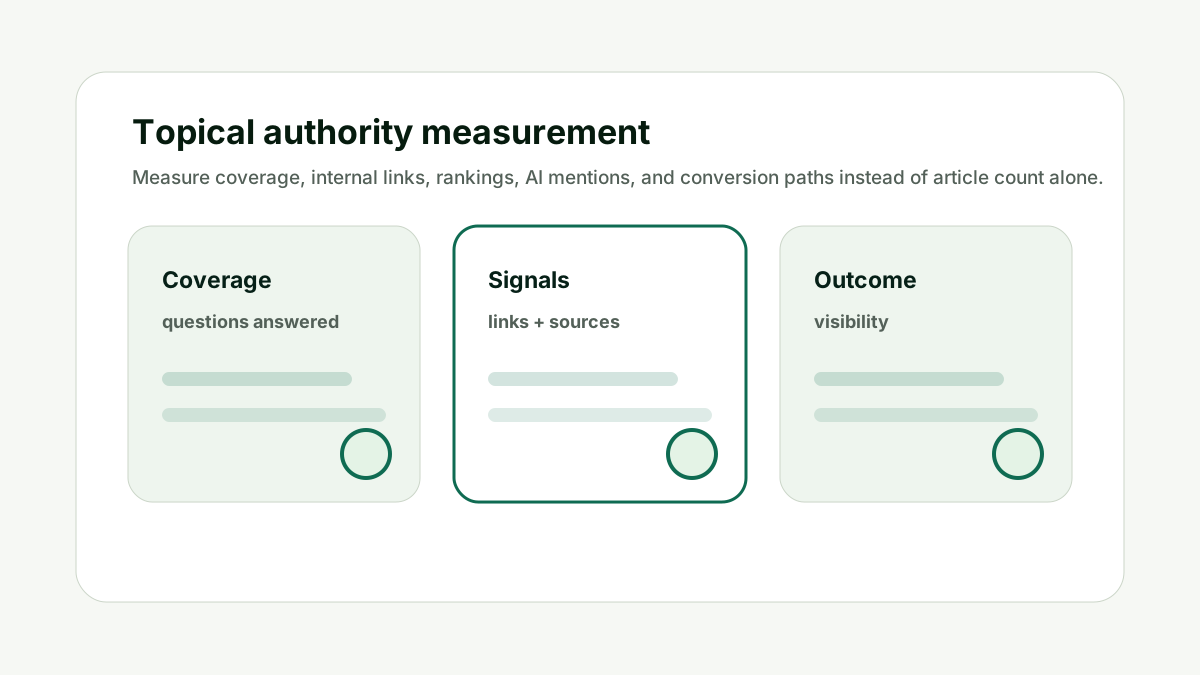
A topical map changes as products, prompts, buyer questions, and search results change. This is the point where keyword planning stops being a spreadsheet exercise and becomes a decision about what page should exist.
Review the map every quarter or after major product changes. Merge weak pages, update hubs, add missing questions, and retire pages that no longer serve a distinct intent.
Do not treat the first topical map as permanent. The better habit is to check whether the cluster would help a reader finish a job, choose a solution, compare options, or understand the topic deeply enough to take the next step.
For How do I build a topical map from keyword research?, the practical standard is simple: every cluster should have one clear intent, one likely page owner, one internal-link role, and one reason it matters to the business. If any of those are missing, the cluster needs more review before it becomes a brief.
A useful review question is: would the reader be satisfied if this exact page answered the whole keyword group? If the answer is yes, the group can probably become one strong page. If the answer is no, the terms may need a separate support article, comparison page, template, tool page, or service page.
This also protects internal linking quality. When the page role is clear, links can point users from the broad guide to the specific next action. When the page role is muddy, teams usually add links mechanically, which makes the cluster feel forced and makes the site hierarchy harder to understand.
Keep the Map Maintained keeps the cluster tied to page ownership, not just keyword similarity.
How This Fits the Wider SEO and AI Search Workflow
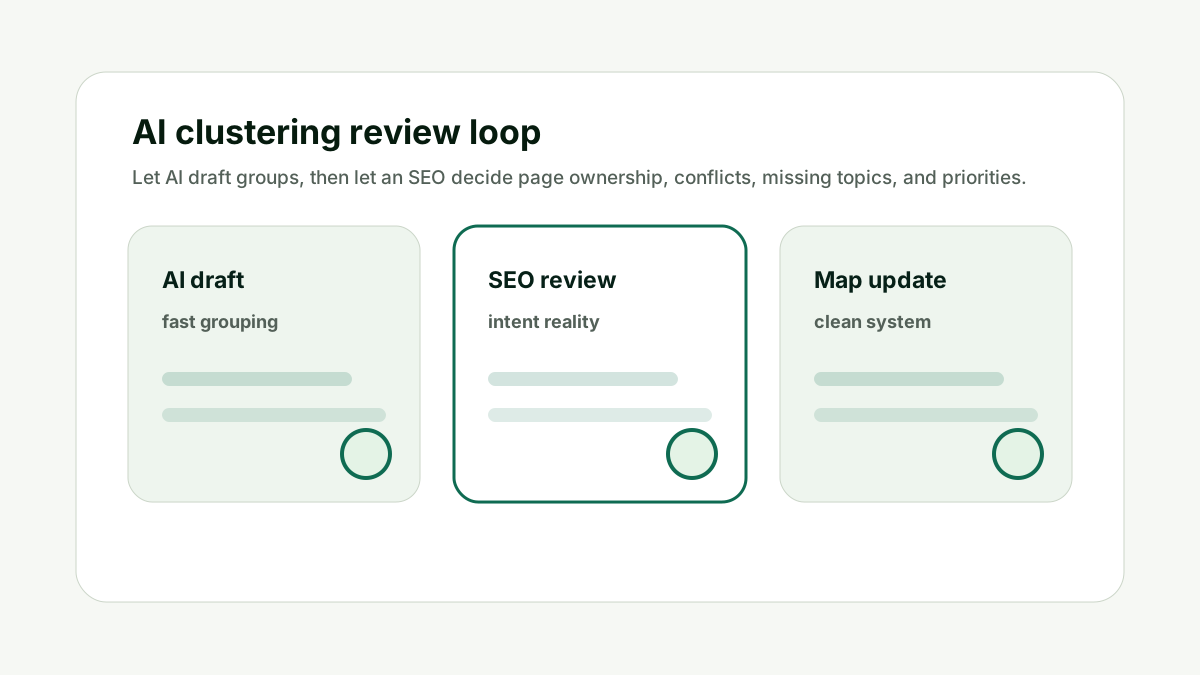
The useful way to think about How do I build a topical map from keyword research? is that keyword grouping is only the first layer. The real objective is turning keyword clusters into a publishable hierarchy so the final site structure feels obvious to readers, search engines, and AI systems.
Google's SEO starter guide says site organization can help search engines and users understand how pages relate to the rest of a site. That is exactly why clusters need page ownership, internal links, and a clean hierarchy instead of isolated article ideas.
Google's helpful content guidance also pushes the same direction: pages should provide original, substantial, complete information. A cluster plan is only valuable if it helps the team create stronger pages, not more pages.
Use the keyword clustering helper for the first pass. Then pair the plan with the GEO / LLM SEO Planner when the cluster needs prompt coverage, the AI Citation Readiness Checker when the final page needs source proof, and the Indexability and Canonical Checker when multiple similar URLs already exist.
Use the helper to find cluster candidates, then decide which pages should become hubs, supporting guides, templates, comparisons, or proof assets. Internal links should stay natural. Link to the next page only when it helps the reader move from diagnosis to action, from broad explanation to specific example, or from strategy to a tool that completes the job.
That is also how this work supports LLM visibility. A clear topical map gives answer engines a cleaner view of what your site knows, which pages are authoritative, and which sources or examples support the claims.
A Simple Worked Example
A SaaS site wants to own the topic "AI customer support". The raw keyword list includes pricing terms, chatbot examples, helpdesk integrations, escalation workflows, and AI answer quality.
The topical map could use "AI customer support software" as the hub. Supporting pages might cover "AI chatbot examples", "AI support escalation workflow", "AI support vs live chat", "best helpdesk AI integrations", and "how to measure AI support quality".
A tool or template page could help users score support automation readiness. A case study could show before-and-after ticket volume. Those assets create a map that helps both readers and crawlers understand the site depth.
The point is not to publish every keyword. The point is to build the pages that make the topic coherent.
Practical action checklist
- Choose one hub topic.
- Group supporting questions by intent.
- Assign page types before writing.
- Link hub and spoke pages naturally.
- Add proof pages where trust matters.
- Review and prune the map over time.
What I Would Do Next
Select one service or product category as the hub.
Create six supporting page ideas from your keyword clusters.
Add the internal-link plan before writing the first article.
Conclusion
How do I build a topical map from keyword research? is a useful question because it forces the team to decide whether it is building content for real page intent or simply publishing from a keyword export.
The practical answer is to cluster by intent, assign page ownership, review overlap, and build internal links that make the hierarchy obvious.
When the map is clear, every new page has a job. That is what makes the cluster helpful for users, search engines, and AI systems that need to understand the site.
FAQ
What is a topical map?
A topical map is a planned hierarchy of pages that covers a subject through hubs, supporting pages, examples, and internal links.
How many pages should a topical map have?
Start with enough pages to cover the main intents. Six to ten strong pages is usually better than thirty thin ones.
Do topical maps help AI visibility?
They can help by making your expertise, page relationships, and source-backed answers easier to understand.
Should every cluster become a page?
No. Some clusters should be merged, delayed, or ignored if they do not support user needs or business goals.

Adam O'neil
1stpage Editorial Team
Our 1stpage editorial team combines hands-on SEO agency experience with evidence-backed search performance guidance. These posts are built from real search wins, audit-grade insight, and conversion-tested tactics designed to help agencies, founders, and search teams earn more traffic and trust.